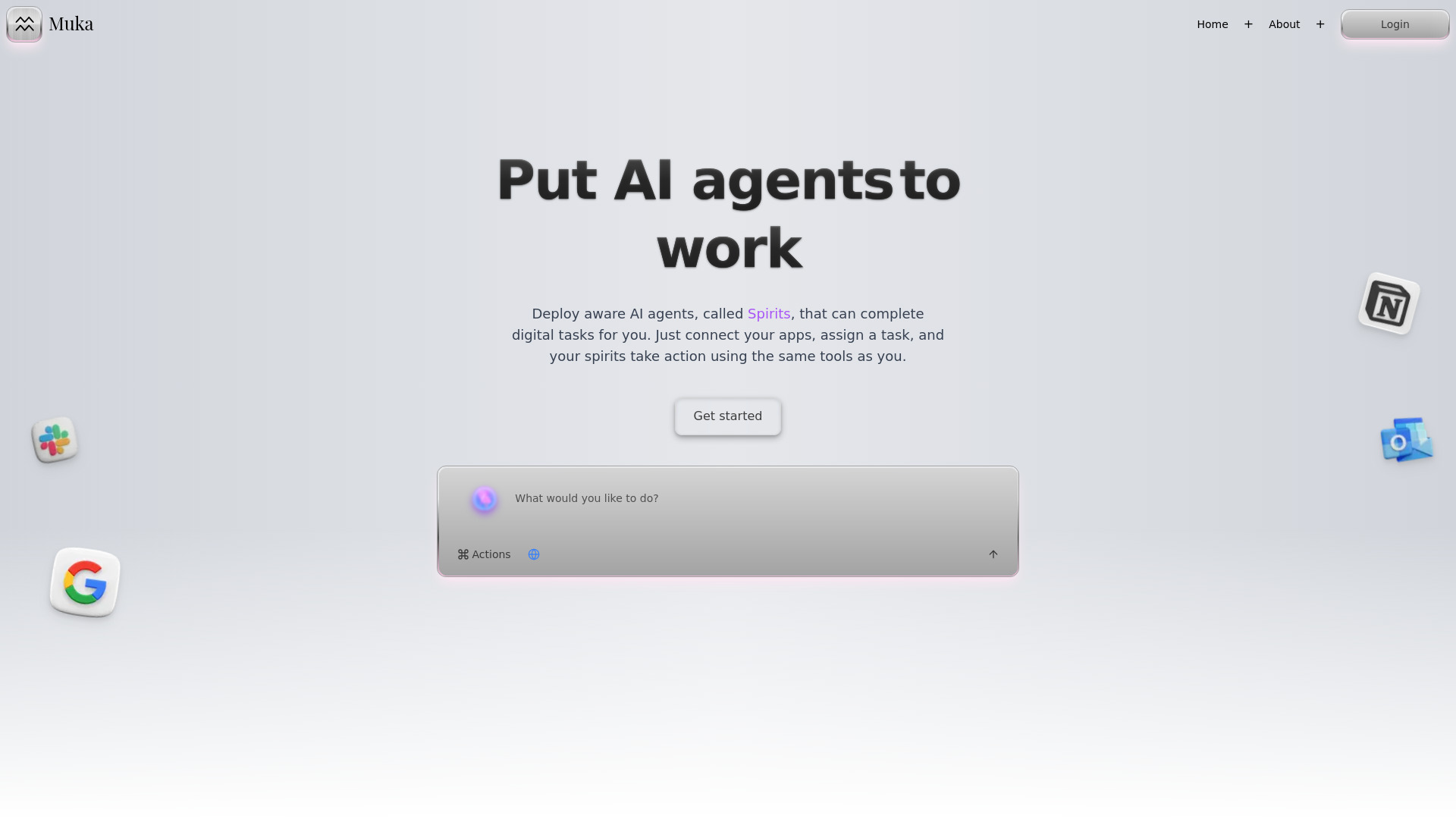
What Is Muka?
Muka is an AI automation platform designed to help people manage everyday work across the tools they already use. By linking services such as Gmail, Notion, Slack, Google Drive, and HubSpot, the platform allows users to create intelligent AI agents known as “Spirits.” These agents can handle multi-step assignments, organize information, and coordinate actions between different applications. Muka is especially useful for professionals who want to automate Gmail communication, maintain organized Notion workspaces, follow Slack conversations, and complete research without constantly switching between tabs. By moving routine digital work to AI, teams can spend more time on planning, decision-making, and creative projects.
How to Use Muka
Getting started with Muka begins by connecting the applications that support your daily workflow. The setup is designed for users who may not have programming experience, allowing them to authorize tools and define how their AI agents should work. After connecting Gmail, Notion, Slack, or other services, you can create a Spirit for a particular purpose. For example, one agent might review incoming emails, another could organize research notes in Notion, and a third might summarize important Slack discussions.
Tasks can be assigned through Muka’s conversational interface, making the process feel similar to giving instructions to a digital coworker. You can ask an agent to complete a job immediately, schedule recurring work, or respond when a specific event occurs. A research Spirit might gather information from approved sources and prepare a structured brief, while an email-focused Spirit could classify messages and prepare suggested replies. Work can also be arranged in shared “Spaces,” where team members coordinate projects and access common AI resources.
Muka includes Libraries for storing reusable instructions, reference files, prompts, and completed Artifacts. These resources give Spirits additional context and help teams maintain consistent results. The built-in editor can then be used to review, refine, and develop documents produced during an automated workflow.
Key Features of Muka
- Specialized AI Spirits: Build task-focused agents that can manage activities such as email organization, research collection, document preparation, and internal communication. Each Spirit can be configured with a defined role, relevant instructions, and access to the applications needed for its assignment.
- Connected Productivity Apps: Bring Gmail, Notion, Slack, Google Drive, HubSpot, and other business services into connected workflows. This allows information to move between platforms more efficiently, reducing repetitive copying, searching, and manual updates.
- Research and Information Processing: Use AI agents to collect material, compare sources, extract important points, and turn unstructured information into useful reports. Research workflows can be supported with stored documents, prompts, and other reference material from a Muka Library.
- Flexible Automation Controls: Run an assignment whenever it is needed, schedule it for a later time, or connect it to an event. These options make it possible to automate routine work while retaining control over when agents act and which tools they can access.
- Team Spaces and Shared Resources: Create dedicated environments for departments, clients, or projects. Teams can share Spirits, prompts, source material, and AI-generated Artifacts so that useful workflows are easier to repeat and improve.
These features help reduce the time spent on administrative work while giving users a practical way to review and guide AI-generated results. Muka can support simple personal routines as well as broader workflows involving several tools and team members.
Why Choose Muka?
Muka brings AI agents directly into the software environment where work already happens. Instead of treating email, notes, chat messages, documents, and research as separate tasks, users can connect them into a single workflow. This is useful for anyone who regularly moves information from Gmail to Notion, monitors project updates in Slack, or gathers findings from multiple sources before creating a report.
The platform’s Spirit model also offers more flexibility than a single-purpose automation. Users can create agents for different responsibilities and provide each one with its own instructions, resources, and connected applications. A marketing team might use one Spirit to research competitors and another to turn the findings into campaign ideas. A manager could use a separate agent to summarize team discussions and organize follow-up actions in Notion.
Muka is suitable for individual professionals, small groups, and larger organizations that want to introduce AI into established workflows. Shared Spaces and Libraries support collaboration, while configurable permissions and task instructions help users keep automation aligned with their working methods. The result is a more organized approach to AI-assisted productivity across communication, research, and knowledge management.
Use Cases and Applications
Muka can be applied to many types of professional work. An email management Spirit can sort incoming Gmail messages, identify urgent requests, prepare drafts, and highlight conversations that need a personal response. A Notion assistant can turn meeting notes into structured pages, update project records, or organize information within an existing knowledge base. For teams using Slack, an agent can review selected channels, identify decisions and open questions, and create a concise project update.
Research is another important use case. A Research Spirit can gather information on a topic, organize source material, compare findings, and prepare a first draft for review. This can help with competitor analysis, market monitoring, product research, and content planning. Sales teams may use Muka to prepare account summaries and coordinate follow-up tasks, while support teams can organize recurring questions and internal documentation. Operations and finance professionals can also connect files and business tools to streamline reporting, data review, and routine updates.
Content teams can combine research, drafting, and review in one workflow. An agent may collect source information, save useful references to a Library, prepare an outline, and produce an Artifact for an editor to refine. Because the same platform can coordinate email, documents, chat, and research, Muka can support workflows that would otherwise require several disconnected automation tools.