AI Content Generator

MemeCam

MemeCam: Instantly create hilarious, share-worthy memes with our AI-powered tool. Unleash your creativity and let AI generate the laughs for you!

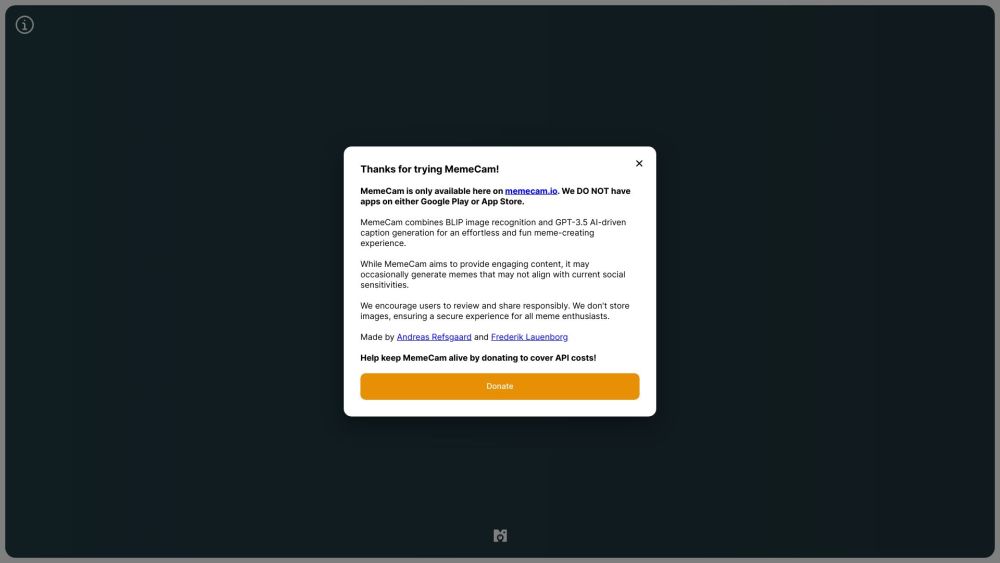
MemeCam website preview

MemeCam Website screenshot

Introducing MemeCam: Your Ultimate AI-Powered Meme Generator

Have you ever wondered if AI can generate hilarious memes? With MemeCam, the answer is a resounding yes! Say goodbye to hours of brainstorming for the perfect meme and let AI take the reins.

How MemeCam Works

Step into the world of MemeCam and experience the seamless process of meme creation. Simply upload a picture or use your camera to capture the moment, and watch as AI works its magic to deliver side-splitting captions and images.

Unlocking MemeCam's Innovations

MemeCam leverages cutting-edge BLIP image recognition technology and the powerful GPT-3.5 AI for a truly effortless and entertaining meme-making journey.

Product source: MemeCam official website. Check the provider for current plans, limits and availability.

FAQ

MemeCam questions and answers

Product context and practical checks for evaluating MemeCam.

What is MemeCam used for?

MemeCam: Instantly create hilarious, share-worthy memes with our AI-powered tool. Unleash your creativity and let AI generate the laughs for you!

How do I get started with MemeCam?

Step into the world of MemeCam and experience the seamless process of meme creation. Simply upload a picture or use your camera to capture the moment, and watch as AI works its magic to deliver side-splitting captions and images.

What should I compare before choosing a MemeCam plan?

Check MemeCam’s current pricing page for included usage, renewal terms and any credit charges. Compare the cost of a usable result, including retries, rather than assuming that account registration includes free usage.

What inputs should I prepare for a MemeCam trial?

Identify the files, text or account connections your task needs. Confirm that the product accepts those inputs and offers controls for reviewing its work.

How can I check the quality of a MemeCam result?

Test one representative task and inspect the result for accuracy and completeness. Record where manual corrections or extra tools are needed.

Which export options should I check in MemeCam?

Check export formats, integrations and whether you can keep using your work outside the service. Test a real export before committing to a longer plan.

What is a practical way to test MemeCam against alternatives?

Choose one task with a clear success condition. Keep the input consistent, record the time spent reviewing and compare the complete workflow cost.

What should I review before uploading material to MemeCam?

Read the provider’s rules on access, retention, deletion and use of uploaded material. Start with a non-confidential sample that you have permission to use.

How can I check whether MemeCam fits my existing workflow?

List the steps before and after using MemeCam, including preparation, review and export. Test that complete sequence and check whether handoffs require manual conversion or another paid service.

Where is the official MemeCam website?

The website linked from this profile is https://memecam.dk. Use the provider’s own documentation, account area and support channels to confirm current product details.

Visit MemeCam