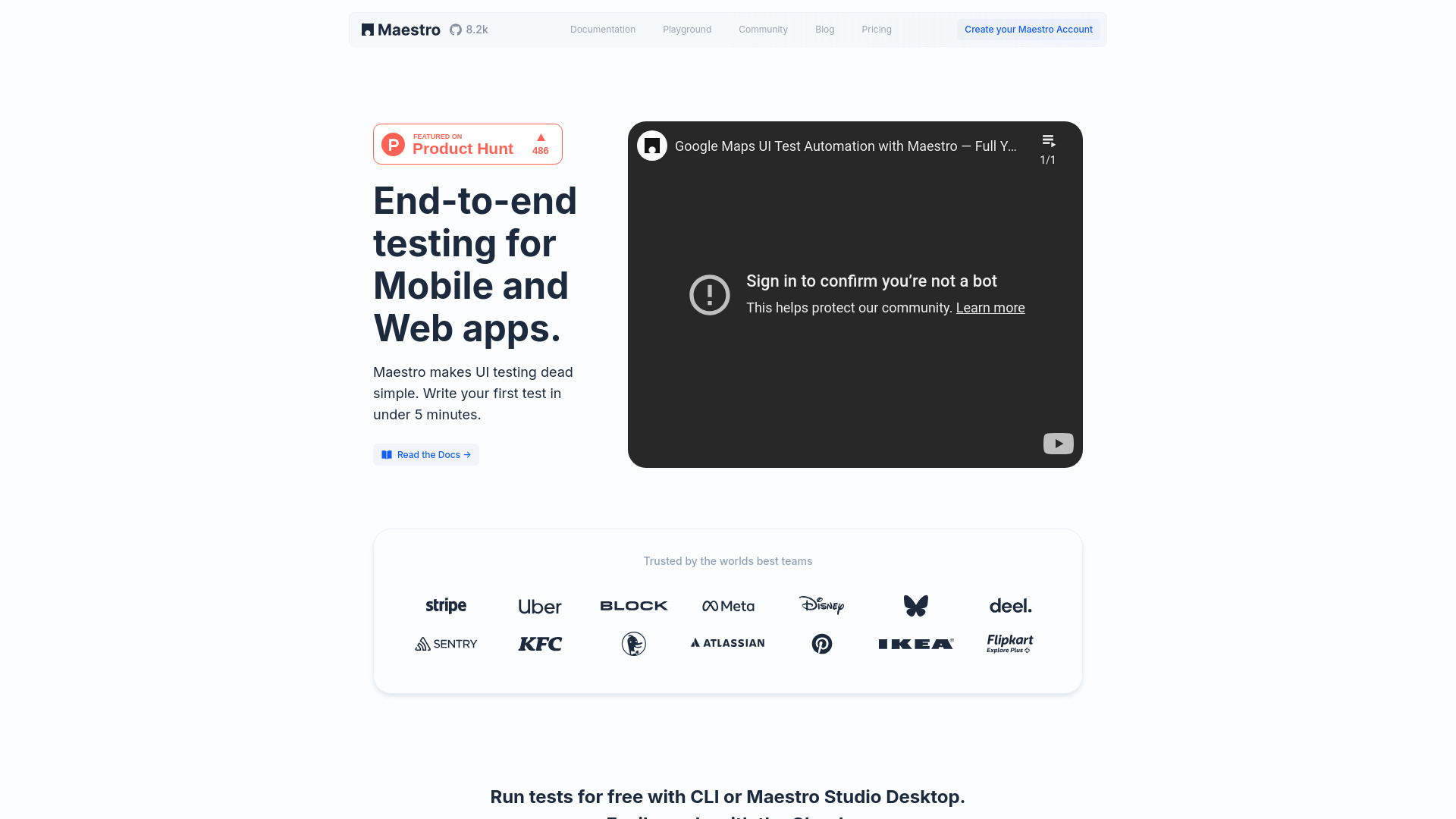
What is Maestro?
Maestro redefines automated testing for the AI era—a next-generation platform engineered to unify visual inspection, intelligent test generation, and cloud-scale execution in a single, cohesive experience. At its core, Maestro leverages proprietary AI models trained on thousands of real-world UI interactions to understand application behavior, infer intent, and translate human actions into reliable, maintainable test logic. Built on an open-source foundation, it bridges the gap between code-first automation and no-code collaboration—empowering developers, QA engineers, product managers, and designers alike to co-create robust test coverage without friction or context switching.
How to Use Maestro
Getting started with Maestro is purposefully frictionless. Choose your preferred entry point: install the Maestro Studio Desktop app for guided visual exploration, or use the lightweight Maestro CLI for headless, script-driven workflows. In Studio, interact directly with your running app—hover to inspect elements, click to record flows, and engage MaestroGPT to refine edge cases, suggest assertions, or auto-heal flaky selectors. Every recorded action becomes a declarative, framework-agnostic test step—no XPath gymnastics, no brittle locators, just intuitive, readable automation.
To accelerate delivery velocity, offload test execution to Maestro’s globally distributed cloud infrastructure. Run hundreds of tests concurrently across real iOS and Android devices, emulators, and modern web browsers—all orchestrated from a unified dashboard. Plug into Jenkins, GitHub Actions, GitLab CI, or CircleCI with native integrations, enabling automated quality gates for PRs, nightly regression suites, and release candidate validation—ensuring every build ships with confidence.
Key Features of Maestro
- MaestroGPT: Your AI Testing Co-Pilot: Go beyond templated suggestions—MaestroGPT reasons about UI structure, user journeys, and failure patterns to generate context-aware test logic, debug failing steps, and recommend coverage improvements—cutting test authoring time by up to 70%.
- Visual Element Intelligence: Move past static screenshots. Maestro’s real-time inspector renders semantic UI trees, highlights accessibility attributes, detects dynamic states (e.g., loading, disabled), and surfaces hidden elements—making visual validation as precise as code-based assertions.
- Zero-Script Flow Recording: Record complex multi-step interactions—including gestures, deep-link navigation, biometric prompts, and network-dependent flows—and instantly convert them into deterministic, cross-platform test scripts—no manual coding required.
- Unified Cross-Platform Engine: Write once, test everywhere. Maestro abstracts platform-specific complexities to deliver consistent behavior across native iOS (SwiftUI/UIKit), Android (Jetpack Compose/View), cross-platform frameworks (Flutter, React Native), and responsive web—without duplicating effort.
- Cloud-Native Test Orchestration: Scale intelligently—not just horizontally. Maestro’s cloud dynamically allocates device/browser combinations, manages test queues, retries flaky executions, and auto-screenshots on failure—delivering enterprise reliability with startup simplicity.
- CI/CD-First Architecture: Designed for DevOps maturity, Maestro provides granular reporting (flakiness scores, coverage heatmaps, performance deltas), webhook notifications, and artifact retention—turning test results into actionable engineering insights.
Why Choose Maestro?
In today’s fast-paced development landscape, legacy testing tools force teams to choose between speed and stability, simplicity and scalability, or control and collaboration. Maestro refuses that trade-off. It delivers developer-grade precision *and* product-team accessibility—powered not by abstraction layers, but by AI that learns how real applications behave. There’s no need to maintain fragile selectors, rewrite tests for each OS, or wait hours for feedback. With Maestro, teams validate full user journeys in minutes, detect regressions before merge, and continuously improve test resilience through AI-guided insights.
More than a tool, Maestro is a paradigm shift: testing becomes collaborative, continuous, and cognitively lightweight. Its open-core model ensures transparency and extensibility, while its cloud infrastructure removes infrastructure overhead—so you invest in quality, not ops. Whether you're shipping daily updates or managing a legacy-native portfolio, Maestro adapts to your stack, your team, and your velocity—without compromise.
Use Cases and Applications
From fintech startups validating biometric authentication flows to global e-commerce platforms ensuring checkout consistency across 12 languages and 5 device types—Maestro powers mission-critical QA at scale. Engineering leads adopt it to slash test maintenance overhead and reduce CI pipeline duration by 40%. QA teams deploy it to onboard non-engineers into test creation—turning sprint demos into executable specs. SREs rely on Maestro’s cloud observability to correlate test failures with backend latency spikes or third-party SDK deprecations. And product owners use its flow analytics to identify high-friction user paths—transforming QA data into UX optimization signals. Across industries, Maestro turns testing from a gatekeeper into a growth accelerator.