AI Content Generator

Luw.ai

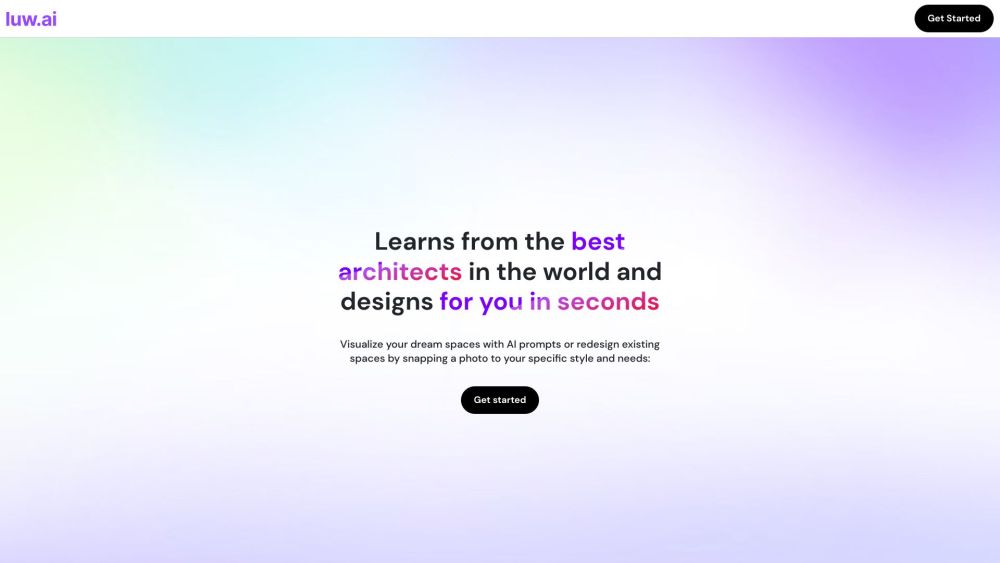
Transform your home effortlessly with Luw.ai, the free AI room planner and virtual designer. Personalize every detail with AI trained by top architects.

Luw.ai website preview

Luw.ai Website screenshot

Discover Luw.ai

Luw.ai is a revolutionary, free AI room planner and home designer that empowers users to customize their interior and exterior spaces. With AI trained by top architects, you can reimagine existing areas or create entirely new designs with limitless possibilities.

How to Get Started with Luw.ai

Using Luw.ai is simple and straightforward: 1. Begin by crafting your AI persona, choosing from over 55 unique design styles. 2. Upload images of your current space or take a fresh photo to transform an existing room. 3. Utilize AI prompts and the magic wand tool to refine and enhance your designs. 4. Export high-definition images or render your designs in various styles using AI rendering and 3D applications. 5. Continuously redesign spaces by taking new photos or uploading reference images for updated AI-generated designs.

Key Features of Luw.ai

Personalize room designs using photos and AI personas.

Transform existing spaces or envision new rooms.

Enhance designs with AI prompts and the magic wand tool.

Export high-definition images quickly and easily.

Render in diverse styles with AI for endless design variations.

Redesign in real-time with reference photos.

Create unlimited AI personas tailored to your design needs.

Design customized fabrics and wallpapers with AI.

Practical Applications of Luw.ai

Architectural renovation plans to artistic concepts

Interior design and room planning

Fabric and wallpaper customization

Product source: Luw.ai official website. Check the provider for current plans, limits and availability.

FAQ

Luw.ai questions and answers

Product context and practical checks for evaluating Luw.ai.

What is Luw.ai used for?

Transform your home effortlessly with Luw.ai, the free AI room planner and virtual designer. Personalize every detail with AI trained by top architects.

How do I get started with Luw.ai?

Using Luw.ai is simple and straightforward: 1. Begin by crafting your AI persona, choosing from over 55 unique design styles. 2. Upload images of your current space or take a fresh photo to transform an existing room. 3. Utilize AI prompts and the magic wand tool to refine and enhance your designs. 4. Export high-definition images or render your designs in various styles using AI rendering and 3D applications. 5. Continuously redesign spaces by taking new photos or uploading reference images for updated AI-generated designs.

Which capabilities are described for Luw.ai?

Personalize room designs using photos and AI personas.Transform existing spaces or envision new rooms.Enhance designs with AI prompts and the magic wand tool.Export high-definition images quickly and easily.Render in diverse styles with AI for endless design variations.Redesign in real-time with reference photos.Create unlimited AI personas tailored to your design needs.Design customized fabrics and wallpapers with AI.

What projects can I evaluate Luw.ai for?

Architectural renovation plans to artistic conceptsInterior design and room planningFabric and wallpaper customization Luw.ai Support and Contact Information For more information, visit our contact page. About Luw.ai Luw.ai is a product of Luvi Technologies, Inc. Learn more on our about us page. Follow Luw.ai on Social Media Twitter: https://twitter.com/luw_ai Luw.ai on Instagram Instagram: https://www.instagram.com/luw.app/

What should I compare before choosing a Luw.ai plan?

Check Luw.ai’s current pricing page for included usage, renewal terms and any credit charges. Compare the cost of a usable result, including retries, rather than assuming that account registration includes free usage.

What inputs should I prepare for a Luw.ai trial?

Look for text prompts, image references, masks or sketches as appropriate. Compare composition control, supported upload types and the ability to revise a selected area.

How can I check the quality of a Luw.ai result?

Inspect text, hands, edges, reflections and repeated objects at full size. Check that important product or brand details survive editing.

Which export options should I check in Luw.ai?

Compare pixel dimensions, transparency, file formats and any enlargement options. Confirm that the downloaded result works in your design or publishing software.

What is a practical way to test Luw.ai against alternatives?

Prepare a brief with a subject, composition, lighting and required output size. Test a first generation and a targeted revision to see how much control you retain.

Where is the official Luw.ai website?

The website linked from this profile is https://luw.ai. Use the provider’s own documentation, account area and support channels to confirm current product details.

Visit Luw.ai