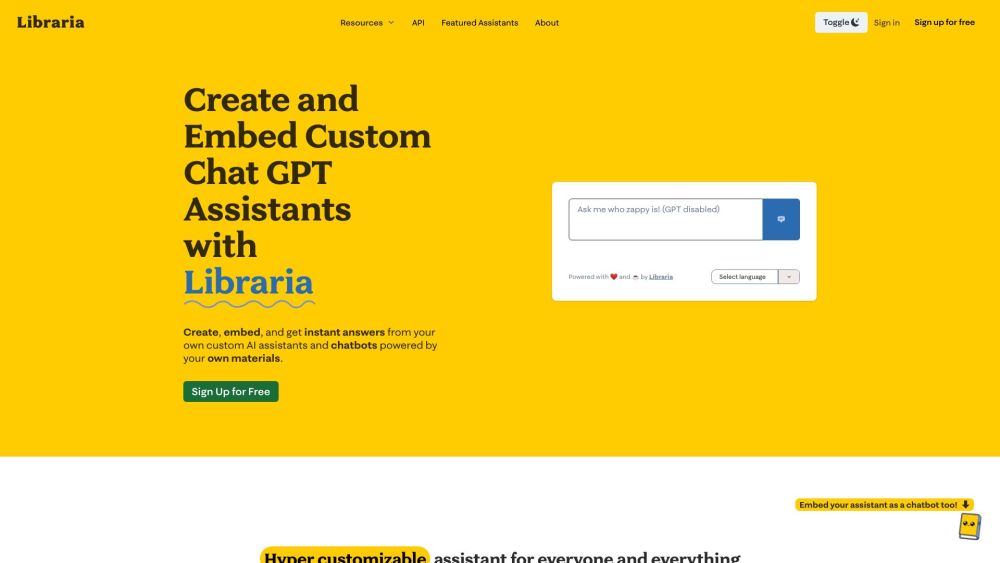
What is Libraria?
Libraria is a no-code platform for building custom AI chatbots using your own data. Whether for business, academics, or personal projects, Libraria provides a range of features that allow you to design chatbots suited to your specific needs with ease.
How to Use Libraria?
To get started with Libraria, follow these steps:
1. Import or sync your files, such as PDFs, articles, or Google Drive documents.
2. Personalize your assistant by configuring its name, avatar, prompts, and integrations.
3. Ask your AI assistant questions or embed it on your website for others to use.
4. Continuously update your chatbot by syncing new data and documents.
Key Features of Libraria
Build custom chatbots using your own data in seconds
Import a variety of file types, including Google Drive files, PDFs, and URLs
Customize your chatbot's appearance and responses with names, avatars, and prompt settings
Receive accurate responses with real-time source referencing
Embed chatbots on websites or share them via direct links
Tailored to different user needs such as education, business, or personal use
No coding needed to train your AI assistant—just upload your documents or links
Advanced AI preprocessing and prompt management for reliable answers
Privacy controls to manage who can access your chatbot
Query history and export options for analyzing and improving performance
Libraria's Use Cases
{
"title": "Academics",
"description": "Develop an AI assistant tailored for academic learning or teaching purposes. Sync thousands of PDFs from Google Drive and quickly access relevant information with citations, making it ideal for organizing study materials."
}
{
"title": "Authors",
"description": "Create a dedicated chatbot for each book, offering readers instant answers to content-related questions. Use the chatbot to enhance reader engagement by embedding it on websites or sharing it through links."
}
{
"title": "Businesses",
"description": "Set up an FAQ chatbot