Table of contents
Krecicki - A.I. Sales Call Analysis : Improve Sales Techniques with A.I.
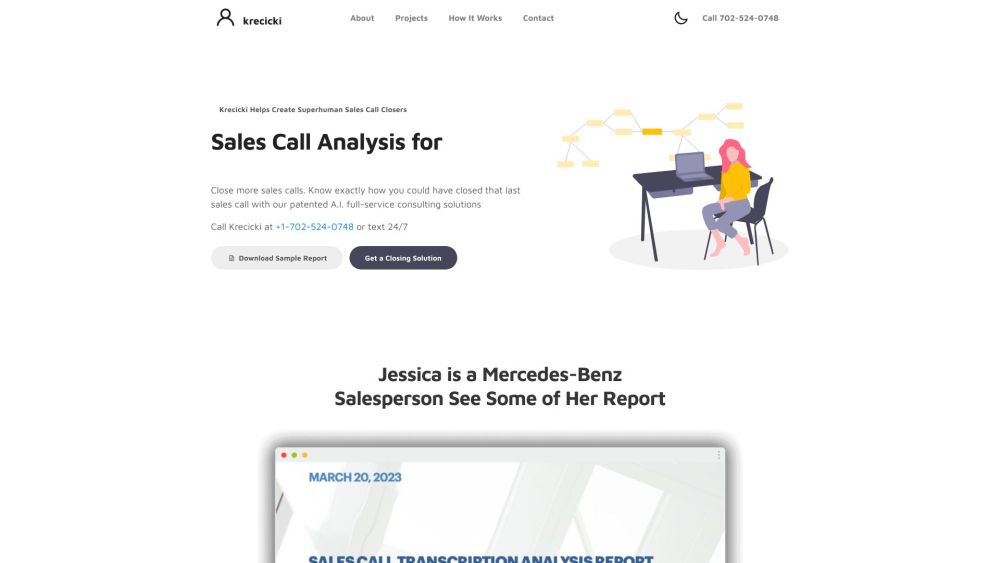
Krecicki is an A.I. consulting firm that specializes in sales call analysis. They help salespersons and sales coaches to improve their sales closing techniques. By leveraging artificial intelligence, Krecicki analyzes sales calls, transcribes them, identifies patterns, and provides personalized tips and recommendations for closing sales calls.
Directory : AI Speech Recognition, AI Consulting Assistant, Sales Assistant, AI Advertising Assistant, AI Coaching, AI Video Recording
What is Krecicki - A.I. Sales Call Analysis Consulting?
Krecicki is a consultancy firm specializing in the analysis of sales calls using artificial intelligence. The company aids sales professionals and coaches in enhancing their sales techniques. By employing AI technology, Krecicki examines sales call recordings, transcribes the audio, detects patterns, and offers customized advice to improve sales closing rates.
How to use Krecicki - A.I. Sales Call Analysis Consulting?
Krecicki - A.I. Sales Call Analysis Consulting's Core Features
Sales call transcriptions
Artificial intelligence analysis
Identification of areas for improvement
Personalized tips and recommendations
Detailed PDF reports
Consultation with experts
Krecicki - A.I. Sales Call Analysis Consulting's Use Cases
Salespersons aiming to enhance their sales closing abilities
Sales coaches looking to effectively train their teams
Teams or individuals focused on boosting their sales success
Organizations seeking to improve overall sales performance
-
Krecicki - A.I. Sales Call Analysis Consulting Support Email & Customer Service Contact
For customer support, contact Krecicki at [email protected]. For more contact options, visit the contact us page.
-
Krecicki - A.I. Sales Call Analysis Consulting Company Details
Krecicki - A.I. Sales Call Analysis Consulting is a part of Choice Internet Brands, Inc. The company has offices in Las Vegas, NV, and Cedarpines Park, CA.
-
Krecicki - A.I. Sales Call Analysis Consulting LinkedIn
Connect with Krecicki on LinkedIn: https://www.linkedin.com/in/cody-c-krecicki-3a598560/
-
Krecicki - A.I. Sales Call Analysis Consulting GitHub
Follow Krecicki on GitHub: https://github.com/krecicki
FAQ from Krecicki - A.I. Sales Call Analysis Consulting
What is Krecicki - A.I. Sales Call Analysis Consulting?
Krecicki is a consultancy firm specializing in the analysis of sales calls using artificial intelligence. They assist sales professionals and coaches in enhancing their sales techniques by analyzing calls, transcribing them, identifying patterns, and offering customized advice.
How to use Krecicki - A.I. Sales Call Analysis Consulting?
To utilize Krecicki's services, follow these steps: 1. Record at least five sales calls. 2. Save the recordings as audio files. 3. Visit Krecicki's website or contact them at +1-702-524-0748 to begin the analysis process. 4. Submit the audio files to Krecicki. 5. Krecicki will transcribe the calls and use AI to pinpoint areas needing improvement. 6. Receive a comprehensive PDF report that includes transcriptions, analysis, tips, and recommendations for each call. 7. Optionally, schedule a consultation with Krecicki to discuss the report and gain further insights into refining your sales skills.
How accurate is the voice-to-text transcription?
The voice-to-text transcription provided by Krecicki is nearly 100% accurate.
Are the tips and recommendations personalized?
Yes, Krecicki provides personalized tips and recommendations based on the specific analysis of your sales calls.
Can I schedule a consultation to discuss my report?
Yes, you can schedule a consultation with Krecicki to discuss the report and receive additional guidance on improving your sales closing skills.
What if I have fewer than 5 sales calls to analyze?
Krecicki recommends having a minimum of 5 sales calls to provide sufficient data for analysis. If you have fewer calls, you may still reach out to discuss possible solutions.
How can I record my sales calls on iPhone?
To record incoming calls, go to Settings > Calls > Incoming Calls and enable the incoming calls record option. During a call, press 4 on the keypad to start and end the recording. For outgoing calls, you can use third-party call recording apps from the App Store.
How can I record my sales calls on Android?
To record calls on Android, your device must run Android 9 or newer. Open the Phone app, tap More options > Settings > Call recording, enable the necessary options, and your calls will be automatically recorded.