Writing Assistants

HyperWrite

Boost productivity with HyperWrite, your AI writing assistant for efficient communication. Work smarter and faster with powerful tools and features.

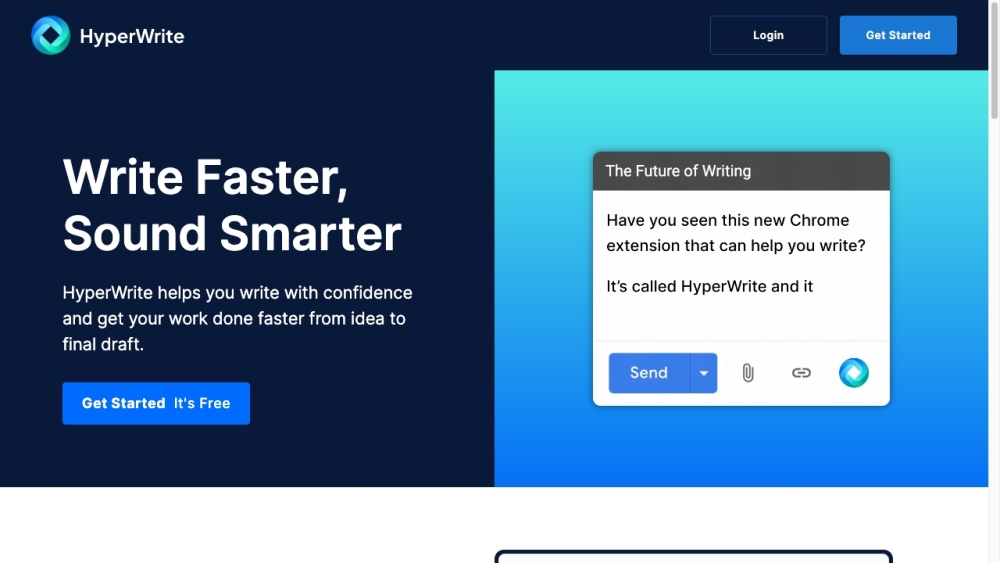
HyperWrite website preview

HyperWrite Website screenshot

What is HyperWrite?

HyperWrite is an innovative AI writing assistant designed to enhance productivity and simplify writing tasks. By leveraging advanced AI algorithms, it empowers users to write more efficiently and effectively. HyperWrite provides a suite of tools that revolutionize writing, communication, and research processes.

How to use HyperWrite?

To begin using HyperWrite, create an account on the platform. Once logged in, you can access a comprehensive array of AI-driven tools. Whether you need to generate high-quality content quickly or streamline your email correspondence, HyperWrite has you covered. You can interact with the AI assistant, tailor workflows to your needs, and integrate the assistant into your daily activities. Additionally, the HyperWrite Chrome Extension enables access to AI features across different websites.

HyperWrite's Core Features

Flexible AutoWrite: Leverage AI to draft or create various types of content

Summarizer: Condense the main ideas and key points from any text or article

Explain Like I’m 5: Break down complex topics into simple, understandable terms

Rewrite Content: Rephrase content while preserving the original meaning

Email Responder: Craft professional email replies based on received emails and brief inputs

Magic Editor: Enhance documents or messages for better clarity, tone, and style

Generate Blog Intro: Create compelling introductions for blog posts on any subject

AI Speech Writer: Compose speeches using outlines, descriptions, topics, and quotes

Universal Translator: Translate text accurately between different languages using AI

HyperWrite's Use Cases

Writing: Utilize numerous AI tools to create content, refine writing, and expedite workflows

Communication: Generate effective emails and messages with personalized suggestions instantly

Research: Engage with the AI assistant for expert insights and create custom tools for enhanced research

Productivity: Boost productivity by automating repetitive tasks and receiving personalized assistance from the AI

Product source: HyperWrite official website. Check the provider for current plans, limits and availability.

FAQ

HyperWrite questions and answers

Product context and practical checks for evaluating HyperWrite.

What is HyperWrite used for?

Boost productivity with HyperWrite, your AI writing assistant for efficient communication. Work smarter and faster with powerful tools and features.

How do I get started with HyperWrite?

To begin using HyperWrite, create an account on the platform. Once logged in, you can access a comprehensive array of AI-driven tools. Whether you need to generate high-quality content quickly or streamline your email correspondence, HyperWrite has you covered. You can interact with the AI assistant, tailor workflows to your needs, and integrate the assistant into your daily activities. Additionally, the HyperWrite Chrome Extension enables access to AI features across different websites.

Which capabilities are described for HyperWrite?

Flexible AutoWrite: Leverage AI to draft or create various types of contentSummarizer: Condense the main ideas and key points from any text or articleExplain Like I’m 5: Break down complex topics into simple, understandable termsRewrite Content: Rephrase content while preserving the original meaningEmail Responder: Craft professional email replies based on received emails and brief inputsMagic Editor: Enhance documents or messages for better clarity, tone, and styleGenerate Blog Intro: Create compelling introductions for blog posts on any subjectAI Speech Writer: Compose speeches using outlines, descriptions, topics, and quotesUniversal Translator: Translate text accurately between different languages using AI

What projects can I evaluate HyperWrite for?

Writing: Utilize numerous AI tools to create content, refine writing, and expedite workflowsCommunication: Generate effective emails and messages with personalized suggestions instantlyResearch: Engage with the AI assistant for expert insights and create custom tools for enhanced researchProductivity: Boost productivity by automating repetitive tasks and receiving personalized assistance from the AI HyperWrite Discord Join the HyperWrite Discord community: https://discord.com/invite/2hXjDrgTcx. For more Discord information, click here(/discord/2hxjdrgtcx). HyperWrite Company The company behind HyperWrite is OthersideAI. HyperWrite Login Access your HyperWrite account here: https://app.hyperwriteai.com/home HyperWrite Sign up Sign up for HyperWrite here: https://app.hyperwriteai.com/home HyperWrite Pricing Check out HyperWrite's pricing plans: https://www.hyperwriteai.com/pricing HyperWrite YouTube Watch HyperWrite videos on YouTube: https://www.youtube.com/@hyperwriteai HyperWrite LinkedIn Follow HyperWrite on LinkedIn: https://www.linkedin.com/company/othersideai/ HyperWrite Twitter Stay updated with HyperWrite on Twitter: https://twitter.com/HyperWriteAI

What should I compare before choosing a HyperWrite plan?

Check out HyperWrite's pricing plans: https://www.hyperwriteai.com/pricing Confirm current prices and allowances on the provider’s website before purchasing.

What inputs should I prepare for a HyperWrite trial?

Look for text prompts, image references, masks or sketches as appropriate. Compare composition control, supported upload types and the ability to revise a selected area.

How can I check the quality of a HyperWrite result?

Inspect text, hands, edges, reflections and repeated objects at full size. Check that important product or brand details survive editing.

Which export options should I check in HyperWrite?

Compare pixel dimensions, transparency, file formats and any enlargement options. Confirm that the downloaded result works in your design or publishing software.

What is a practical way to test HyperWrite against alternatives?

Prepare a brief with a subject, composition, lighting and required output size. Test a first generation and a targeted revision to see how much control you retain.

Where is the official HyperWrite website?

The website linked from this profile is https://www.othersideai.com. Use the provider’s own documentation, account area and support channels to confirm current product details.

Visit HyperWrite