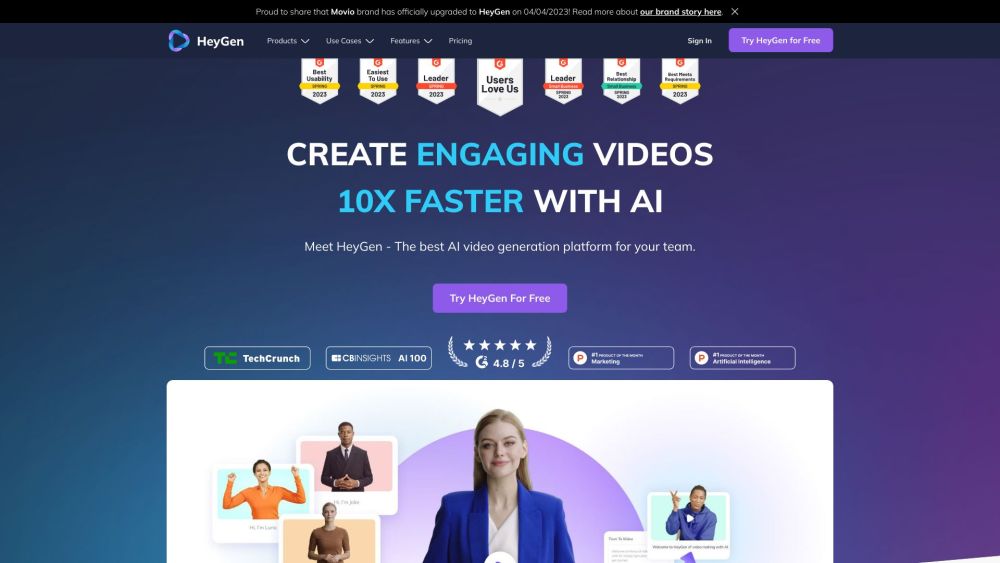
Discover HeyGen
HeyGen is a cutting-edge video creation platform leveraging generative AI to revolutionize how businesses produce videos. With HeyGen, you can effortlessly craft captivating business videos using customizable AI avatars, voice cloning, and seamless text-to-speech technology.
Getting Started with HeyGen
Using HeyGen is a breeze. Here’s how: 1. Select an Avatar: Browse a collection of over 100 AI avatars or design your own unique character. 2. Enter Your Script: Simply type or paste your script and pick from a wide array of 300+ voices in more than 40 languages. 3. Generate Your Video: Just submit, and HeyGen will create your video in minutes, providing an efficient and quick solution for your video needs.
Core Features of HeyGen
Generative Wardrobe: Personalize avatars with a variety of outfits.
Customizable Avatars: Design and tailor your own avatars to fit your brand.
Voice Cloning: Replicate your voice or select from an extensive library of voices.
Text-to-Speech: Convert written text into lifelike speech effortlessly.
TalkingPhoto: Animate photos into videos with lifelike avatar animations.
Diverse AI Avatars: Choose from a library of 100+ adaptable avatars.
Professional Templates: Utilize a variety of templates to create sleek, professional videos.
Zapier Integration: Connect HeyGen with other apps using Zapier for seamless workflow automation.
Practical Uses of HeyGen
Instructional & How-to Videos: Produce detailed instructional and tutorial videos with ease.
Marketing Campaigns: Create personalized marketing videos to captivate your audience.
Custom Sales Videos: Enhance sales presentations with customized video messages.
Training & Onboarding: Develop engaging training materials and onboarding content.
News and Updates: Generate news videos with dynamic AI avatars for unique storytelling.
Join the HeyGen Discord
Connect with the HeyGen community on Discord: https://discord.com/invite/KqDWp35Uvb. For more information, click here(/discord/kqdwp35uvb).
Customer Support & Contact
For support, contact HeyGen via email: [email protected]. Visit our Contact Us page for more details.
About HeyGen
Company: HeyGen
Address: 12130 Millennium Drive Suite 300, Los Angeles, CA 90094.
Learn more on our About Us page.
Login to HeyGen
Access your HeyGen account here: https://app.heygen.com/login.
Sign Up for HeyGen
Create a new account at HeyGen: https://app.heygen.com/login.
HeyGen Pricing
View our pricing plans here: https://www.heygen.com/pricing.
Connect with HeyGen on Facebook
Join our Facebook community: https://www.facebook.com/groups/345553694144336.
HeyGen on YouTube
Watch our videos on YouTube: https://www.youtube.com/@heygen_official.
HeyGen on TikTok
Follow us on TikTok: https://www.tiktok.com/@heygenofficial.
HeyGen on LinkedIn
Connect with us on LinkedIn: https://www.linkedin.com/company/heygen/mycompany/?viewAsMember=true.
Follow HeyGen on Twitter
Stay updated via Twitter: https://twitter.com/heygen_official.