Captions or Subtitle

Happy Scribe

Transform audio to text with high accuracy in multiple languages using Happy Scribe's automatic and human transcription services. Perfect for all your needs!

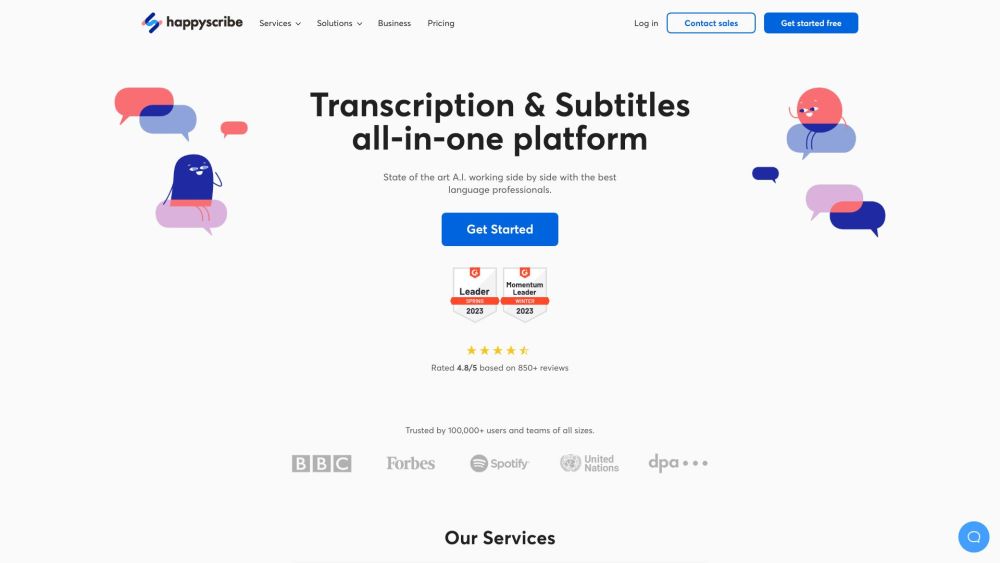
Happy Scribe website preview

Happy Scribe Website screenshot

Discover Happy Scribe

Happy Scribe offers both automatic and human transcription services, transforming audio files into precise text in various languages and formats.

Using Happy Scribe

1. Create an account on the Happy Scribe website.
2. Upload the audio or video files you wish to transcribe or subtitle.
3. Select either automated or professional human transcription or subtitles.
4. Review and adjust the transcriptions or subtitles as needed.
5. Download the final transcriptions or subtitles in your preferred formats.

Key Features of Happy Scribe

Automated Transcription: Quick and accurate AI-powered transcriptions

Human Transcription: Expert transcribers ensure high accuracy

AI Subtitles: Effortless AI-generated subtitles for your videos

Professional Subtitles: Expert linguists refine your captions

Subtitles Translation: Professional translation and editing services

Applications of Happy Scribe

E-Learning: Expand reach and enhance course engagement

Media: Streamline production workflows for global audiences

Business Communication: Improve team and client communications

Audiovisual Localization: Boost language services with AI tools

Product source: Happy Scribe official website. Check the provider for current plans, limits and availability.

FAQ

Happy Scribe questions and answers

Product context and practical checks for evaluating Happy Scribe.

What is Happy Scribe used for?

Transform audio to text with high accuracy in multiple languages using Happy Scribe's automatic and human transcription services. Perfect for all your needs!

How do I get started with Happy Scribe?

Open the official Happy Scribe website and identify the workflow that matches your task. Use a real brief and a short source document. Compare factual accuracy, structure and editing time rather than accepting the longest or most confident draft.

Which capabilities are described for Happy Scribe?

Automated Transcription: Quick and accurate AI-powered transcriptionsHuman Transcription: Expert transcribers ensure high accuracyAI Subtitles: Effortless AI-generated subtitles for your videosProfessional Subtitles: Expert linguists refine your captionsSubtitles Translation: Professional translation and editing services

What projects can I evaluate Happy Scribe for?

E-Learning: Expand reach and enhance course engagementMedia: Streamline production workflows for global audiencesBusiness Communication: Improve team and client communicationsAudiovisual Localization: Boost language services with AI tools Contact Happy Scribe For more information, visit our contact page About Happy Scribe Company: Happy Scribe Ltd. Happy Scribe Login Log in here: https://www.happyscribe.com/users/sign_in Happy Scribe Pricing Check pricing: https://www.happyscribe.com/pricing Happy Scribe on YouTube Follow us: Happy Scribe YouTube Happy Scribe on LinkedIn Connect with us: Happy Scribe LinkedIn Happy Scribe on Twitter Follow us: Happy Scribe Twitter Happy Scribe on Instagram Follow us: Happy Scribe Instagram

What should I compare before choosing a Happy Scribe plan?

Check pricing: https://www.happyscribe.com/pricing Confirm current prices and allowances on the provider’s website before purchasing.

What inputs should I prepare for a Happy Scribe trial?

Compare support for source documents, style instructions, outlines and length limits. Check whether citations link to real material rather than merely looking like references.

How can I check the quality of a Happy Scribe result?

Verify names, dates, quotations and factual claims against the original sources. Edit tone, remove repetition and make sure the text answers the intended reader’s question.

Which export options should I check in Happy Scribe?

Check export to plain text, Markdown, documents or your publishing system. Formatting, headings and working links matter when moving a draft into production.

What is a practical way to test Happy Scribe against alternatives?

Use a real brief and a short source document. Compare factual accuracy, structure and editing time rather than accepting the longest or most confident draft.

Where is the official Happy Scribe website?

The website linked from this profile is https://happyscribe.com. Use the provider’s own documentation, account area and support channels to confirm current product details.

Visit Happy Scribe