AI Advertising Assistant

Glorify

Create stunning, on-brand designs effortlessly with Glorify! This AI-powered tool scales your business with beautiful galleries, social posts, ads, and videos.

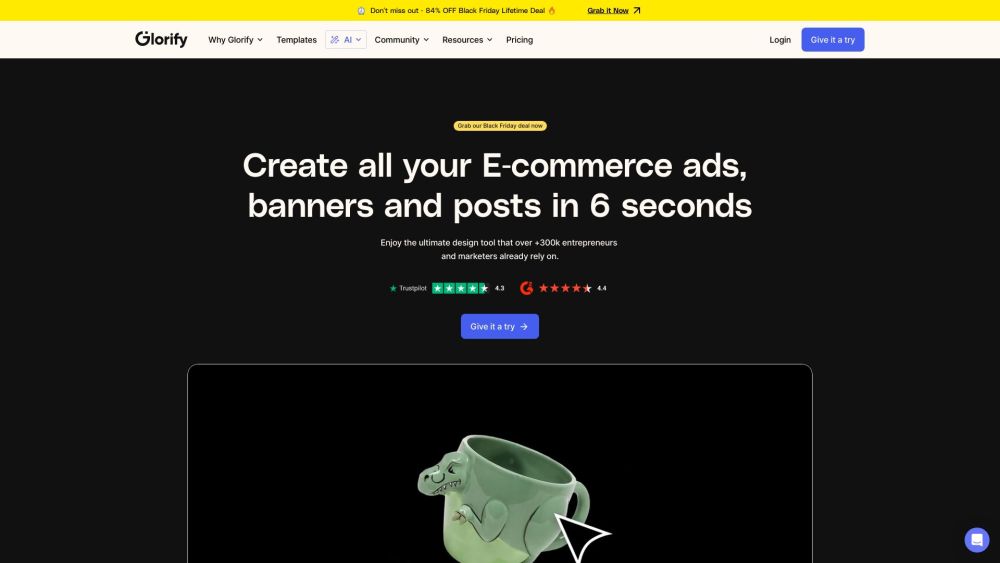
Glorify website preview

Glorify Website screenshot

Discover Glorify

Glorify is an innovative AI-driven design tool crafted for entrepreneurs and marketers who need to create eye-catching, on-brand graphics effortlessly. With its intuitive interface and powerful AI capabilities, users can scale their creative processes, producing everything from product galleries and social media content to banners, ads, and videos—all without any prior design experience.

Getting Started with Glorify

To start using Glorify, sign up on our website. Once registered, you can dive straight into the tool, selecting from a variety of templates designed for different marketing needs. Customize these templates to align with your brand identity, and take advantage of AI features that simplify and enhance the design process.

Key Features of Glorify

AI-enhanced Design Tool

Brand-consistent Product Galleries

Optimized Social Media Content Creation

Dynamic Banner and Ad Designs

Advanced Video Editing Tools

Practical Applications of Glorify

E-commerce Visuals

Social Media Campaigns

Branding and Promotions

Product source: Glorify official website. Check the provider for current plans, limits and availability.

FAQ

Glorify questions and answers

Product context and practical checks for evaluating Glorify.

What is Glorify used for?

Create stunning, on-brand designs effortlessly with Glorify! This AI-powered tool scales your business with beautiful galleries, social posts, ads, and videos.

How do I get started with Glorify?

To start using Glorify, sign up on our website. Once registered, you can dive straight into the tool, selecting from a variety of templates designed for different marketing needs. Customize these templates to align with your brand identity, and take advantage of AI features that simplify and enhance the design process.

Which capabilities are described for Glorify?

AI-enhanced Design ToolBrand-consistent Product GalleriesOptimized Social Media Content CreationDynamic Banner and Ad DesignsAdvanced Video Editing Tools

What projects can I evaluate Glorify for?

E-commerce VisualsSocial Media CampaignsBranding and Promotions Sign Up for Glorify Sign up here: https://app.glorify.com/dashboard/register Explore Glorify's Pricing Check out our pricing plans: https://glorify.com/pricing Follow Glorify on Facebook Join our Facebook community: https://www.facebook.com/glorifydesign Subscribe to Glorify on YouTube Watch tutorials and tips: https://www.youtube.com/@GlorifyApp/featured Follow Glorify on TikTok Discover creative ideas: https://www.tiktok.com/@glorifydesignapp Connect with Glorify on LinkedIn Network with us: https://www.linkedin.com/company/glorify-app/ Follow Glorify on Twitter Stay updated: https://twitter.com/GlorifyDesign Follow Glorify on Instagram Explore our latest designs: https://www.instagram.com/glorify.app/

What should I compare before choosing a Glorify plan?

Check out our pricing plans: https://glorify.com/pricing Confirm current prices and allowances on the provider’s website before purchasing.

What inputs should I prepare for a Glorify trial?

Compare text prompts, reference frames, source footage and audio support. Check duration, aspect ratio and whether the tool lets you keep a subject consistent between shots.

How can I check the quality of a Glorify result?

Watch the entire clip for motion errors, distorted objects, changing identities, lip-sync problems and abrupt transitions. Inspect the downloaded file as well as the preview.

Which export options should I check in Glorify?

Check export resolution, frame rate, aspect ratio, audio tracks and watermark rules. A good preview is not a substitute for an export that fits your publishing channel.

What is a practical way to test Glorify against alternatives?

Use a short shot with one subject and one camera movement. Keep the prompt and duration constant, then compare usable seconds and the number of regenerations.

Where is the official Glorify website?

The website linked from this profile is https://www.promptdodo.com. Use the provider’s own documentation, account area and support channels to confirm current product details.

Visit Glorify