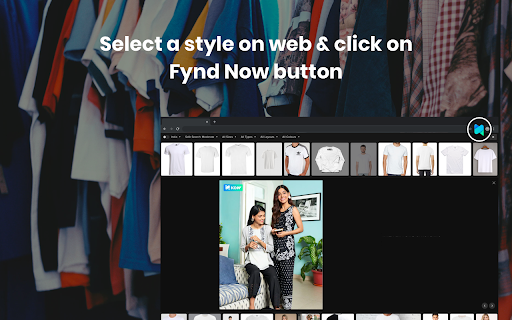
What is Fynd Now - Chrome Extension?
Fynd Now is an innovative Chrome extension designed to offer users a visual search experience for effortless shopping. By analyzing reference images, the extension identifies and suggests visually similar products, allowing users to shop with ease.
How to use Fynd Now - Chrome Extension?
To operate the Fynd Now extension, follow these simple steps:
- Press Alt + Left Click on any image to find visually similar products.
- Use Shift + Left Click on an image to explore the "Shop the Look" feature.
- Click on the extension icon to choose a search mode or capture a specific area for product suggestions.
- To close the extension, press the Escape key or click outside the popup area.
Key Features of Fynd Now - Chrome Extension
Find Similar
This feature allows users to discover products similar to any image they view, simplifying the shopping process by offering alternatives or identical items across various online stores.
Shop the Look
By using the "Shop the Look" option, users can not only find individual products but also complete looks inspired by reference images, streamlining fashion discovery and styling ideas.
Popular Use Cases for Fynd Now - Chrome Extension
Finding Visually Similar Products
Fynd Now helps shoppers quickly find similar items based on an image, reducing the time spent searching for specific products.
Extracting Products from Images
With this extension, users can extract individual products from an image and browse them in online catalogs, making it easier to purchase items directly.