AI Content Generator

Fake Social

Create AI images of you and your friends for free with Fake Social. Fun, realistic, and shareable moments at your fingertips!

Fake Social website preview

Introducing Fake Social: Your AI-Powered Social Experience
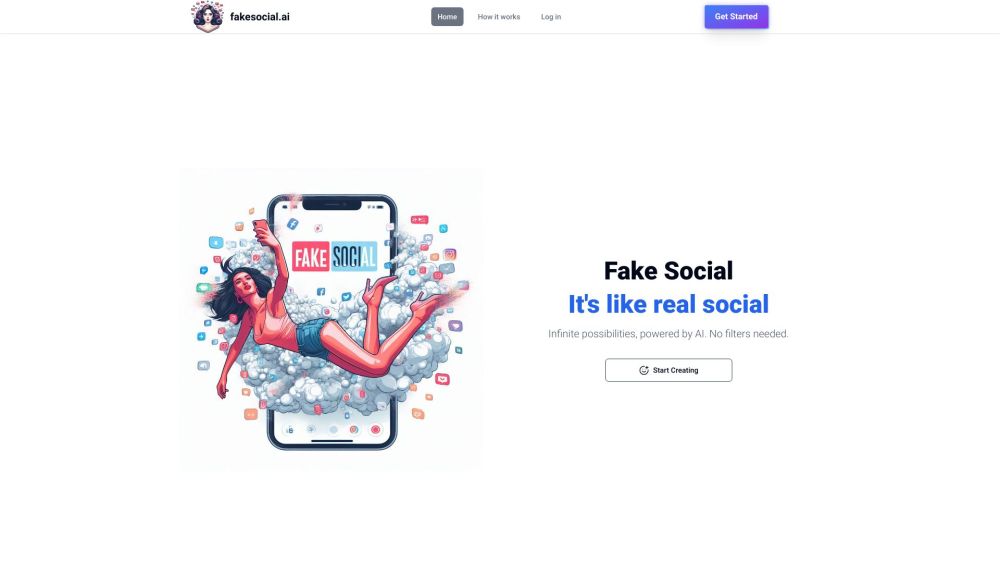
Fake Social Website screenshot

Are you ready to step into the world of Fake Social, where you can create AI-generated images of yourself with friends, all for free? With Fake Social, the possibilities are endless as you immerse yourself in a virtual social space where creativity knows no bounds.

Experience the Magic of Fake Social

Using Fake Social is as simple as uploading a single selfie with a clear, neutral face. From there, you can craft your unique profile page and start adding friends to explore and generate content together. Each day brings a new opportunity to create fresh content that aligns with the weekly theme, keeping your experience exciting and dynamic.

Unleash the Power of Fake Social

Key Features:

  • Create and share AI-generated content that sparks imagination and connection.
  • Generate new content daily to keep the creativity flowing.
  • Collaborate with friends to amplify your social experience.
  • Stay engaged with themed content that keeps things interesting.
  • Enjoy the freedom of using Fake Social without any cost.

Connect with Fake Social

  • Contact Fake Social Support

    For assistance, reach out to our dedicated support team. Visit the contact us page for more details.

  • About Fake Social Company

    Discover more about Fake Social and its mission by visiting the about us page.

  • Login to Fake Social

    Access your Fake Social account through the login link: https://fakesocial.ai/login

  • Sign up for Fake Social

    Create your Fake Social account by signing up here.

Product source: Fake Social official website. Check the provider for current plans, limits and availability.

FAQ

Fake Social questions and answers

Product context and practical checks for evaluating Fake Social.

What is Fake Social used for?

Create AI images of you and your friends for free with Fake Social. Fun, realistic, and shareable moments at your fingertips!

How do I get started with Fake Social?

Open the official Fake Social website and identify the workflow that matches your task. Prepare a brief with a subject, composition, lighting and required output size. Test a first generation and a targeted revision to see how much control you retain.

What should I compare before choosing a Fake Social plan?

Check Fake Social’s current pricing page for included usage, renewal terms and any credit charges. Compare the cost of a usable result, including retries, rather than assuming that account registration includes free usage.

What inputs should I prepare for a Fake Social trial?

Look for text prompts, image references, masks or sketches as appropriate. Compare composition control, supported upload types and the ability to revise a selected area.

How can I check the quality of a Fake Social result?

Inspect text, hands, edges, reflections and repeated objects at full size. Check that important product or brand details survive editing.

Which export options should I check in Fake Social?

Compare pixel dimensions, transparency, file formats and any enlargement options. Confirm that the downloaded result works in your design or publishing software.

What is a practical way to test Fake Social against alternatives?

Prepare a brief with a subject, composition, lighting and required output size. Test a first generation and a targeted revision to see how much control you retain.

What should I review before uploading material to Fake Social?

Read the provider’s rules on access, retention, deletion and use of uploaded material. Start with a non-confidential sample that you have permission to use.

How can I check whether Fake Social fits my existing workflow?

List the steps before and after using Fake Social, including preparation, review and export. Test that complete sequence and check whether handoffs require manual conversion or another paid service.

Where is the official Fake Social website?

The website linked from this profile is https://fakesocial.ai. Use the provider’s own documentation, account area and support channels to confirm current product details.

Visit Fake Social