Table of contents
Edraw.AI : AI Visual Collaboration, Workflow Automation, Pricing
Edraw.AI: AI-powered visual collaboration & project management—streamline workflows, boost team productivity, and visualize ideas instantly.
Directory : AI Content Generator, AI Charting, AI Presentation Generator, AI Team Collaboration, AI Project Management, AI Mind Mapping, AI Diagram Generator
What Is Edraw.AI?
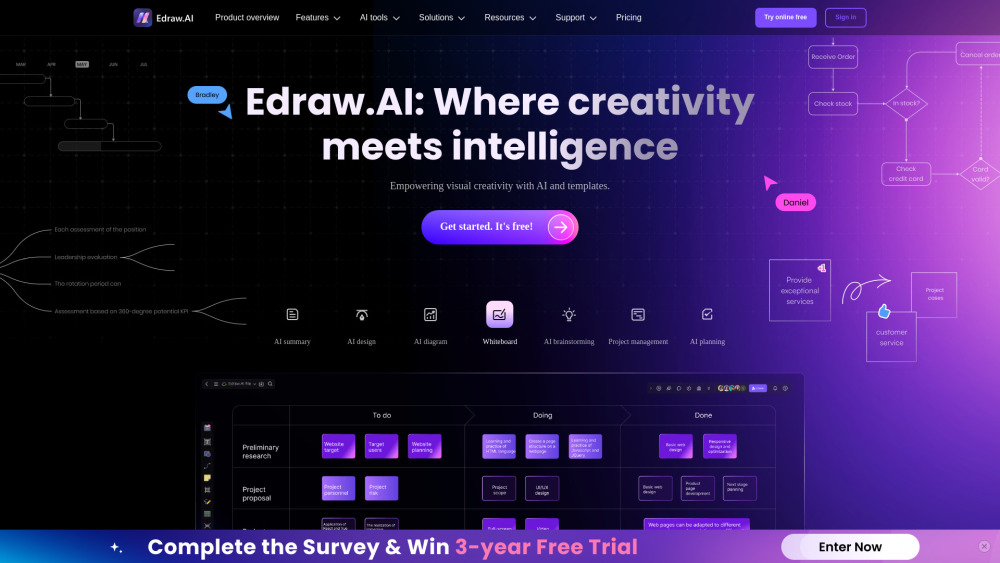
Edraw.AI is an intelligent visual collaboration platform built for modern teams—combining generative AI with intuitive diagramming to accelerate workflow automation, clarify complex ideas, and unify cross-functional collaboration. Whether mapping processes, designing systems, or planning projects, it transforms static visuals into dynamic, AI-enhanced workspaces.
Getting Started with Edraw.AI
Launch Edraw.AI in seconds: choose from AI-suggested templates or start blank, describe your goal in natural language to generate diagrams instantly, refine with smart editing tools, co-edit live with teammates, and export or embed outputs across Slack, Notion, Confluence, and more.
Core Capabilities of Edraw.AI
AI-Powered Visual Generation
Real-Time Multiplayer Collaboration
1,000+ Professionally Designed Templates
End-to-End Workflow Automation (Triggers, Approvals & Integrations)
Who Uses Edraw.AI?
Product Managers — Automating sprint planning & user journey mapping
Engineering Teams — Documenting architecture & CI/CD pipelines visually
HR & Operations — Streamlining onboarding workflows & org design
Frequently Asked Questions
-
Does Edraw.AI offer workflow automation features?
-
What’s included in the free plan—and how does Edraw.AI pricing scale?
-
Edraw.AI Support & Customer Service
For assistance with billing, refunds, or technical issues, visit Wondershare’s official contact page.
-
About Edraw.AI & Wondershare
Edraw.AI is developed by Wondershare—a global leader in productivity software since 2003. Learn about our mission, values, and product vision at EdrawSoft’s About Us page.
-
Edraw.AI Login
Access your workspace: https://accounts.wondershare.com/web/login
-
Edraw.AI Sign Up
Create your free account in under 30 seconds: https://accounts.wondershare.com/web/register
-
Edraw.AI Pricing Plans
Compare plans—including free tier, Pro, and Team subscriptions—with AI credits, automation limits, and admin controls: Edraw.AI Pricing Page
-
Follow Edraw.AI on Social
Facebook: https://www.facebook.com/edrawsoft/
YouTube: https://www.youtube.com/user/cutedraw
X (Twitter): https://x.com/edrawsoft
FAQ from Edraw.AI
What is Edraw.AI?
Edraw.AI is an AI-native visual collaboration platform that merges intelligent diagramming, real-time teamwork, and no-code workflow automation—designed to turn abstract ideas into actionable, shareable, and scalable visuals.
How do I use Edraw.AI for workflow automation?
Define triggers (e.g., “When a new task is added to Project X”), assign actions (e.g., auto-generate a flowchart, notify stakeholders, update status), and connect to tools like Google Workspace or Microsoft 365—all without writing code.
Is Edraw.AI free to use?
Yes—the free plan includes unlimited diagrams, core AI generation, real-time collaboration for up to 3 members, and access to 200+ templates. Premium features (advanced automation, priority support, custom branding) require a subscription.
What types of diagrams can I create with Edraw.AI?
From UML and ERD to swimlane flowcharts, customer journey maps, Kanban boards, network topologies, and interactive mind maps—Edraw.AI supports over 280 diagram types, all enhanced by contextual AI suggestions and one-click styling.