Table of contents
Dzine : AI Design Tools, Use Cases, Pricing, Reviews, Features
Dzine: Elevate your creativity with precise AI-powered design & image tools. Explore use cases, pricing, reviews, features, and alternatives today! Transform ideas effortlessly.
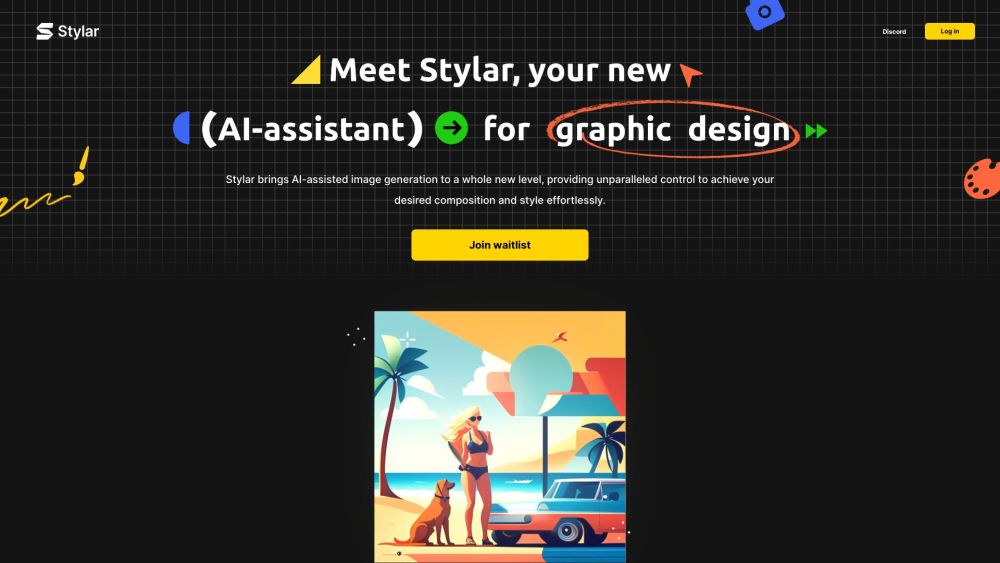
Introduction to Dzine
Dzine, previously known as Stylar.ai, is a revolutionary AI-powered design and image creation platform. This advanced tool allows users to control every aspect of their image generation process with precision. Whether it's creating generative art, removing objects from photos, or editing backgrounds, Dzine has the tools you need for professional-grade results.
How Can You Utilize Dzine?
With Dzine, transforming your creative visions into reality has never been easier. The platform provides an array of features such as AI-driven photo filters, concept sketching tools, and the ability to convert images into prompts. All these capabilities are available on a free online interface, making it accessible to everyone.
Key Features of Dzine
Control Over Image Composition
Creation of Generative Art
Object Removal and Replacement
Effortless Background Editing
Practical Applications of Dzine
Enhance Your Creative Projects with Precise Control
Simplify Image Editing with AI-Powered Tools
Frequently Asked Questions About Dzine
-
Is Dzine Beginner-Friendly?
-
How Do I Generate Unique AI Images Using Dzine?
-
Where Can I Generate Free AI Images?
-
What Makes Dzine Unique in the AI Design Industry?
-
Which Tool Can Remove Backgrounds from Photos?
-
How Can I Engage with the Dzine Community?
-
Dzine Reddit
Discover what the community has to say about Dzine: https://www.reddit.com/r/stylar_ai/
-
Dzine Discord
Join the official Dzine Discord server for discussions and updates: https://discord.gg/AMEqUCZvhn. For more details, click here(/discord/amequczvhn).
-
Customer Support Contact Information
Reach out to Dzine’s support team via email: [email protected]. Visit the contact us page(mailto:[email protected]) for further inquiries.
-
Company Name
The company behind Dzine is Stylar.
-
Pricing Details
Explore Dzine’s pricing plans at: https://www.stylar.ai/pricing
-
Dzine YouTube Channel
Subscribe to Dzine’s YouTube channel for tutorials and updates: https://youtube.com/@Stylar-ai?si=O-TIUWVl9dkaY0xk
-
Dzine LinkedIn Profile
Follow Dzine on LinkedIn: https://www.linkedin.com/company/stylarai/
-
Dzine Twitter Account
Stay updated with Dzine on Twitter: https://twitter.com/stylar_ai
-
Dzine Instagram Page
Check out Dzine’s latest creations on Instagram: https://www.instagram.com/stylar.ai_official/
-
Dzine Reddit Forum
Engage with the Dzine Reddit community: https://www.reddit.com/r/stylar_ai/
FAQs About Dzine
What Exactly is Dzine?
Dzine is a state-of-the-art AI tool designed for image creation and editing. It empowers users with features like composition control, generative art creation, object removal, and background editing.
How Do I Operate Dzine?
Using Dzine is straightforward. Simply generate and edit images using its all-in-one free online platform. Explore options like AI Photo Filters, AI Design Sketches, and Image-to-Prompt conversion.
Is Dzine Accessible for Beginners?
Absolutely! Dzine is user-friendly and does not require any coding knowledge or expensive hardware. Its intuitive interface makes it ideal for beginners looking to create and edit images effortlessly.
How Can I Create Distinctive AI-Generated Images with Dzine?
Start by choosing between 'image-to-image' or 'text-to-image', select a style, adjust parameters like 'structure match' and 'style intensity', then press 'Generate'. Use features like 'Generative Fill' to refine your designs.
Are There Places to Generate AI Images Free of Charge?
Upon signing up, Dzine offers 100 free credits, with an additional 30 daily credits. For those requiring more extensive usage, premium subscriptions provide unlimited credits and enhanced performance.
What Sets Dzine Apart from Other AI Design Tools?
Dzine distinguishes itself through its controllable AI image editor, offering diverse styles and integrated GPT technology for prompt generation. It excels in areas like image-to-image generation, generative fill, and provides a layered system for detailed design control.
Which AI Tool Can Remove Backgrounds from Photos?
Dzine simplifies background removal with a single-click feature and enables seamless background replacement. It’s an easy-to-use solution for editing images with AI capabilities.
How Can I Become Part of the Dzine Community?
Become active in the Dzine community by joining platforms such as Discord, Instagram, Reddit, and YouTube. Share your projects, gain inspiration, participate in contests, and help shape the future of Dzine’s technology.