Table of contents
DaVinci AI Art Generator : Text-to-Art, Pricing, Reviews, Features
DaVinci AI Art Generator: Turn text prompts into stunning AI art. Explore use cases, pricing, reviews, core features & top alternatives—all in one place!
Directory : Text to Image, AI Content Generator, AI Photo & Image Generator, AI Illustration Generator, AI Image Enhancer, Photo & Image Editor, AI Photo Enhancer, Image to Image, AI Art Generator
What Is DaVinci AI Art Generator?
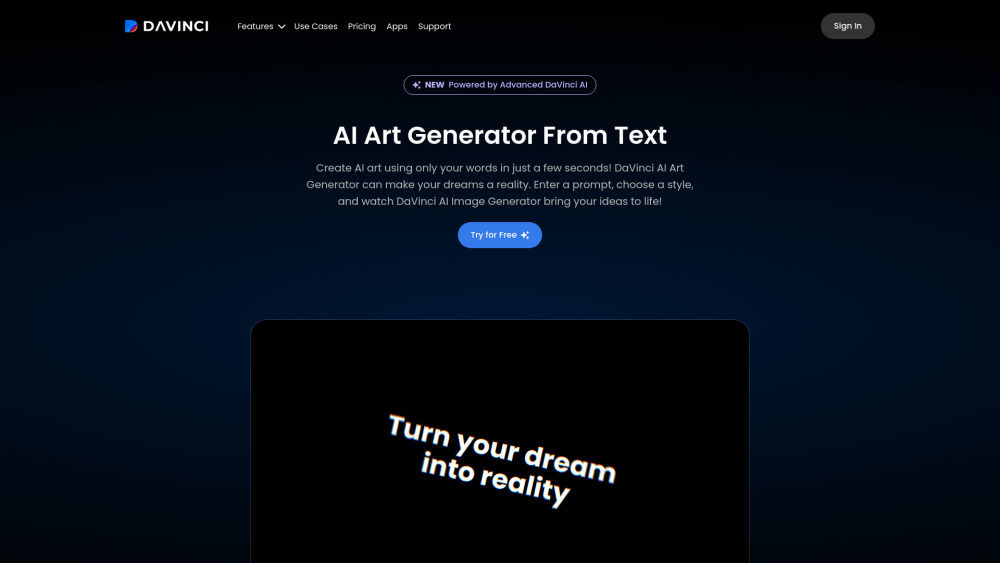
DaVinci AI Art Generator is a cutting-edge, browser-based creative platform that transforms descriptive text prompts into stunning, high-fidelity visual art—blending artistic intuition with state-of-the-art generative AI for designers, marketers, educators, and hobbyists alike.
How to Use DaVinci AI Art Generator
Start in seconds: describe your vision in plain language, fine-tune parameters like aspect ratio and style intensity, choose from curated model presets, and click “Generate” — no technical skills required.
Key Features of DaVinci AI Art Generator
Multi-engine AI architecture (DALL·E 3, SDXL, and proprietary DaVinci XL)
Photorealistic rendering with natural lighting, texture, and depth
4K+ resolution export with lossless upscaling options
Unlimited generations, priority queue, and batch creation in Pro tier
Real-World Applications
Produce original concept art, social media visuals, or branding assets on demand.
Transform rough sketches or reference photos into polished, stylized portraits or scenes.
Frequently Asked Questions
-
Does DaVinci AI offer a free plan or trial?
-
Which AI models power image generation in DaVinci AI?
-
Are post-generation editing tools available?
-
DaVinci AI Art Generator Support & Customer Care
For assistance with billing, refunds, or technical issues, visit the official Contact page.
-
DaVinci AI Art Generator Login
Access your workspace: https://davinci.ai/sign-in
-
DaVinci AI Art Generator Sign Up
Get started instantly: https://davinci.ai/sign-up
-
DaVinci AI Art Generator Pricing Plans
Compare features and subscription tiers: https://davinci.ai/pricing
-
DaVinci AI Art Generator on Facebook
Join the community: https://www.facebook.com/davinciapp
-
DaVinci AI Art Generator on TikTok
Watch tutorials and inspiration: https://www.tiktok.com/@davinci_ai
-
DaVinci AI Art Generator on Instagram
Follow for daily AI art tips: https://www.instagram.com/davinciaiapp
FAQ from DaVinci AI Art Generator
What is DaVinci AI Art Generator?
A next-generation text-to-image platform engineered for speed, fidelity, and creative flexibility — turning ideas into expressive visuals in under 10 seconds.
How to use DaVinci AI Art Generator?
Type a prompt, adjust sliders for realism vs. stylization, pick a canvas size, and generate — then refine with variations or upscale directly in-browser.
Does DaVinci AI offer a free plan or trial?
Yes — new users receive 5 free credits to test core features, plus optional email-verified access to limited daily generations without payment.
Which AI models power image generation in DaVinci AI?
It intelligently routes prompts across DALL·E 3 (for photorealism and prompt adherence), Stable Diffusion XL (for artistic control), and DaVinci XL (its custom fine-tuned model optimized for coherence and detail).
Are post-generation editing tools available?
Basic in-app editing is supported — including inpainting, outpainting, background removal, and style transfer — with advanced tools rolling out quarterly to Pro subscribers.