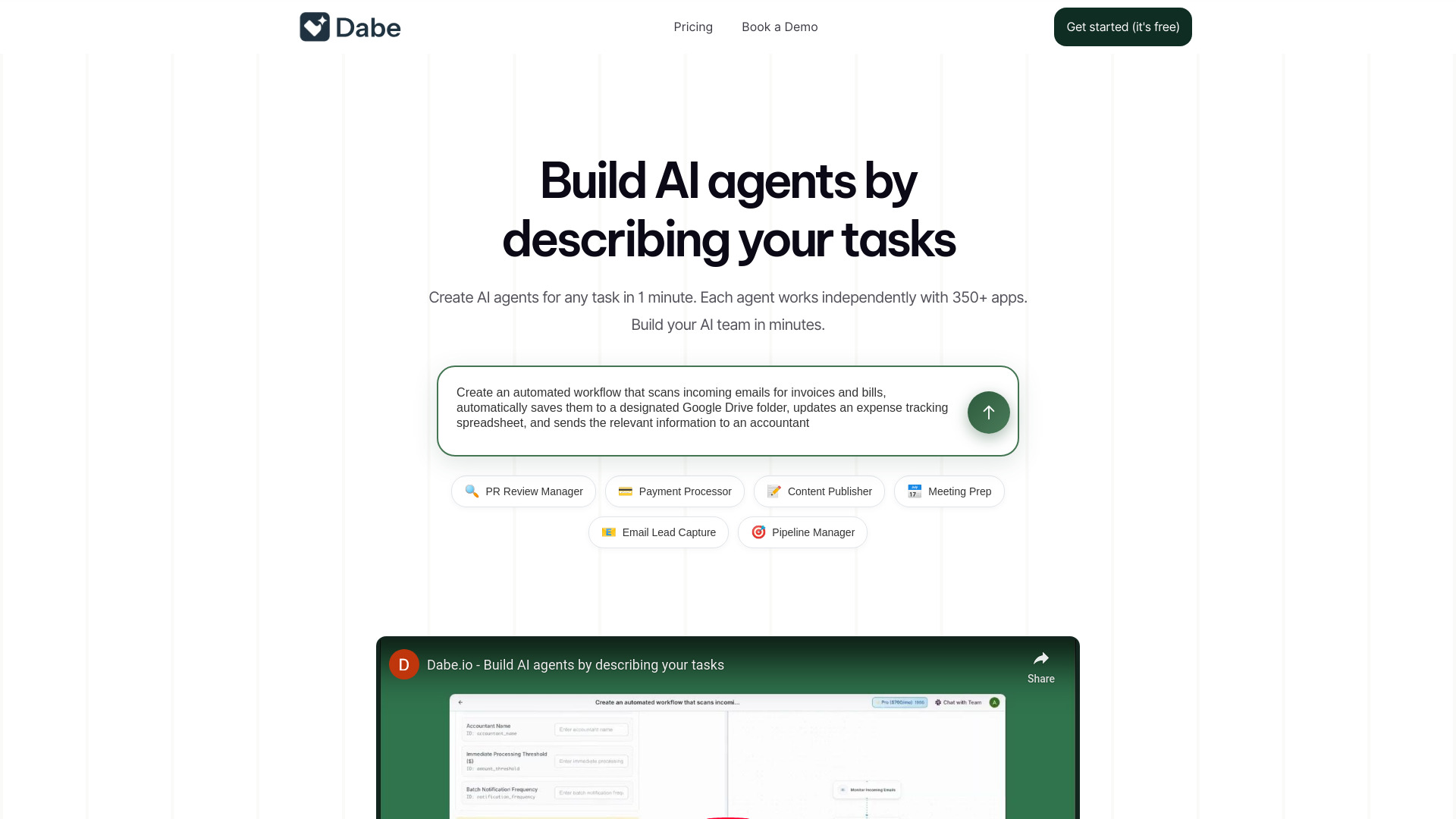
What Is Dabe?
Dabe is a no-code AI agent builder that lets teams automate recurring work across more than 350 business apps. You describe a workflow in plain English, and Dabe builds, tests, and deploys an agent to carry it out. Once active, the agent runs in the background and uses connected apps to move information or complete routine steps. A sales team might use Dabe to add incoming leads to its CRM, while an operations team could use it to track payment confirmations. Each agent handles a specific workflow, so teams can start with one recurring task and add more as their needs grow.
How to Use Dabe
Start with a task your team repeats and describe what should happen, when it should happen, and which apps are involved. For example, you might ask Dabe to create a CRM record whenever someone submits a contact form and send the lead details to the sales team. For a meeting workflow, you could ask it to gather relevant notes and send attendees a briefing before the call. Dabe uses that description to build and test the agent, then deploys it to carry out the workflow through the connected apps.
You can create separate agents for jobs such as capturing leads from email, tracking payment updates, coordinating pull request reviews, or keeping sales records current. Each agent runs independently, and all subscription plans include access for unlimited users. Dabe uses pay-per-success pricing, so charges are tied to successfully completed tasks. The number of agents you can create depends on your plan.
Key Features of Dabe
- Plain-English Agent Creation. Describe the steps you want an agent to follow in everyday language. You can specify what starts the workflow, which information the agent needs, and where the result should go.
- Connections to 350+ Apps. Dabe works with CRMs, payment services, messaging platforms, project management tools, and content management systems. An agent can use several connected apps in a single workflow, such as taking information from a form, saving it to a CRM, and sharing it with a team.
- No-Code Workflow Setup. The people who handle a process can describe how it works and build an agent without writing scripts. This makes automation accessible to sales, marketing, finance, and operations teams.
- Background Operation Around the Clock. Deployed agents can handle recurring work outside business hours. They can log an inquiry sent overnight, prepare a briefing for an early meeting, or carry out a scheduled publishing task.
These features are especially useful when a task requires the same information to pass through several tools. Automatically logging a form submission and notifying the right team, for instance, removes two manual steps and makes it easier for staff to follow up from a shared record.
Why Choose Dabe?
Dabe is a fit for teams that know which work they want to automate and want to set it up without programming. The person responsible for a process can describe details that matter in practice, such as where an incoming request should be logged or who needs to know when a record changes. With more than 350 integrations, teams can build workflows around apps they already use for day-to-day work.
Unlimited user access lets different departments use Dabe under the same subscription. Sales can automate lead intake, operations can track payment activity, and content teams can coordinate publishing with separate agents. Because pricing is based on successful task completion, teams can assess the cost of a workflow against the volume of work it handles. Dabe is also listed on aitop-tools.com alongside other AI workflow automation platforms.
Use Cases and Applications
Sales teams can capture inquiries from forms or email and add them to a CRM for follow-up. Finance teams can track payment confirmations and route updates to the people responsible for recordkeeping. Content teams can coordinate scheduled publication across connected tools, and customer success teams can collect public feedback and flag items that need a response. Development teams can route pull requests for review or prepare meeting briefs that bring related notes and project updates into one place. Each workflow gives an agent a defined job with a result the team can check, whether that result is a new record, a notification, or a summary.