AI Content Generator

Createthat.ai

Createthat.ai: The all-in-one platform for video creators to discover, compare, and license assets—fast. Use cases, pricing, reviews, features & alternatives.

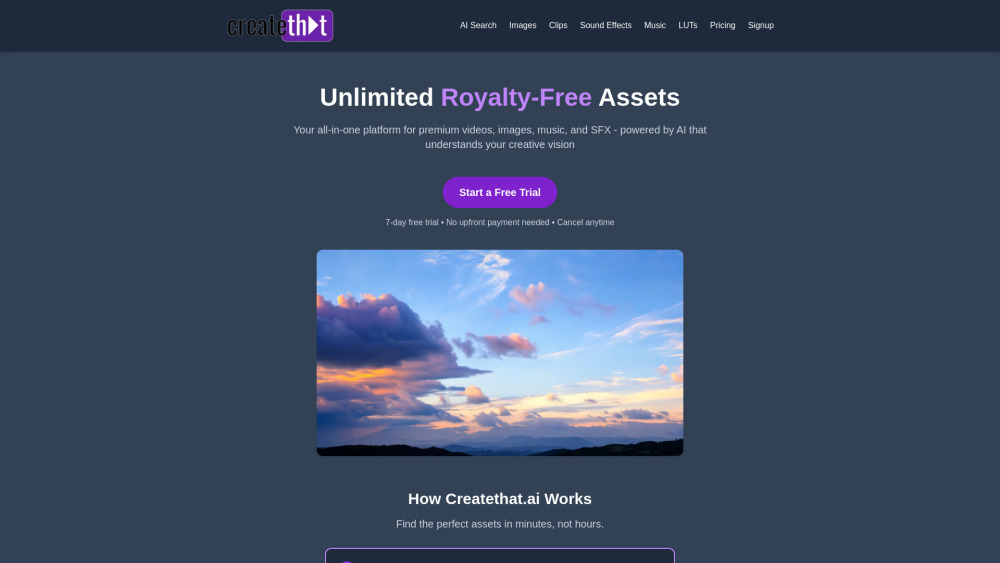
Createthat.ai website preview

Createthat.ai Website screenshot

What is Createthat.ai?

Createthat.ai is a next-generation video asset intelligence platform—designed to streamline how creators discover, license, and compare high-quality visual and audio assets for professional video production.

How to use Createthat.ai?

Simply input your script, storyboard notes, or even a rough video outline—and Createthat.ai’s contextual AI analyzes intent, tone, pacing, and scene requirements to surface precisely matched b-roll, motion graphics, sound design elements, and licensed music.

Createthat.ai's Core Features

Intelligent video asset discovery powered by multimodal AI

One-click licensing with transparent usage rights and attribution guidance

Side-by-side comparison of similar assets across quality, resolution, license type, and cost

Createthat.ai's Use Cases

Accelerating production for YouTube documentaries, TikTok explainers, branded social campaigns, and corporate training videos.

Product source: Createthat.ai official website. Check the provider for current plans, limits and availability.

FAQ

Createthat.ai questions and answers

Product context and practical checks for evaluating Createthat.ai.

What is Createthat.ai used for?

Createthat.ai: The all-in-one platform for video creators to discover, compare, and license assets—fast. Use cases, pricing, reviews, features & alternatives.

How do I get started with Createthat.ai?

Simply input your script, storyboard notes, or even a rough video outline—and Createthat.ai’s contextual AI analyzes intent, tone, pacing, and scene requirements to surface precisely matched b-roll, motion graphics, sound design elements, and licensed music.

Which capabilities are described for Createthat.ai?

Intelligent video asset discovery powered by multimodal AIOne-click licensing with transparent usage rights and attribution guidanceSide-by-side comparison of similar assets across quality, resolution, license type, and cost

What projects can I evaluate Createthat.ai for?

Accelerating production for YouTube documentaries, TikTok explainers, branded social campaigns, and corporate training videos.

What should I compare before choosing a Createthat.ai plan?

Createthat.ai Pricing Link: https://www.createthat.ai/pricing Confirm current prices and allowances on the provider’s website before purchasing.

What inputs should I prepare for a Createthat.ai trial?

Compare text prompts, reference frames, source footage and audio support. Check duration, aspect ratio and whether the tool lets you keep a subject consistent between shots.

How can I check the quality of a Createthat.ai result?

Watch the entire clip for motion errors, distorted objects, changing identities, lip-sync problems and abrupt transitions. Inspect the downloaded file as well as the preview.

Which export options should I check in Createthat.ai?

Check export resolution, frame rate, aspect ratio, audio tracks and watermark rules. A good preview is not a substitute for an export that fits your publishing channel.

What is a practical way to test Createthat.ai against alternatives?

Use a short shot with one subject and one camera movement. Keep the prompt and duration constant, then compare usable seconds and the number of regenerations.

Where is the official Createthat.ai website?

The website linked from this profile is https://www.createthat.ai. Use the provider’s own documentation, account area and support channels to confirm current product details.

Visit Createthat.ai