Writing Assistants

CommandBar

CommandBar: Boost engagement with AI-powered user assistance. Explore use cases, pricing, reviews, features, and alternatives—all in one place! Enhance experiences without disruption.

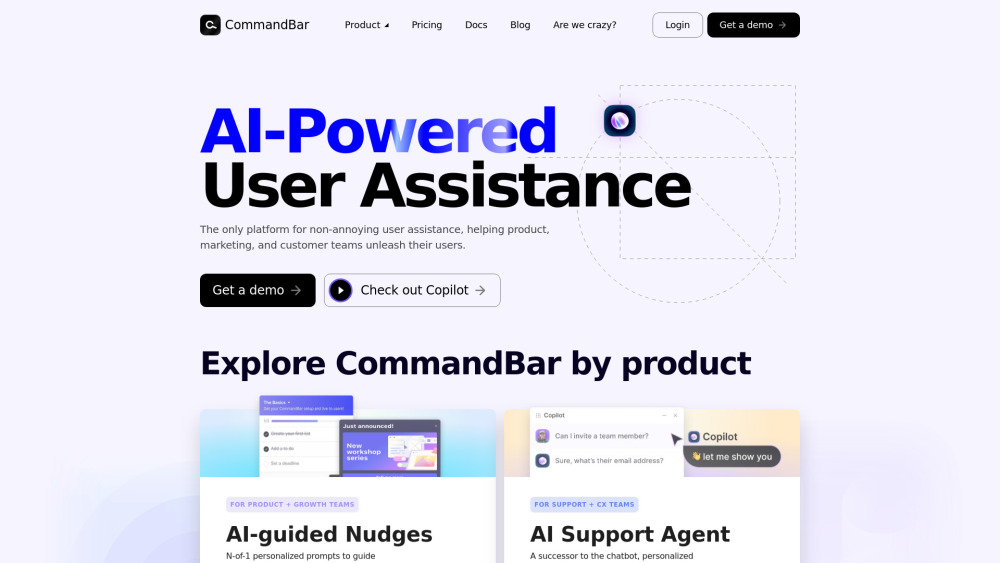
CommandBar website preview

CommandBar Website screenshot

Discover CommandBar

CommandBar is a cutting-edge AI-driven platform that empowers product, marketing, and customer support teams to boost user engagement with minimal interruption. Through personalized guidance and an intelligent virtual assistant, it transforms the way users interact with your product.

Getting Started with CommandBar

To start using CommandBar, simply sign up for the service and seamlessly integrate its AI-driven features into your application. This will provide your users with enhanced assistance and improve their overall experience.

Key Features of CommandBar

Personalized Guidance

Smart Virtual Assistant

Integrated In-app Support

Interactive Product Walkthroughs

Customizable Task Lists

Practical Applications of CommandBar

Streamline Onboarding with Interactive Tours and Checklists

Collect Valuable Feedback via Strategically Timed Surveys

Product source: CommandBar official website. Check the provider for current plans, limits and availability.

FAQ

CommandBar questions and answers

Product context and practical checks for evaluating CommandBar.

What is CommandBar used for?

CommandBar: Boost engagement with AI-powered user assistance. Explore use cases, pricing, reviews, features, and alternatives—all in one place! Enhance experiences without disruption.

How do I get started with CommandBar?

To start using CommandBar, simply sign up for the service and seamlessly integrate its AI-driven features into your application. This will provide your users with enhanced assistance and improve their overall experience.

Which capabilities are described for CommandBar?

Personalized GuidanceSmart Virtual AssistantIntegrated In-app SupportInteractive Product WalkthroughsCustomizable Task Lists

What projects can I evaluate CommandBar for?

Streamline Onboarding with Interactive Tours and ChecklistsCollect Valuable Feedback via Strategically Timed Surveys

What should I compare before choosing a CommandBar plan?

Learn more about CommandBar pricing plans by visiting: https://command.ai/pricing/ Confirm current prices and allowances on the provider’s website before purchasing.

What inputs should I prepare for a CommandBar trial?

Identify the files, text or account connections your task needs. Confirm that the product accepts those inputs and offers controls for reviewing its work.

How can I check the quality of a CommandBar result?

Test one representative task and inspect the result for accuracy and completeness. Record where manual corrections or extra tools are needed.

Which export options should I check in CommandBar?

Check export formats, integrations and whether you can keep using your work outside the service. Test a real export before committing to a longer plan.

What is a practical way to test CommandBar against alternatives?

Choose one task with a clear success condition. Keep the input consistent, record the time spent reviewing and compare the complete workflow cost.

Where is the official CommandBar website?

The website linked from this profile is https://command.ai. Use the provider’s own documentation, account area and support channels to confirm current product details.

Visit CommandBar