AI tool profile

College Tools

College Tools is an AI-powered exam assistant for students.

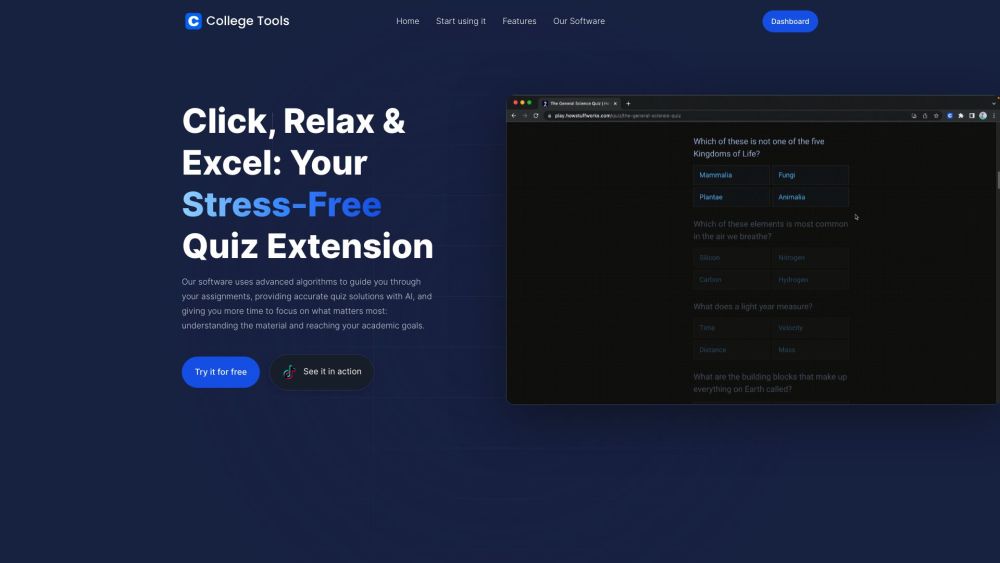
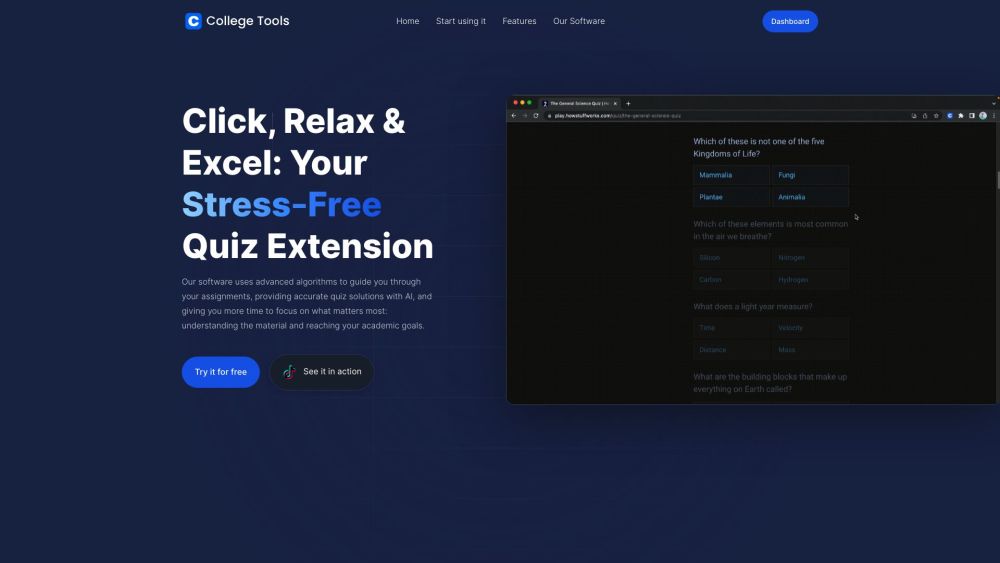
College Tools website preview

College Tools Website screenshot

What is College Tools?

College Tools is an AI-powered exam assistant that helps students with their homework and quizzes. It integrates with popular learning platforms and websites, allowing students to quickly find accurate solutions for their assignments.

How to use College Tools?

Using College Tools is easy. Just follow these three steps: 1. Get the Chrome Extension: Install College Tools from the Chrome Web Store. 2. Open any assignment: Open an assignment or quiz from any supported website or learning management system. 3. Start using it: With the assignment open, College Tools' AI will guide you to the correct answers for multiple-choice questions.

College Tools's Core Features

AI-powered quiz and homework solutions

Compatible with over 50 learning management systems and websites

Privacy-focused with stealth and camouflage features

Universal compatibility with any website

Instant answers with AI snapshot capture

Integration with McGraw Hill Smartbook, Khan Academy, Class Maker, and Blackboard Ultra

College Tools's Use Cases

Finding quick solutions for lengthy assignments using McGraw Hill Smartbook

Easily navigating solutions for complex homework tasks on Khan Academy

Snapping a shot of locked copy-paste questions on Class Maker for instant AI-driven answers

Utilizing College Tools seamlessly with existing elements of Blackboard Ultra for undetectable collaboration

Product source: College Tools official website. Check the provider for current plans, limits and availability.

FAQ

College Tools questions and answers

Product context and practical checks for evaluating College Tools.

What is College Tools used for?

College Tools is an AI-powered exam assistant for students.

How do I get started with College Tools?

Using College Tools is easy. Just follow these three steps: 1. Get the Chrome Extension: Install College Tools from the Chrome Web Store. 2. Open any assignment: Open an assignment or quiz from any supported website or learning management system. 3. Start using it: With the assignment open, College Tools' AI will guide you to the correct answers for multiple-choice questions.

Which capabilities are described for College Tools?

AI-powered quiz and homework solutionsCompatible with over 50 learning management systems and websitesPrivacy-focused with stealth and camouflage featuresUniversal compatibility with any websiteInstant answers with AI snapshot captureIntegration with McGraw Hill Smartbook, Khan Academy, Class Maker, and Blackboard Ultra

What projects can I evaluate College Tools for?

Finding quick solutions for lengthy assignments using McGraw Hill SmartbookEasily navigating solutions for complex homework tasks on Khan AcademySnapping a shot of locked copy-paste questions on Class Maker for instant AI-driven answersUtilizing College Tools seamlessly with existing elements of Blackboard Ultra for undetectable collaboration College Tools Login College Tools Login Link: https://www.collegetools.io/login College Tools Sign up College Tools Sign up Link: https://www.collegetools.io/signup College Tools Pricing College Tools Pricing Link: https://www.collegetools.io/#pricing College Tools Tiktok College Tools Tiktok Link: https://www.tiktok.com/@collegetools.ioCollege Tools Twitter College Tools Twitter Link: https://twitter.com/collegetoolsioCollege Tools Instagram College Tools Instagram Link: https://instagram.com/collegetoolsio

What should I compare before choosing a College Tools plan?

College Tools Pricing Link: https://www.collegetools.io/#pricing Confirm current prices and allowances on the provider’s website before purchasing.

What inputs should I prepare for a College Tools trial?

Identify the files, text or account connections your task needs. Confirm that the product accepts those inputs and offers controls for reviewing its work.

How can I check the quality of a College Tools result?

Test one representative task and inspect the result for accuracy and completeness. Record where manual corrections or extra tools are needed.

Which export options should I check in College Tools?

Check export formats, integrations and whether you can keep using your work outside the service. Test a real export before committing to a longer plan.

What is a practical way to test College Tools against alternatives?

Choose one task with a clear success condition. Keep the input consistent, record the time spent reviewing and compare the complete workflow cost.

Where is the official College Tools website?

The website linked from this profile is https://. Use the provider’s own documentation, account area and support channels to confirm current product details.

Visit College Tools