Table of contents
Cartwheel: AI-Powered 3D Animation for Rigging, Posing & Export
Cartwheel: AI-powered 3D animation tool that speeds up character rigging, posing & export—across games, film, and social media.
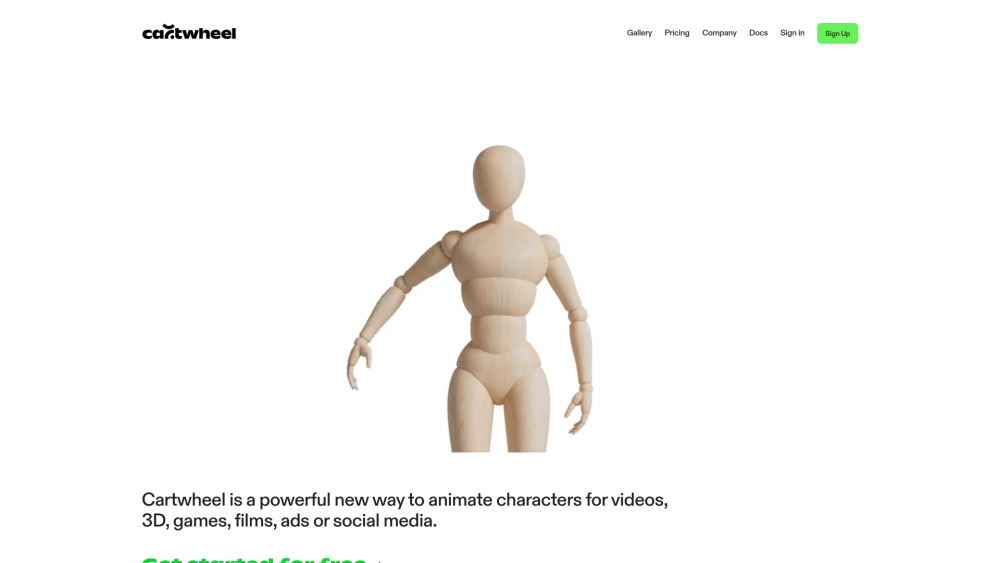
Introducing Cartwheel: The AI Engine for Effortless 3D Animation
Cartwheel redefines 3D character animation with generative AI—turning hours of manual rigging, posing, and exporting into seconds. Built for indie creators, studios, educators, and marketers, it delivers studio-grade motion control without coding, complex software, or deep technical expertise.
How Cartwheel Works
Start from scratch or jump in mid-project: describe a character in plain language—or sketch it—and Cartwheel instantly generates a fully rigged, pose-ready 3D model. Prefer full creative control? Upload your existing FBX, GLB, or OBJ file and apply intelligent, physics-aware animations with intuitive drag-and-drop blending. All workflows run natively in-browser—even on tablets and smartphones.
Cartwheel’s Intelligent Capabilities
AI-native rigging & auto-skinning for any character
One-click posing with semantic motion prompts (e.g., “confident walk,” “playful jump”)
Seamless motion layering and transition smoothing
Text-to-rig: generate production-ready characters from descriptions
Import-ready support for custom 3D assets (FBX, GLTF, OBJ, BVH)
Cross-device access—no app install required
End-to-end privacy: encrypted uploads, zero retention, one-click deletion
Curated Motion Library with genre-specific packs (cinematic, game-ready, social-first)
Multi-format export: MP4, GIF, BVH, FBX, GLTF, USDZ, and Maya-compatible rigs
Who Uses Cartwheel?
Video creators building dynamic explainers and branded shorts
Game devs prototyping NPCs, cutscenes, and VFX-ready assets
3D artists accelerating previs, storyboarding, and client demos
Filmmakers exploring AI-assisted performance animation
Marketing teams producing scalable ad variants across platforms
Educators and students learning animation fundamentals—without the steep curve
Cartwheel FAQ
-
What is Cartwheel?
-
Can I use my own 3D characters with Cartwheel?
-
Is Cartwheel accessible on mobile devices?
-
Is my uploaded work secure and private?
-
What are 'Spins' in Cartwheel's pricing plans?
-
Is there a free option to try Cartwheel?
-
Cartwheel Support & Contact
Reach our team anytime at [email protected]. For faster assistance, visit our Contact page.
-
About Cartwheel
Cartwheel is an AI animation platform developed by Cartwheel Labs—a team of animators, ML engineers, and 3D tool builders united by one mission: democratizing expressive 3D motion.
Learn more about our vision, values, and team: https://getcartwheel.com/company.
-
Cartwheel Login
Sign in to your studio workspace: https://getcartwheel.com/login?redirectTo=studio
-
Cartwheel Sign Up
Start animating in under 60 seconds: https://getcartwheel.com/sign-up
FAQ from Cartwheel
What is Cartwheel?
Cartwheel is an AI-native platform that automates rigging, intelligently poses 3D characters, and exports production-ready motion—cutting traditional animation time by up to 95%. It bridges the gap between idea and animated output for creators across video, games, advertising, and immersive media.
How to use Cartwheel?
Describe a character → get a rigged 3D model in seconds. Or upload your mesh → apply expressive motions with natural transitions. Blend actions, adjust timing, fine-tune poses, and export directly to your pipeline—all in one unified interface.
Can I use my own 3D characters with Cartwheel?
Absolutely. Cartwheel supports standard formats (FBX, GLTF, OBJ) and preserves your topology, materials, and naming conventions. Its AI adapts to your rig—or generates an optimized one on-the-fly—so your assets stay yours, and your workflow stays intact.
Is Cartwheel accessible on mobile devices?
Yes. Cartwheel runs entirely in modern browsers—including Safari and Chrome on iOS and Android—making it ideal for on-the-go ideation, quick edits, and collaborative reviews without local installs.
Is my uploaded work secure and private?
100%. Files are encrypted in transit and at rest. Cartwheel never trains on or stores your assets. You retain full ownership—and can delete everything with one click from your account dashboard.
What are 'Spins' in Cartwheel's pricing plans?
Each ‘Spin’ represents one AI-generated motion sequence (e.g., a pose, blend, or full-cycle animation). Plans scale with usage—starting with 150 Spins/month on the free tier—so you only pay for what you create.
Is there a free option to try Cartwheel?
Yes. The free Creator plan includes 150 Spins/month, full export capabilities (MP4, GLTF, FBX), access to the core Motion Library, and no watermarks—no credit card required.