AI Email Assistant

Cal.ai

Think of Cal.ai as your all-in-one AI scheduling assistant. With just a few easy steps, Cal.ai will set you up with your own personal email assistant that will automatically schedule meetings for you.

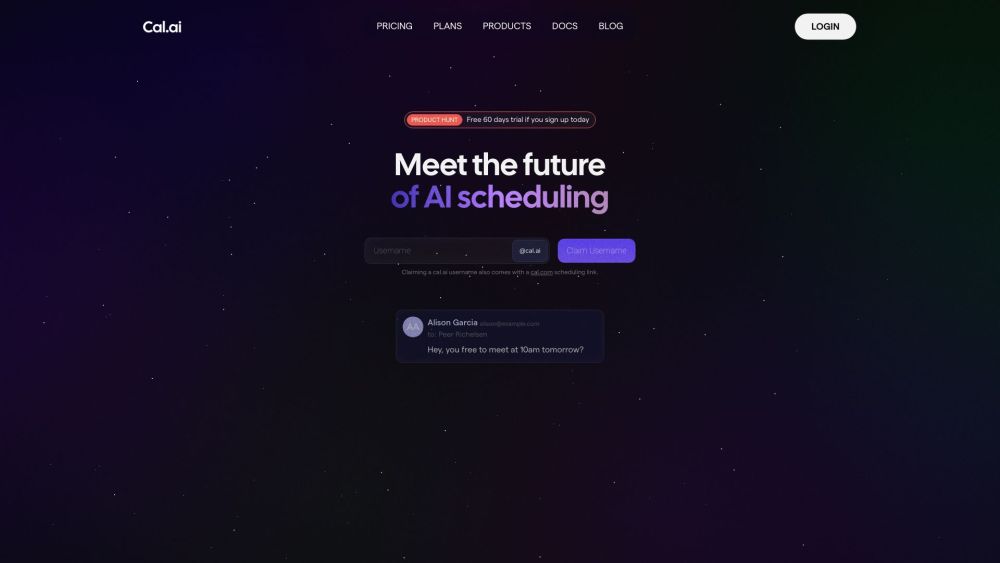
Cal.ai website preview

Cal.ai Website screenshot

Introduction to Cal.ai

Cal.ai is your comprehensive AI-powered scheduling assistant, designed to streamline the process of organizing meetings. By following a few simple steps, Cal.ai provides you with a personalized email assistant capable of managing your scheduling needs effortlessly.

Getting Started with Cal.ai

To begin using Cal.ai, you just need to create a unique username and set up your email assistant. Once set up, you can forward your emails to your dedicated Cal.ai email address, allowing the AI to handle your meeting scheduling automatically.

Key Features of Cal.ai

Automated Meeting Scheduling

Email Forwarding for Seamless Management

Meeting Transcriptions and Summaries

Effortless Rescheduling with Alternative Options

Applications of Cal.ai

Recruitment

Sales Coordination

Team Training

Hiring Processes

Marketplace Interactions

Telehealth Appointments

Product source: Cal.ai official website. Check the provider for current plans, limits and availability.

FAQ

Cal.ai questions and answers

Product context and practical checks for evaluating Cal.ai.

What is Cal.ai used for?

Think of Cal.ai as your all-in-one AI scheduling assistant. With just a few easy steps, Cal.ai will set you up with your own personal email assistant that will automatically schedule meetings for you.

How do I get started with Cal.ai?

To begin using Cal.ai, you just need to create a unique username and set up your email assistant. Once set up, you can forward your emails to your dedicated Cal.ai email address, allowing the AI to handle your meeting scheduling automatically.

Which capabilities are described for Cal.ai?

Automated Meeting SchedulingEmail Forwarding for Seamless ManagementMeeting Transcriptions and SummariesEffortless Rescheduling with Alternative Options

What projects can I evaluate Cal.ai for?

RecruitmentSales CoordinationTeam TrainingHiring ProcessesMarketplace InteractionsTelehealth Appointments Cal.ai Customer Support and Contact Information For customer support, you can reach out via the following email: [email protected]. For additional contact details, please visit the contact us page (https://app.cal.com/support). About Cal.ai Cal.ai is a product of Cal.com, Inc. For more detailed information, please visit the about us page (https://cal.com/about). Cal.ai Login Access your Cal.ai account here: https://app.cal.com. Cal.ai Sign Up Create your Cal.ai account here: https://app.cal.com. Cal.ai Pricing For pricing information, visit: https://cal.com/pricing. Cal.ai on Twitter Follow Cal.ai on Twitter: https://twitter.com/calcom. Cal.ai on GitHub Explore Cal.ai's open-source projects on GitHub: https://github.com/calcom.

What should I compare before choosing a Cal.ai plan?

For pricing information, visit: https://cal.com/pricing. Confirm current prices and allowances on the provider’s website before purchasing.

What inputs should I prepare for a Cal.ai trial?

Compare support for source documents, style instructions, outlines and length limits. Check whether citations link to real material rather than merely looking like references.

How can I check the quality of a Cal.ai result?

Verify names, dates, quotations and factual claims against the original sources. Edit tone, remove repetition and make sure the text answers the intended reader’s question.

Which export options should I check in Cal.ai?

Check export to plain text, Markdown, documents or your publishing system. Formatting, headings and working links matter when moving a draft into production.

What is a practical way to test Cal.ai against alternatives?

Use a real brief and a short source document. Compare factual accuracy, structure and editing time rather than accepting the longest or most confident draft.

Where is the official Cal.ai website?

The website linked from this profile is https://makebestmusic.com. Use the provider’s own documentation, account area and support channels to confirm current product details.

Visit Cal.ai