Table of contents
BrAIs: Language Model Interaction Management Platform : Optimize Prompts, Track Performance, Boost AI Reliability
BrAIs: Streamline & enhance LLM interactions with our all-in-one management platform—optimize prompts, track performance, and boost AI reliability.
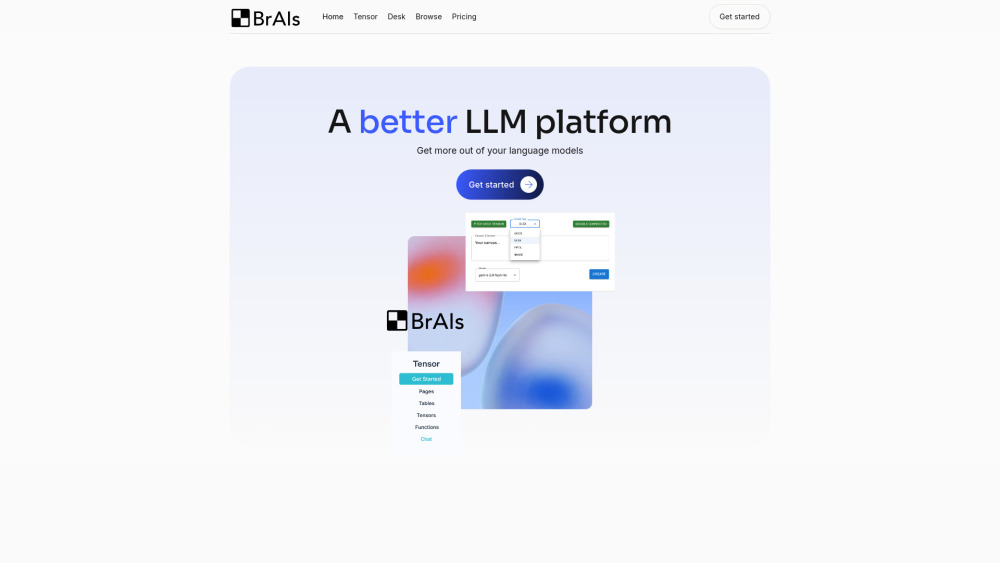
What is BrAIs?
BrAIs is a purpose-built Language Model Interaction Management Platform — engineered to transform how teams design, deploy, and govern AI workflows. Unlike generic chat interfaces, BrAIs provides granular control over prompt engineering, context orchestration, and output validation. It embeds directly into your browser and digital workspace to help you optimize prompts for precision, track performance across models and versions, and systematically boost AI reliability — turning ad-hoc LLM usage into auditable, repeatable, and trustworthy processes. Core modules include Tensor (intelligent context assembly), Desk (Google Workspace–native prompt augmentation), and Browse (real-time, context-aware browsing assistance).
How to use BrAIs?
Start in seconds: install the Chrome extension or log in via web. Use Tensor to auto-extract, summarize, and index structured/unstructured content from HTML, PDF, PPTX, DOCX, XLSX, and images — transforming raw documents into high-fidelity, versioned context graphs. With Desk, generate, refine, and insert AI-assisted drafts directly inside Google Docs, Sheets, and Slides — complete with inline prompt history and response scoring. Activate Browse to launch contextual chats on any webpage, where BrAIs automatically injects relevant page content, prior interactions, and custom instructions — no copy-paste required. Every action is logged, scored, and traceable — making prompt iteration measurable and outcomes reproducible.
BrAIs’s Core Features
Tensor: Context Intelligence Engine — ingest, structure, and version HTML, PDF, PPTX, DOCX, XLSX, and image-based knowledge.
Desk: Google Workspace-native prompt management — draft, evaluate, and embed AI outputs with full lineage tracking.
Browse: Context-aware in-browser assistant — chat with LLMs using live webpage content + your defined context rules.
Prompt Studio: Visual editor for building, A/B testing, and optimizing prompts — with latency, token cost, and accuracy metrics.
Reliability Dashboard: Real-time monitoring of response consistency, hallucination rate, factual grounding, and model drift.
BrAIs’s Use Cases
Optimizing enterprise prompt libraries — benchmarking variants across models (GPT-4, Claude, Gemini, local LLMs) with quantifiable accuracy and cost trade-offs.
Ensuring compliance and auditability — logging every prompt, context source, model version, and output for regulatory review or internal governance.
Reducing hallucination risk in knowledge-intensive workflows — by enforcing strict context grounding, citation tracing, and confidence scoring.
Accelerating cross-functional AI adoption — enabling non-technical users to leverage advanced prompting patterns without writing code or managing APIs.
Scaling AI reliability across teams — standardizing best practices, sharing validated prompt templates, and measuring ROI per interaction.
FAQ from BrAIs
-
What does BrAIs do?
-
Who is BrAIs for?
-
What documents and sources can I connect?
-
Can I track and compare prompt performance over time?
-
Is BrAIs built for technical or non-technical users?
-
BrAIs Support Email & Customer service contact & Refund contact etc.
For prompt optimization guidance, reliability diagnostics, or account support: [email protected]. Visit our full contact portal: https://try.brais.app/utility-pages/contact
-
BrAIs Company
Legal entity: BrAIs Technologies Inc. — founded to advance responsible, measurable, and human-centered AI interaction design.
-
BrAIs Login
Access your Reliability Dashboard and Prompt Studio: https://brais.outseta.com/profile#o-authenticated
-
BrAIs Sign up
Start your free trial — no credit card required: https://brais.outseta.com/auth?widgetMode=register&planUid=rmkJ4KWg#o-anonymous
-
BrAIs Facebook
Community updates & user stories: https://www.facebook.com/BrAIsTech
-
BrAIs LinkedIn
Thought leadership & enterprise use cases: https://www.linkedin.com/company/browsewithbrais
-
BrAIs X (Twitter)
Real-time tips, prompt patterns, and platform updates: https://twitter.com/BrAIs_Tech
-
BrAIs Instagram
Behind-the-scenes, UI demos, and workflow inspiration: https://www.instagram.com/brais.tech
FAQ from BrAIs
What is BrAIs?
BrAIs is a Language Model Interaction Management Platform that empowers teams to optimize prompts, track performance metrics (accuracy, latency, cost, safety), and boost AI reliability through structured, auditable, and collaborative workflows — not just chat windows.
How to use BrAIs?
Install the Chrome extension or sign in at brais.app. Upload documents to Tensor for intelligent context building. Use Desk to generate and refine Google Workspace content with embedded prompt history. Enable Browse for real-time, context-rich conversations anywhere online. All interactions feed into your Reliability Dashboard — so improvement is measurable, not assumed.
What does BrAIs do?
BrAIs turns unstructured LLM usage into a managed system: it standardizes prompt design, validates outputs against ground truth, measures consistency over time, and surfaces insights to reduce guesswork and increase trust in AI-generated work.
Who is BrAIs for?
AI practitioners, product managers, legal/compliance teams, educators, researchers, and knowledge workers — anyone who depends on accurate, consistent, and traceable AI outputs but lacks infrastructure to govern them.
What documents can I use with BrAIs?
HTML, PDF, PPTX, DOCX, XLSX, CSV, JPG/PNG, and public web pages. Plus seamless sync with Google Docs, Sheets, Slides, and Drive folders — all processed with privacy-first, on-device preprocessing where possible.
Can I track and compare prompt performance over time?
Yes. BrAIs logs every prompt execution with timestamps, model IDs, input tokens, output tokens, latency, user ratings, and automated reliability scores (e.g., “groundedness”, “coherence”, “bias flag”). Export charts or set alerts for regressions.
Is BrAIs easy to use if you’re not technical?
Absolutely — and intentionally so. No API keys, YAML files, or CLI required. Drag-and-drop uploads, one-click Google Workspace actions, and plain-language prompt editing make advanced LLM governance accessible to everyone.