AI Content Generator

AutoRFP.ai

AutoRFP.ai automates RFP responses with AI, eliminating manual work and enhancing quality. Streamline your process with our powerful, intelligent tools.

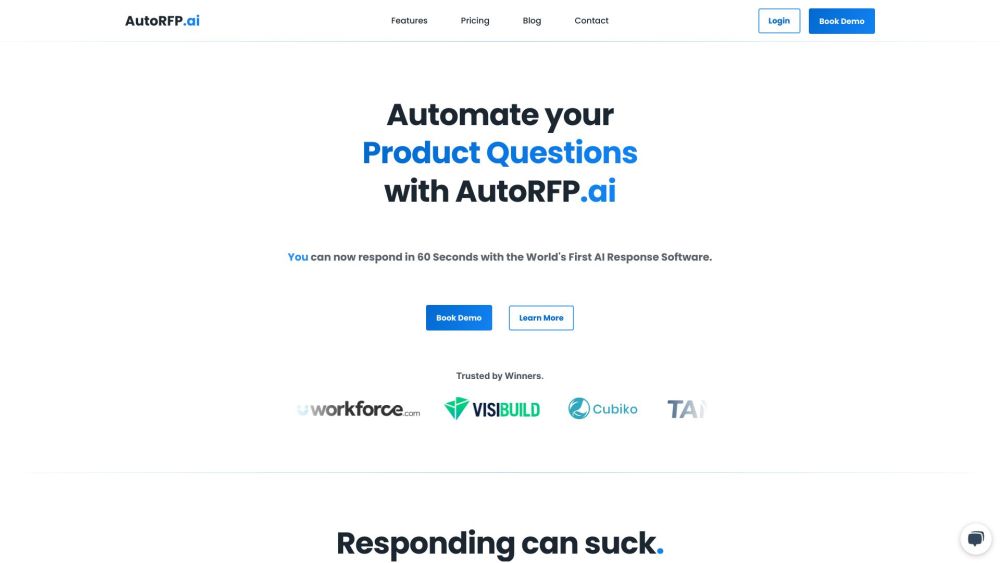
AutoRFP.ai website preview

AutoRFP.ai Website screenshot

What is AutoRFP.ai?

AutoRFP.ai is a cutting-edge AI-driven platform designed to automate the creation of responses for Requests for Proposals (RFPs). Leveraging advanced Generative AI, it streamlines the RFP response process, removing the need for manual drafting and offering a suite of tools to enhance response quality.

How to use AutoRFP.ai?

Utilizing AutoRFP.ai is straightforward. Users can upload previous RFPs or Security Questionnaires in various formats, including Excel, Word, PDF, or directly from the web. This content is easily archived, flagged, and updated within the system. Users can then create a new project by importing content from Word, Excel, or a web portal. AutoRFP.ai generates an initial draft response in seconds, tailored to the user's preferred tone and structure. The draft can be refined and enhanced with AI-driven suggestions. Subject Matter Experts can be designated to review and edit specific sections of the response. AutoRFP.ai provides comprehensive AI tools throughout the process to ensure optimal response quality.

AutoRFP.ai's Core Features

AI-generated responses

Real-time collaboration

Smart search

Private and secure content

Managed infrastructure

Efficiency with fewer clicks

AutoRFP.ai's Use Cases

Streamlining responses to repetitive or previously answered RFP questions

Reducing the time and effort required for RFP responses

Enhancing the quality and volume of RFP responses

Improving teamwork and collaboration within response teams

Product source: AutoRFP.ai official website. Check the provider for current plans, limits and availability.

FAQ

AutoRFP.ai questions and answers

Product context and practical checks for evaluating AutoRFP.ai.

What is AutoRFP.ai used for?

AutoRFP.ai automates RFP responses with AI, eliminating manual work and enhancing quality. Streamline your process with our powerful, intelligent tools.

How do I get started with AutoRFP.ai?

Utilizing AutoRFP.ai is straightforward. Users can upload previous RFPs or Security Questionnaires in various formats, including Excel, Word, PDF, or directly from the web. This content is easily archived, flagged, and updated within the system. Users can then create a new project by importing content from Word, Excel, or a web portal. AutoRFP.ai generates an initial draft response in seconds, tailored to the user's preferred tone and structure. The draft can be refined and enhanced with AI-driven suggestions. Subject Matter Experts can be designated to review and edit specific sections of the response. AutoRFP.ai provides comprehensive AI tools throughout the process to ensure optimal response quality.

Which capabilities are described for AutoRFP.ai?

AI-generated responsesReal-time collaborationSmart searchPrivate and secure contentManaged infrastructureEfficiency with fewer clicks

What projects can I evaluate AutoRFP.ai for?

Streamlining responses to repetitive or previously answered RFP questionsReducing the time and effort required for RFP responsesEnhancing the quality and volume of RFP responsesImproving teamwork and collaboration within response teams AutoRFP.ai Support Email & Customer Service Contact For more information, visit the contact us page AutoRFP.ai Company Company Name: Automatic Capital Operations Pty Ltd. AutoRFP.ai Login Login at https://app.autorfp.ai AutoRFP.ai Pricing View pricing at https://autorfp.ai/pricing AutoRFP.ai LinkedIn Connect on LinkedIn: https://www.linkedin.com/company/auto-rfp/

What should I compare before choosing a AutoRFP.ai plan?

View pricing at https://autorfp.ai/pricing Confirm current prices and allowances on the provider’s website before purchasing.

What inputs should I prepare for a AutoRFP.ai trial?

Identify the files, text or account connections your task needs. Confirm that the product accepts those inputs and offers controls for reviewing its work.

How can I check the quality of a AutoRFP.ai result?

Test one representative task and inspect the result for accuracy and completeness. Record where manual corrections or extra tools are needed.

Which export options should I check in AutoRFP.ai?

Check export formats, integrations and whether you can keep using your work outside the service. Test a real export before committing to a longer plan.

What is a practical way to test AutoRFP.ai against alternatives?

Choose one task with a clear success condition. Keep the input consistent, record the time spent reviewing and compare the complete workflow cost.

Where is the official AutoRFP.ai website?

The website linked from this profile is https://autorfp.ai. Use the provider’s own documentation, account area and support channels to confirm current product details.

Visit AutoRFP.ai