AI Content Generator

Automata AI

Automata AI: transform videos into engaging blogs, Twitter threads, and key points. Revolutionize your content strategy with AI-powered repurposing.

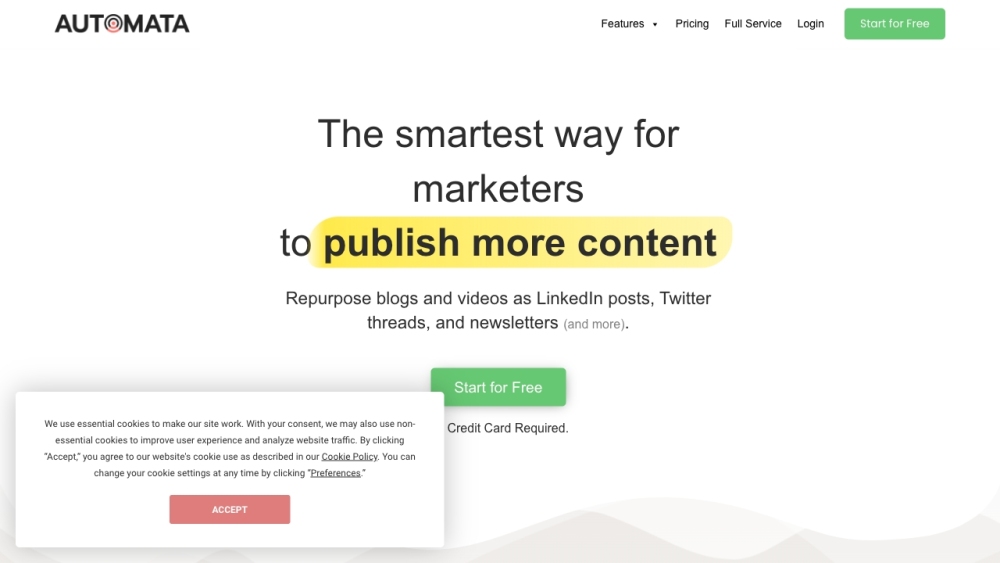
Automata AI website preview

Automata - Repurpose Your Videos with AI Website screenshot

Automata AI: Convert Videos to Blogs, Threads, Key Points, More

What is Automata AI?

Automata AI is a cutting-edge platform designed for marketers and content creators to transform their video content and other marketing materials into various formats. This AI-driven tool allows users to effortlessly convert videos into blog posts, Twitter threads, summaries, and more, optimizing content distribution strategies.

How to Use Automata AI

1. Sign up and log in to the Automata AI platform.
2. Select a pricing plan that suits your needs (Light Repurposer or Power Repurposer).
3. Upload your videos or text documents.
4. Choose the desired output formats and writing styles for different channels.
5. Initiate the repurposing process and let Automata AI generate the content.
6. Use the Autopilot feature to manage and monitor your repurposed content.
7. Publish the generated content across multiple platforms to maximize reach.

Core Features of Automata AI

Versatile Content Transformation

Transform videos into blogs, blogs into Twitter threads, and more with ease.

Simultaneous Content Creation

Create multiple pieces of content at the same time, enhancing productivity.

Platform-Specific Customization

Adapt writing styles for various publishing channels, ensuring relevance and engagement.

Pre-Designed Templates

Use templates for different content formats to streamline the repurposing process.

Autopilot Feature

Automatically generate content from your YouTube channel or blog feed with minimal effort.

Customizable Writing Styles

Tailor the AI to match your unique voice and content needs for consistency.

Comprehensive Knowledge Base

Build a rich repository of marketing content for enhanced AI performance.

Wide Range of Content Outputs

Create SEO-optimized blog posts, social media updates, newsletters, summaries, and more.

Use Cases for Automata AI

Consistent Content Distribution

Regularly publish across various channels by repurposing existing content.

Maximized Content Value

Re-use and recycle content into new formats to unlock greater value.

Thought Leadership

Share insights and establish thought leadership across multiple platforms.

Enhanced Social Engagement

Engage your audience with valuable insights instead of just sharing links.

Efficient Key Point Extraction

Extract key points from lengthy videos and large PDFs to provide concise content.

Product source: Automata AI official website. Check the provider for current plans, limits and availability.

FAQ

Automata AI questions and answers

Product context and practical checks for evaluating Automata AI.

What is Automata AI used for?

Automata AI: transform videos into engaging blogs, Twitter threads, and key points. Revolutionize your content strategy with AI-powered repurposing.

How do I get started with Automata AI?

1. Sign up and log in to the Automata AI platform. 2. Select a pricing plan that suits your needs (Light Repurposer or Power Repurposer). 3. Upload your videos or text documents. 4. Choose the desired output formats and writing styles for different channels. 5. Initiate the repurposing process and let Automata AI generate the content. 6. Use the Autopilot feature to manage and monitor your repurposed content. 7. Publish the generated content across multiple platforms to maximize reach.

Which capabilities are described for Automata AI?

Versatile Content TransformationTransform videos into blogs, blogs into Twitter threads, and more with ease.Simultaneous Content CreationCreate multiple pieces of content at the same time, enhancing productivity.Platform-Specific CustomizationAdapt writing styles for various publishing channels, ensuring relevance and engagement.Pre-Designed TemplatesUse templates for different content formats to streamline the repurposing process.Autopilot FeatureAutomatically generate content from your YouTube channel or blog feed with minimal effort.Customizable Writing StylesTailor the AI to match your unique voice and content needs for consistency.Comprehensive Knowledge BaseBuild a rich repository of marketing content for enhanced AI performance.Wide Range of Content OutputsCreate SEO-optimized blog posts, social media updates, newsletters, summaries, and more.

What projects can I evaluate Automata AI for?

Consistent Content DistributionRegularly publish across various channels by repurposing existing content.Maximized Content ValueRe-use and recycle content into new formats to unlock greater value.Thought LeadershipShare insights and establish thought leadership across multiple platforms.Enhanced Social EngagementEngage your audience with valuable insights instead of just sharing links.Efficient Key Point ExtractionExtract key points from lengthy videos and large PDFs to provide concise content. Automata AI Support and Contact Information For customer service, contact Automata AI at [email protected]. Company Information Company Name: Automata Address: 99 Derby St., Suite 201, Hingham, MA 02043 Automata AI Login Login here: Automata AI Login Automata AI Sign Up Sign up here: Automata AI Sign Up Automata AI Pricing View pricing details here: Automata AI Pricing Automata AI on LinkedIn Connect with us on LinkedIn: Automata AI LinkedIn Automata AI on Twitter Follow us on Twitter: Automata AI Twitter

What should I compare before choosing a Automata AI plan?

View pricing details here: Automata AI Pricing Confirm current prices and allowances on the provider’s website before purchasing.

What inputs should I prepare for a Automata AI trial?

Compare text prompts, reference frames, source footage and audio support. Check duration, aspect ratio and whether the tool lets you keep a subject consistent between shots.

How can I check the quality of a Automata AI result?

Watch the entire clip for motion errors, distorted objects, changing identities, lip-sync problems and abrupt transitions. Inspect the downloaded file as well as the preview.

Which export options should I check in Automata AI?

Check export resolution, frame rate, aspect ratio, audio tracks and watermark rules. A good preview is not a substitute for an export that fits your publishing channel.

What is a practical way to test Automata AI against alternatives?

Use a short shot with one subject and one camera movement. Keep the prompt and duration constant, then compare usable seconds and the number of regenerations.

Where is the official Automata AI website?

The website linked from this profile is https://byautomata.io. Use the provider’s own documentation, account area and support channels to confirm current product details.

Visit Automata AI