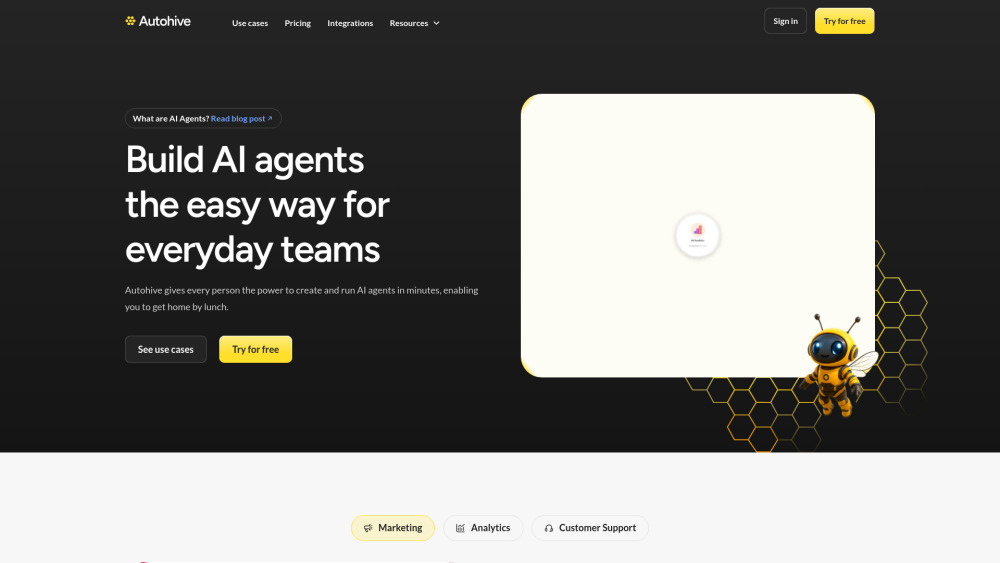
Autohive: AI Agent Platform — No-Code, Scalable & Lightning-Fast
Autohive redefines what’s possible with AI automation — delivering enterprise-grade intelligence through a frictionless, no-code interface. Built for speed, flexibility, and real-world impact, it lets anyone — from marketers to operations managers — design, deploy, and orchestrate intelligent AI agents in seconds. No infrastructure setup. No Python required. Just intuitive visual workflows, instant integrations, and sub-second response times — all powered by a purpose-built, low-latency agent runtime engine.
Why Teams Choose Autohive
Instead of stitching together APIs or waiting for engineering cycles, teams use Autohive to launch autonomous AI agents that act *with* them — not just *for* them. Agents understand context, adapt to changing inputs, and execute multi-step tasks across systems — all while maintaining full transparency, version control, and human-in-the-loop oversight. Whether scaling a single workflow or managing hundreds of concurrent agents, Autohive grows seamlessly with your ambition.
What Makes Autohive Uniquely Fast & Scalable
Zero-config, drag-and-drop agent builder
Real-time agent orchestration with <100ms latency
Dynamic task routing and auto-load balancing
Native two-way sync with 50+ tools (Slack, HubSpot, CRM, Google Analytics, Looker, Notion, Airtable, Zendesk, and more)
AI-powered observability: monitor agent health, throughput, and decision logic in live dashboards
One-click content generation — podcasts → transcripts → summaries → social snippets → performance reports
Context-aware support bots that pull answers from internal docs, SOPs, and changelogs — instantly
SOC 2-compliant infrastructure with workspace-level data isolation and audit-ready logs
Real-World Impact, Across Functions
**Marketing:** Launch adaptive campaign agents that A/B test creatives, analyze sentiment in real time, and auto-publish optimized assets — cutting time-to-insight from days to minutes.
**Analytics:** Transform raw data into executive-ready narratives — agents ingest metrics from Looker, HubSpot, and GA4, detect anomalies, explain root causes, and recommend next steps — delivered daily via Slack or email.
**Customer Support:** Reduce handle time by 68% with agents that resolve Tier-1 queries, draft empathetic escalation emails, and surface precise KB answers — all while learning from every resolved ticket.
**Finance & Ops:** Automate compliance-critical workflows — GST reconciliation, invoice matching, expense categorization — with built-in validation rules and approval gates.
**Cross-Functional Enablement:** From HR onboarding checklists to legal contract clause extraction, retail shelf-audit analysis, or clinical documentation summarization — Autohive adapts to domain-specific logic without code.