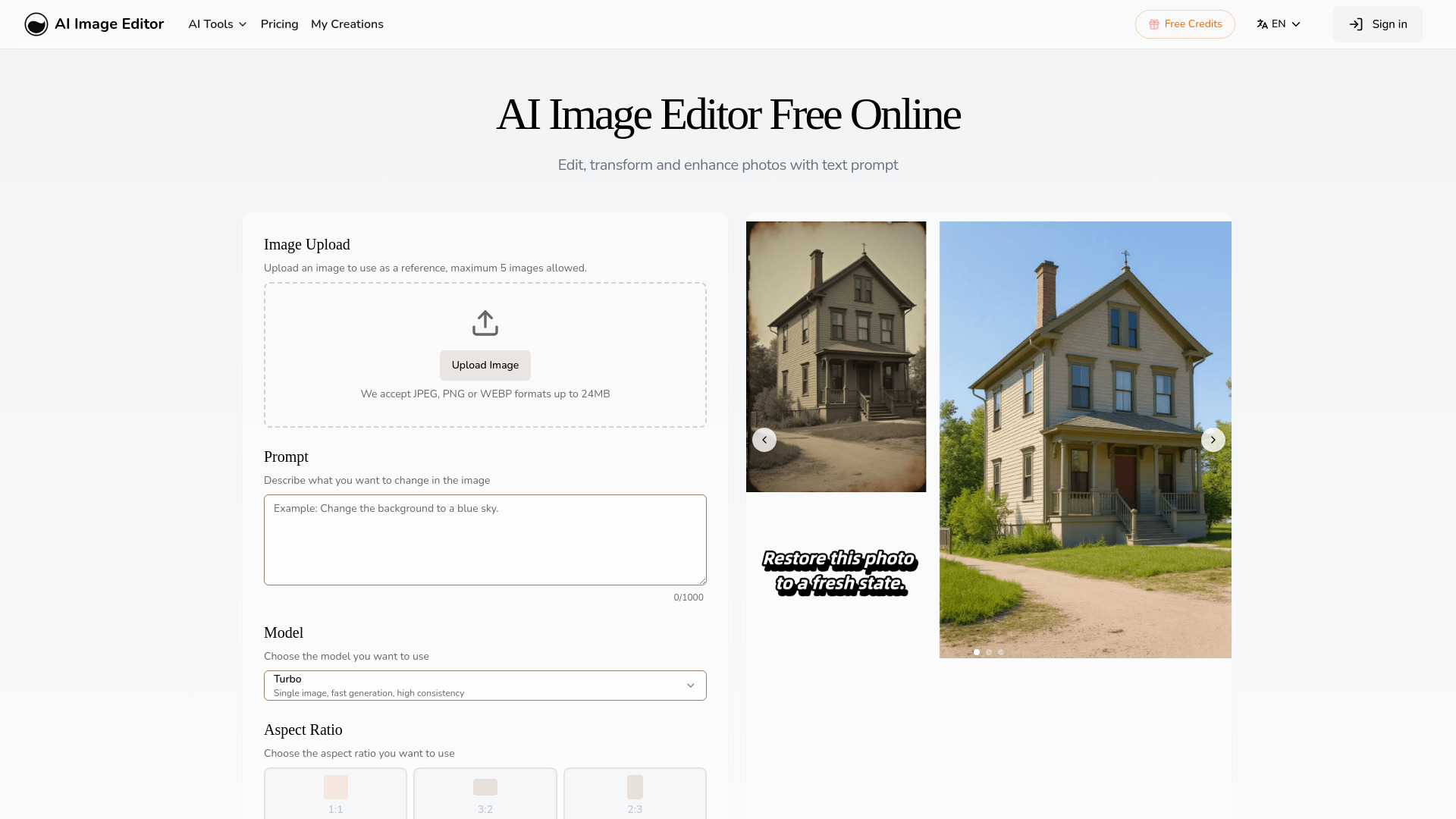
What is AI Image Editor?
AI Image Editor is an intelligent online editing platform that lets users transform existing images with natural language instructions. Instead of navigating complicated layers, masks, and adjustment panels, you can describe the result you want and allow artificial intelligence to apply the changes. Its standout advantage is the ability to combine fast AI text edits with reliable character consistency, helping users update backgrounds, clothing, lighting, objects, and visual details while keeping the main subject recognizable. Available through aitop-tools.com, the platform is designed for marketers, designers, photographers, and content creators who need polished image variations without spending hours on manual editing.
How to Use AI Image Editor
Using AI Image Editor begins with choosing an AI model that matches the type of transformation you want to create. Upload a JPEG, PNG, GIF, or WEBP file, then explain the requested edit in a clear text prompt. You can ask the platform to replace a background, change the color of an outfit, remove an unwanted object, improve lighting, or adjust one defined section of the composition. Supported uploads can reach 20MB and 4096 x 4096 pixels, giving users flexibility for both web content and high-resolution creative work.
For stronger results, describe the subject, the exact change, and any details that should remain untouched. AI Image Editor can generate several variations so you can compare different visual directions quickly. When working on a recurring character or branded subject, use consistent references and editing instructions to preserve facial features, clothing details, proportions, and overall identity from one image to the next. This makes the tool useful for campaigns, story sequences, product visuals, and other projects that require dependable results at speed.
Key Features of AI Image Editor
- Natural Language Image Editing: Make detailed visual changes by entering straightforward text instructions, allowing beginners and experienced creators to edit images without mastering complicated design software.
- Fast AI Text Edits: Turn written ideas into finished image adjustments within seconds, making it easier to test creative concepts, prepare campaign assets, and respond to changing content requirements.
- Character Consistency: Preserve a subject's recognizable appearance across new poses, environments, outfits, and compositions so that a character, model, or brand representative remains visually coherent.
- Focused Area Editing: Direct the AI toward a particular part of an image, such as the face, sky, product label, clothing, or background, for controlled updates without unnecessarily changing the rest of the scene.
- AI Text and Typography Placement: Add headlines, promotional messages, labels, and captions with positioning and styling that fit naturally into the surrounding image.
- Reference Image Guidance: Provide a visual reference to help reproduce a preferred color palette, atmosphere, composition, or design direction across multiple edited assets.
- Broad File Compatibility: Import JPEG, PNG, GIF, and WEBP files up to 20MB and 4096 x 4096 pixels, supporting a wide range of photographs, illustrations, product images, and digital graphics.
These capabilities shorten the path from an initial idea to a usable visual. Rather than repeating the same manual corrections for every variation, users can apply clear prompts, review the generated options, and refine the best result. The combination of quick text-based control and consistent subject preservation is especially valuable when many related images must be produced on a tight schedule.
Why Choose AI Image Editor?
AI Image Editor is a practical choice for anyone who needs professional-looking image updates without a lengthy editing process. Its text-based workflow makes common tasks easier to understand: describe the intended change, generate the result, and adjust the prompt when a different outcome is needed. This approach supports rapid experimentation while giving users more control over existing visual assets than a completely new image generation workflow.
The platform is also useful when consistency matters as much as speed. A campaign may require the same person in several locations, a fictional character in multiple scenes, or a product shown in different settings. AI Image Editor helps maintain the core visual identity while introducing controlled changes. Teams can create more variations for testing, adapt designs for different channels, and keep production moving without relying on separate manual edits for every file.
Use Cases and Applications
Marketing departments can use AI Image Editor to adapt one campaign image into multiple formats, backgrounds, and promotional concepts. E-commerce teams can update product scenes, remove distractions, adjust colors, and create seasonal settings without arranging a new photoshoot for every variation. Content creators can develop recurring characters with consistent facial features and styling across social posts, illustrations, and narrative sequences. Designers can use reference images to explore different moods, layouts, and visual treatments before committing to a final direction. Agencies can also produce early concepts more quickly, giving clients several polished options for review while reducing repetitive production work.