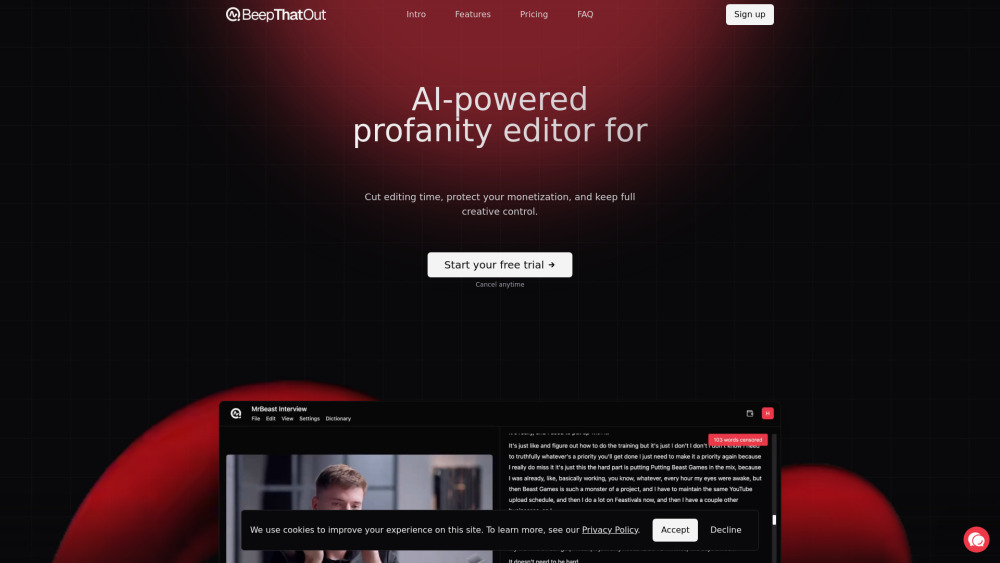
BeepThatOut: AI-powered web tool that instantly detects & replaces profanity—keeping your content clean, professional, and audience-ready.
AI tools by category
Explore ai audio editing tools through the product profiles below. Audio tools handle tasks such as transcription, speech synthesis, sound generation and editing. Distinguish converting existing audio from creating a new recording.
Compare recording length, file types, language support and speaker handling. For voice generation, check pronunciation controls and permission to use any reference voice.
Listen for mispronounced names, unnatural pauses, clipped words and noise. For transcripts, compare the text with the recording and correct speaker labels.
BeepThatOut: AI-powered web tool that instantly detects & replaces profanity—keeping your content clean, professional, and audience-ready.

UnificAlly: Affordable AI APIs for integration—powerful, plug-and-play AI tools, no budget or complexity barriers. Your gateway to intelligent automation.
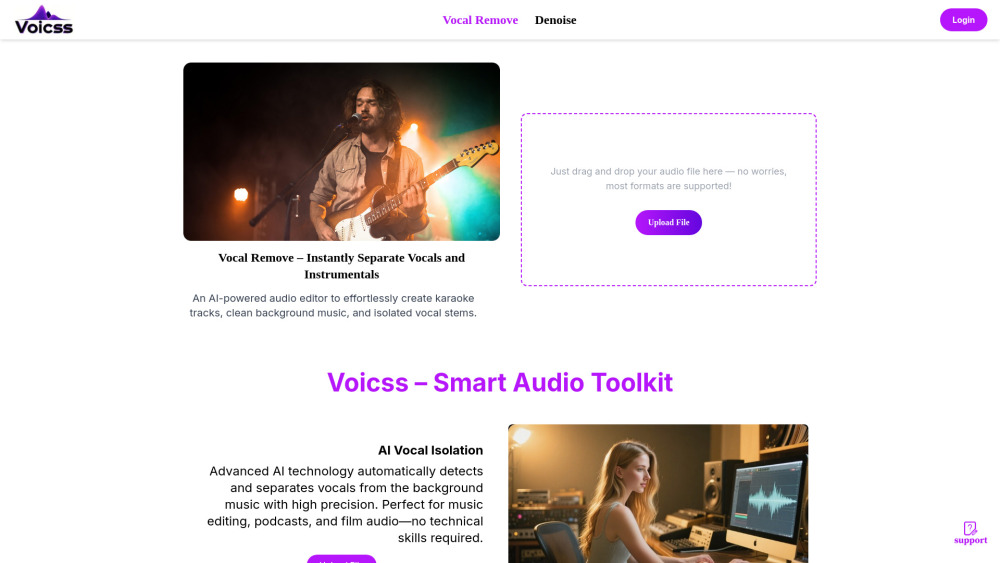
Remove vocals instantly with voicss—AI-powered audio separation for pro karaoke tracks, stems, and remixes. Fast, accurate, free to try!
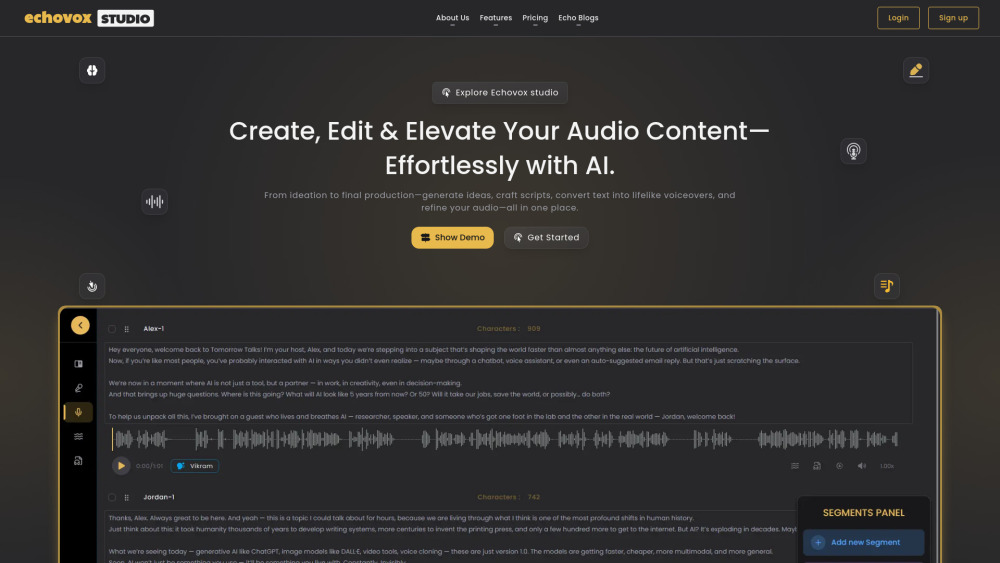
Echovox Studio: AI-powered audio creation, editing & lifelike voiceovers—all in one intuitive platform. Produce pro sound faster.
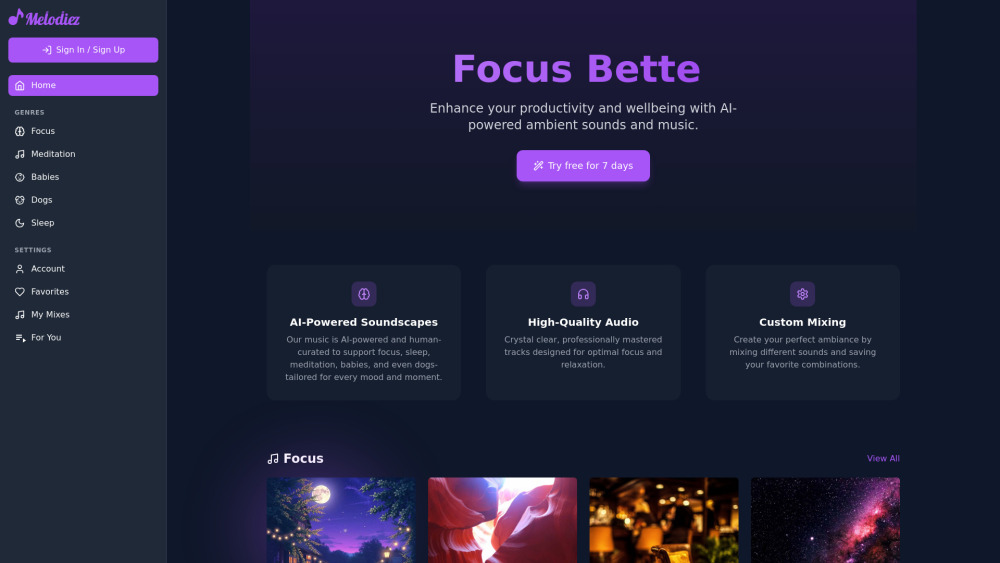
Melodiez: AI-powered music & sounds for focus, relaxation, sleep—and caring for babies & pets. Personalized wellness, one note at a time.
FAQ
Practical answers to help you take the next step.
Audio tools handle tasks such as transcription, speech synthesis, sound generation and editing. Distinguish converting existing audio from creating a new recording.
Compare recording length, file types, language support and speaker handling. For voice generation, check pronunciation controls and permission to use any reference voice.
Listen for mispronounced names, unnatural pauses, clipped words and noise. For transcripts, compare the text with the recording and correct speaker labels.
Use a short recording with names, numbers and more than one speaker, or a script with difficult pronunciation. Review the exported audio or transcript in full.
BeepThatOut: AI-powered web tool that instantly detects & replaces profanity—keeping your content clean, professional, and audience-ready.
Read about BeepThatOutUnificAlly: Affordable AI APIs for integration—powerful, plug-and-play AI tools, no budget or complexity barriers. Your gateway to intelligent automation.
Read about UnificAllyRemove vocals instantly with voicss—AI-powered audio separation for pro karaoke tracks, stems, and remixes. Fast, accurate, free to try!
Read about voicssEchovox Studio: AI-powered audio creation, editing & lifelike voiceovers—all in one intuitive platform. Produce pro sound faster.
Read about Echovox StudioMelodiez: AI-powered music & sounds for focus, relaxation, sleep—and caring for babies & pets. Personalized wellness, one note at a time.
Read about MelodiezCheck audio format, sample rate, separate tracks, captions and timestamp exports. Confirm that the result works in your editing or accessibility workflow.