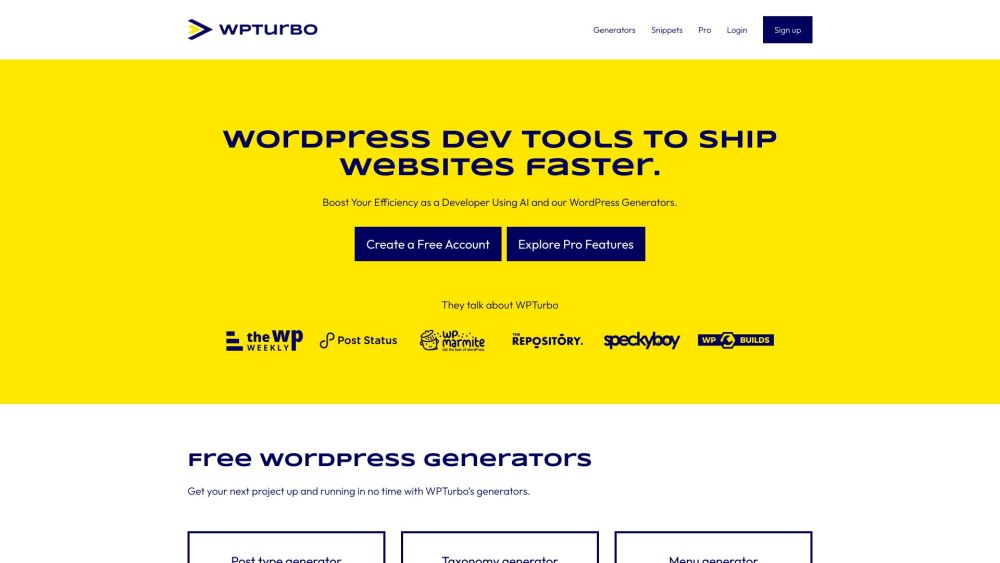
WPTurbo: Boost your WordPress workflow with powerful tools that simplify web development, increase productivity, and help you create high-quality websites faster!
Explore a specific workflow
Explore wordpress development tools through the product profiles below. Coding tools assist with tasks such as generation, explanation, review and debugging. Match the product to your language, repository and review process.
Compare repository access, context limits, supported languages and tool permissions. Check whether the assistant can read relevant files and run your existing checks.
Review the diff, run tests and inspect error handling and dependency changes. Generated code should meet the same review standard as a human contribution.
WPTurbo: Boost your WordPress workflow with powerful tools that simplify web development, increase productivity, and help you create high-quality websites faster!
FAQ
Practical answers to help you take the next step.
Coding tools assist with tasks such as generation, explanation, review and debugging. Match the product to your language, repository and review process.
Compare repository access, context limits, supported languages and tool permissions. Check whether the assistant can read relevant files and run your existing checks.
Review the diff, run tests and inspect error handling and dependency changes. Generated code should meet the same review standard as a human contribution.
Choose a small reproducible bug with an existing failing check. Measure whether the tool fixes the cause, preserves behavior and produces a reviewable change.
WPTurbo: Boost your WordPress workflow with powerful tools that simplify web development, increase productivity, and help you create high-quality websites faster!
Read about WPTurboPrefer changes you can inspect and keep in version control. Check whether code, tests and configuration can be exported without depending on a hosted preview.
Run the same small task in each shortlisted product. Compare the price per usable result, usage limits, regeneration costs and time spent correcting the output. Confirm current terms with the provider.
Check who can access uploaded material, how long it is retained and how deletion works. Use a non-confidential test file while evaluating a product.
No. The WordPress development label groups related applications, but each product description defines its actual scope. Compare the input and output for your specific task.
Open the product profile, follow its official website link and review its documentation or plan comparison. Directory descriptions and screenshots may predate product changes.