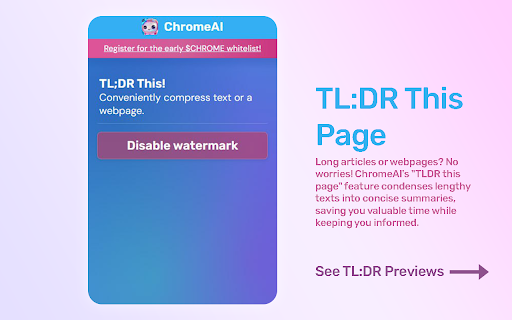
ChromeChat - Chrome Extension: Elevate your browsing with AI-powered assistance. Boost productivity, get instant insights, and simplify online tasks effortlessly!
Explore a specific workflow
Explore web security tools through the product profiles below. The collection groups applications around a shared task. Product scope can overlap, so compare the specific workflow each tool describes rather than the category name alone.
Identify the files, text or account connections your task needs. Confirm that the product accepts those inputs and offers controls for reviewing its work.
Test one representative task and inspect the result for accuracy and completeness. Record where manual corrections or extra tools are needed.
ChromeChat - Chrome Extension: Elevate your browsing with AI-powered assistance. Boost productivity, get instant insights, and simplify online tasks effortlessly!
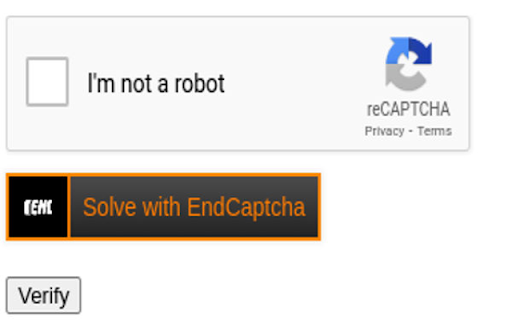
End Captcha Chrome Extension: Solve CAPTCHAs automatically for browsing. Boost productivity with hassle-free CAPTCHA solving in real time!
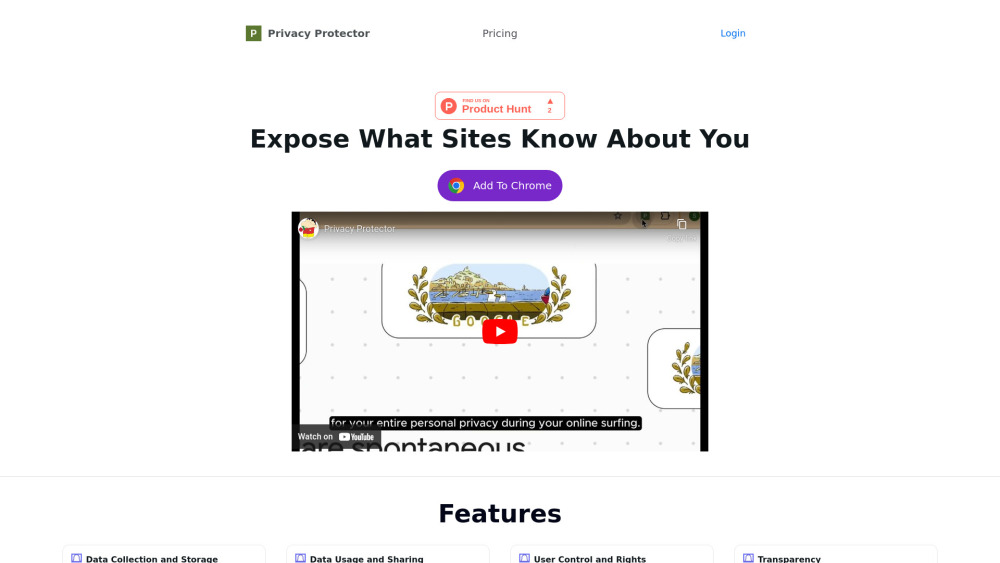
Privacy Protector: Analyze privacy policies, safeguard personal data, and ensure your online security with this powerful, user-friendly tool.
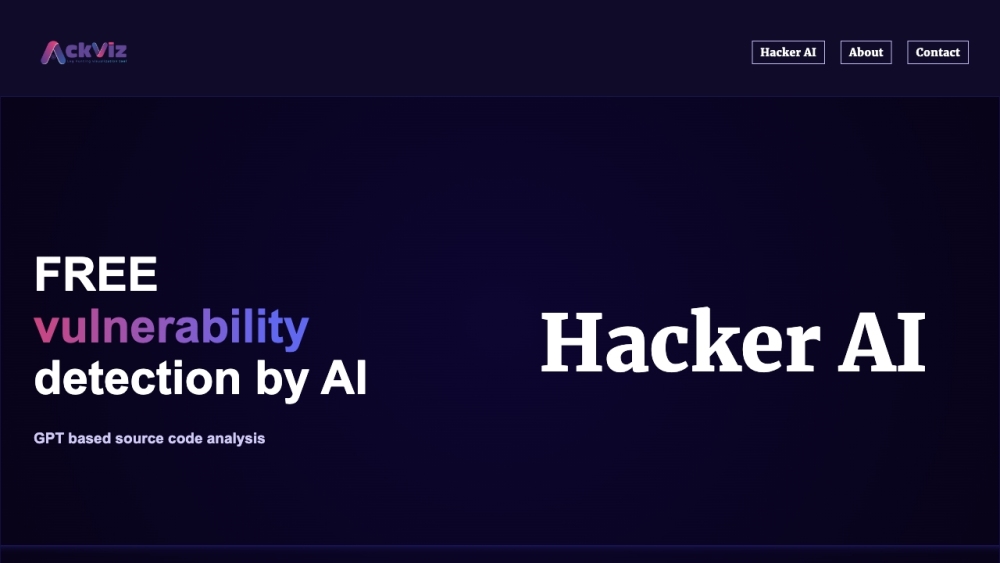
Secure your code with Hacker AI! Our advanced AI algorithms identify and fix vulnerabilities, protecting against potential hacker threats and security breaches.
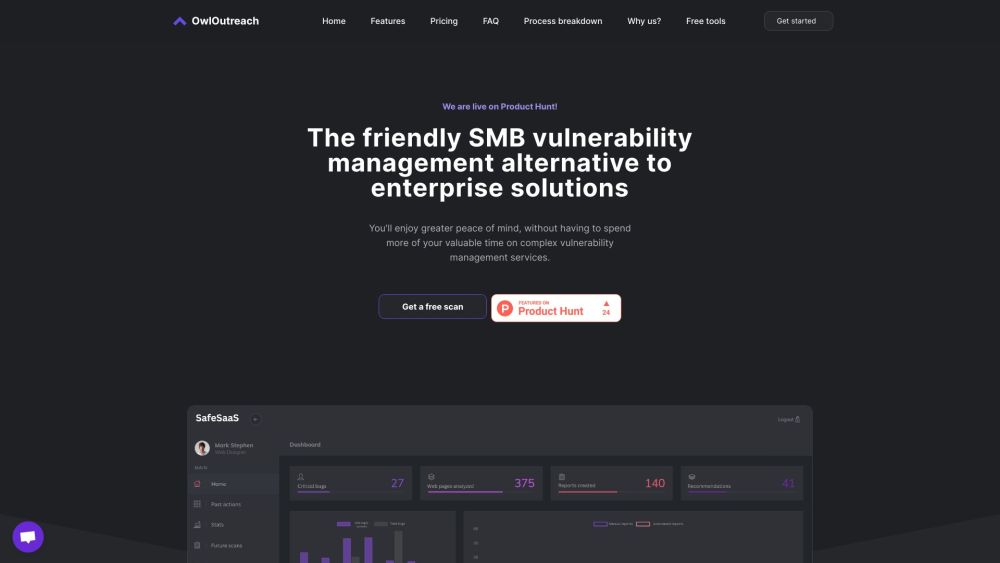
OwlOutreach: Safeguard your organization with top-tier cybersecurity & vulnerability assessments. Dark themed, AstroJS-based design perfect for SaaS/startups.
FAQ
Practical answers to help you take the next step.
The collection groups applications around a shared task. Product scope can overlap, so compare the specific workflow each tool describes rather than the category name alone.
Identify the files, text or account connections your task needs. Confirm that the product accepts those inputs and offers controls for reviewing its work.
Test one representative task and inspect the result for accuracy and completeness. Record where manual corrections or extra tools are needed.
Choose one task with a clear success condition. Keep the input consistent, record the time spent reviewing and compare the complete workflow cost.
ChromeChat - Chrome Extension: Elevate your browsing with AI-powered assistance. Boost productivity, get instant insights, and simplify online tasks effortlessly!
Read about ChromeChat - Chrome ExtensionEnd Captcha Chrome Extension: Solve CAPTCHAs automatically for browsing. Boost productivity with hassle-free CAPTCHA solving in real time!
Read about End Captcha - Chrome ExtensionPrivacy Protector: Analyze privacy policies, safeguard personal data, and ensure your online security with this powerful, user-friendly tool.
Read about Privacy ProtectorSecure your code with Hacker AI! Our advanced AI algorithms identify and fix vulnerabilities, protecting against potential hacker threats and security breaches.
Read about Hacker AIOwlOutreach: Safeguard your organization with top-tier cybersecurity & vulnerability assessments. Dark themed, AstroJS-based design perfect for SaaS/startups.
Read about OwlOutreachCheck export formats, integrations and whether you can keep using your work outside the service. Test a real export before committing to a longer plan.