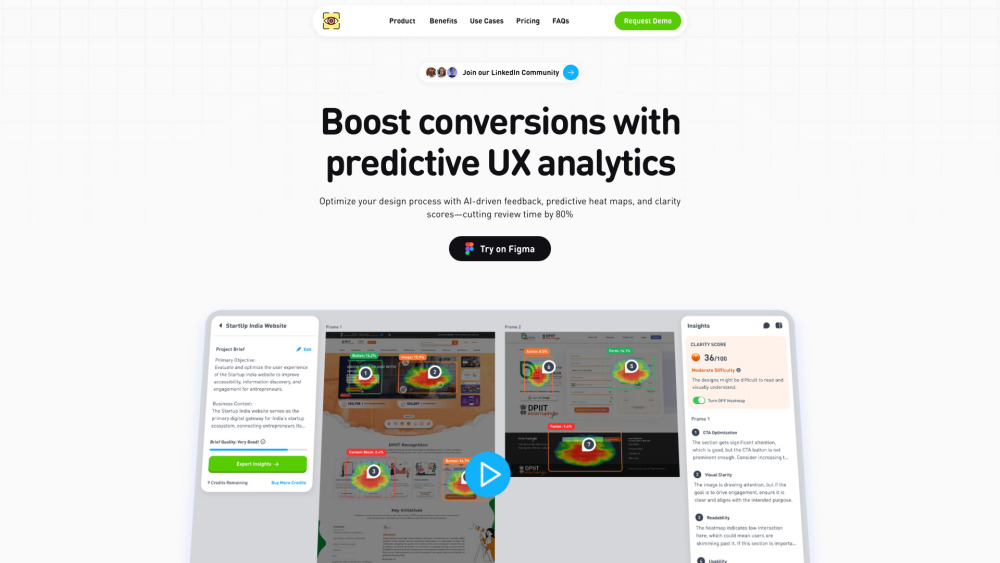
ClarityUX: AI-powered design review platform that streamlines feedback & delivers actionable heat maps—faster insights, better UX decisions.
Explore a specific workflow
Explore ux design tools through the product profiles below. Visual AI tools cover image generation, photo editing, enhancement and design tasks. Choose between creating a new image and modifying an existing asset before comparing products.
Look for text prompts, image references, masks or sketches as appropriate. Compare composition control, supported upload types and the ability to revise a selected area.
Inspect text, hands, edges, reflections and repeated objects at full size. Check that important product or brand details survive editing.
ClarityUX: AI-powered design review platform that streamlines feedback & delivers actionable heat maps—faster insights, better UX decisions.
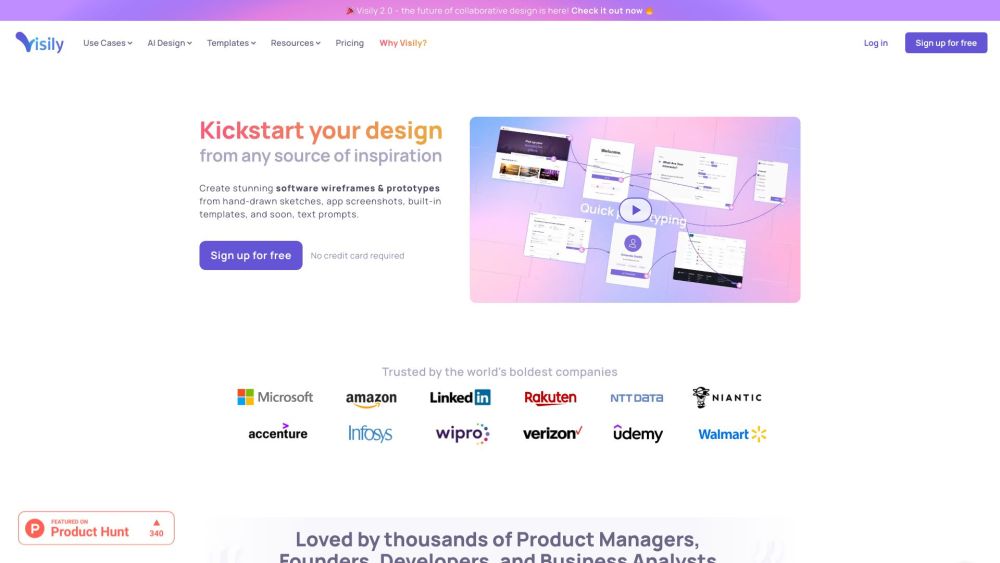
The fastest way to build beautiful wireframes and prototypes.
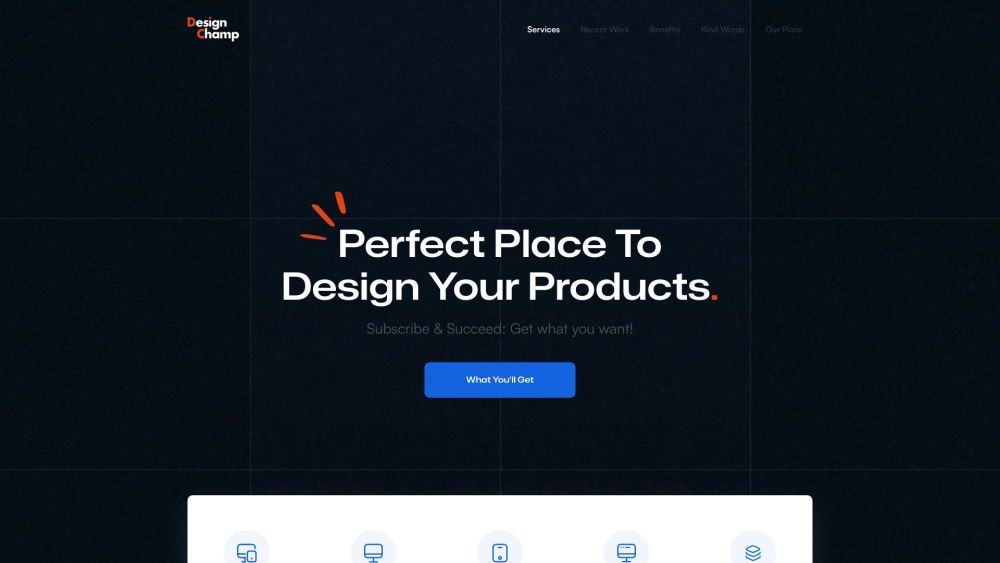
Unlock limitless creativity with Design Champ: Get unlimited high-quality UI/UX designs for a flat monthly fee. Perfect for crafting exceptional products.
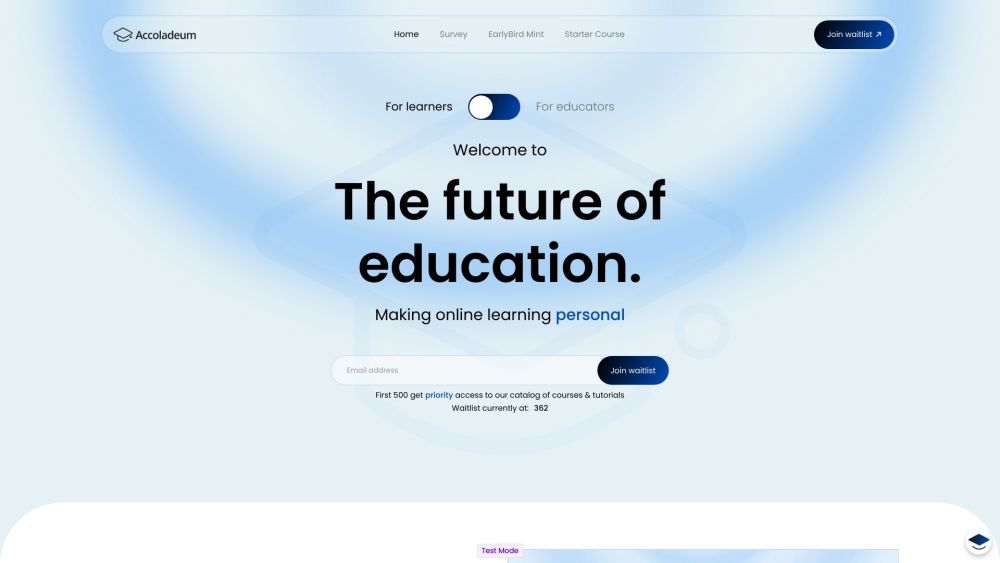
Accelerate your success with Accoladeum: AI-Powered Learning for Founders & Freelancers. Personalized, engaging, and future-focused online education.

Unlock innovation with Alburn Technologies: Subscription-based Applied AI, Product Design & Development solutions, featuring AI research and Notion-based project management.
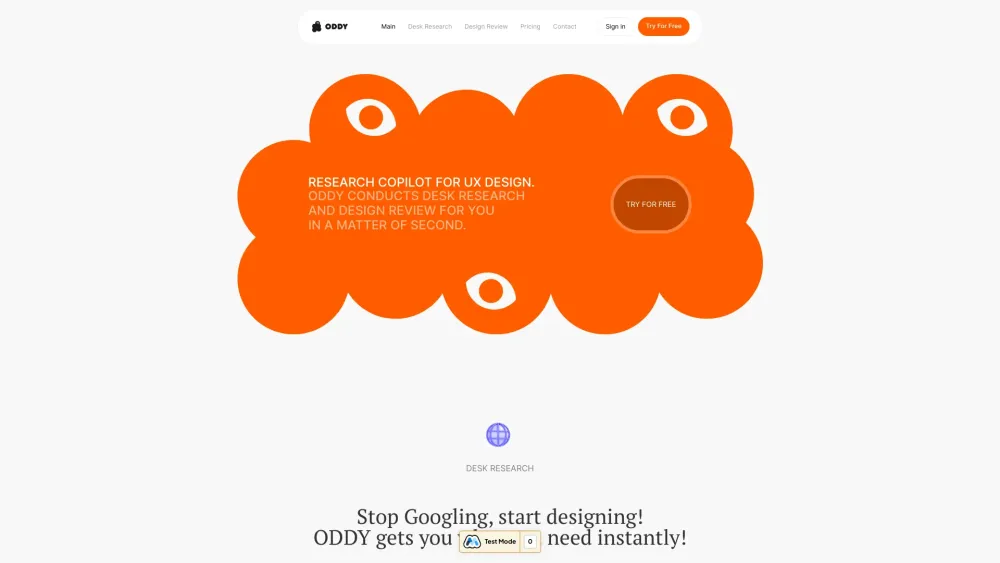
ODDY: Simplify UX design with instant desk research and usability analysis for user experiences.
FAQ
Practical answers to help you take the next step.
Visual AI tools cover image generation, photo editing, enhancement and design tasks. Choose between creating a new image and modifying an existing asset before comparing products.
Look for text prompts, image references, masks or sketches as appropriate. Compare composition control, supported upload types and the ability to revise a selected area.
Inspect text, hands, edges, reflections and repeated objects at full size. Check that important product or brand details survive editing.
Prepare a brief with a subject, composition, lighting and required output size. Test a first generation and a targeted revision to see how much control you retain.
ClarityUX: AI-powered design review platform that streamlines feedback & delivers actionable heat maps—faster insights, better UX decisions.
Read about ClarityUXThe fastest way to build beautiful wireframes and prototypes.
Read about **VisilyUnlock limitless creativity with Design Champ: Get unlimited high-quality UI/UX designs for a flat monthly fee. Perfect for crafting exceptional products.
Read about Design ChampAccelerate your success with Accoladeum: AI-Powered Learning for Founders & Freelancers. Personalized, engaging, and future-focused online education.
Read about AccoladeumUnlock innovation with Alburn Technologies: Subscription-based Applied AI, Product Design & Development solutions, featuring AI research and Notion-based project management.
Read about Alburn TechnologiesODDY: Simplify UX design with instant desk research and usability analysis for user experiences.
Read about ODDY