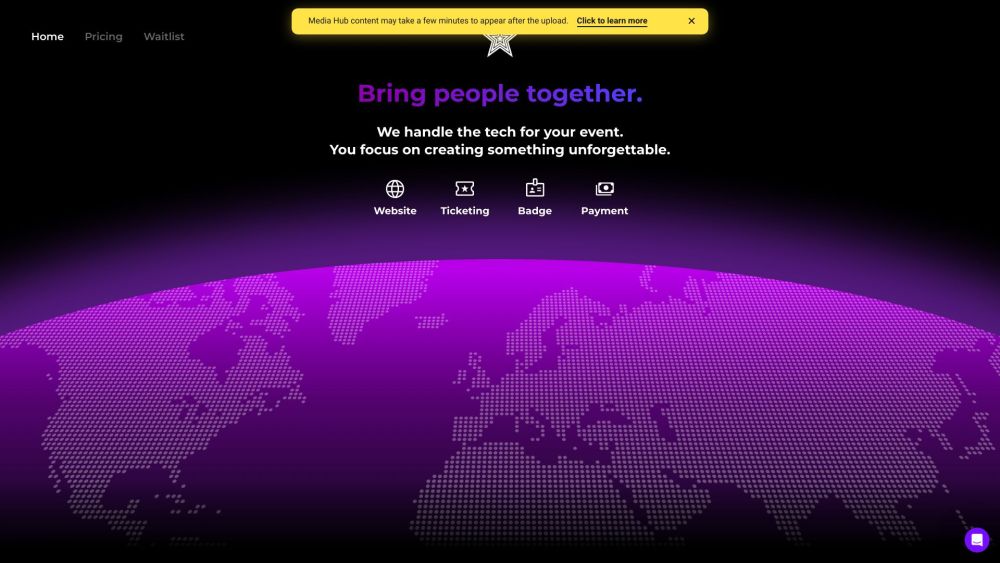
EventConnect: AI-powered event management! Create, sell tickets, design websites, generate certificates, and share photos effortlessly. Manage your event like a pro!
Explore a specific workflow
Explore ticketing tools through the product profiles below. The collection groups applications around a shared task. Product scope can overlap, so compare the specific workflow each tool describes rather than the category name alone.
Identify the files, text or account connections your task needs. Confirm that the product accepts those inputs and offers controls for reviewing its work.
Test one representative task and inspect the result for accuracy and completeness. Record where manual corrections or extra tools are needed.
EventConnect: AI-powered event management! Create, sell tickets, design websites, generate certificates, and share photos effortlessly. Manage your event like a pro!
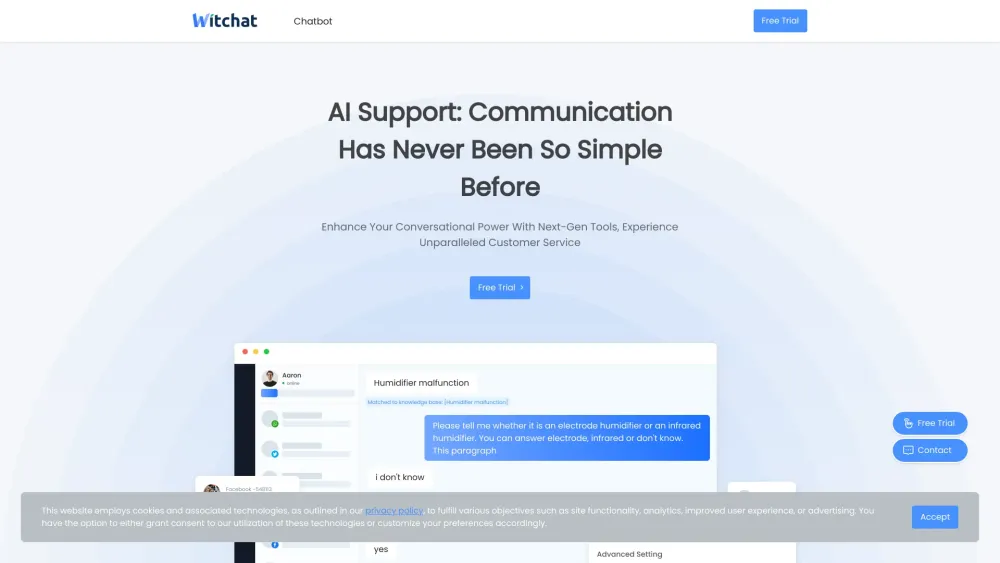
Our chatbot is a customer service tool designed to simulate conversations with human users. It uses artificial intelligence to understand and respond to queries, and provide information or assistance in various tasks.
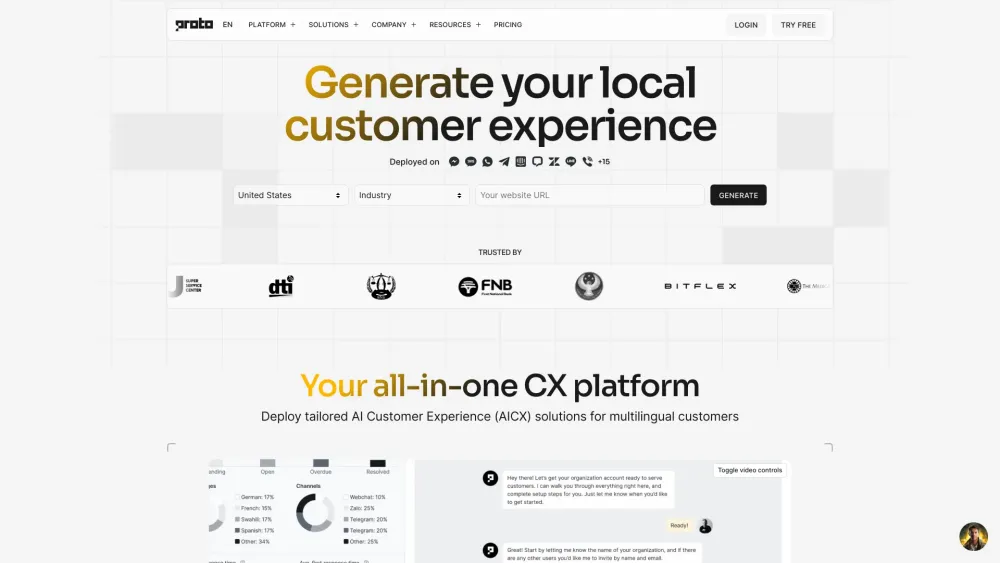
Proto is the leader for inclusive CX automation and multilingual contact centre automation for businesses and governments. Deploy fast with AI chatbots, livechat, ticketing, and CRM.
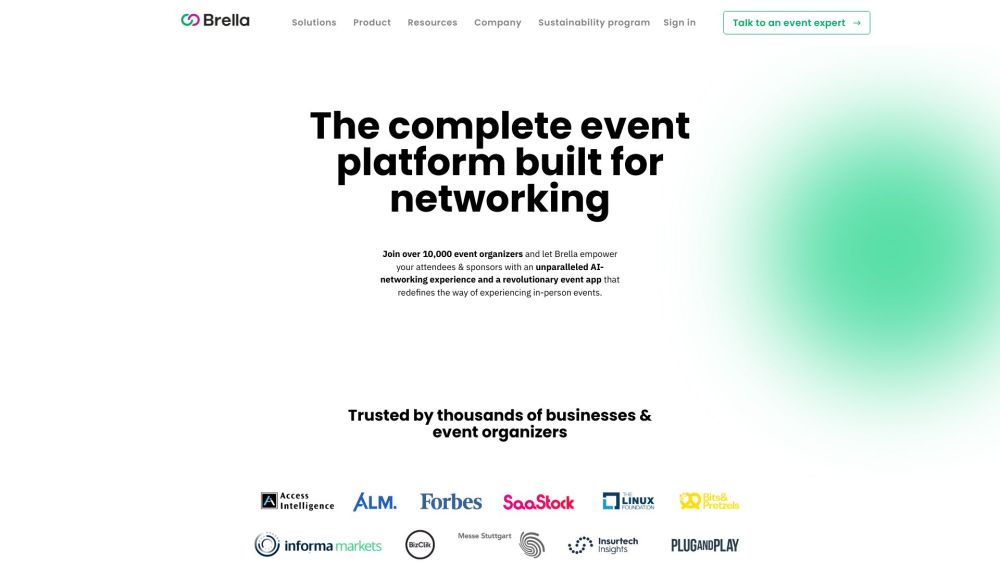
Discover Brella, the premier global event and networking solution. Experience the world's leading platform for seamless, powerful connections and events.
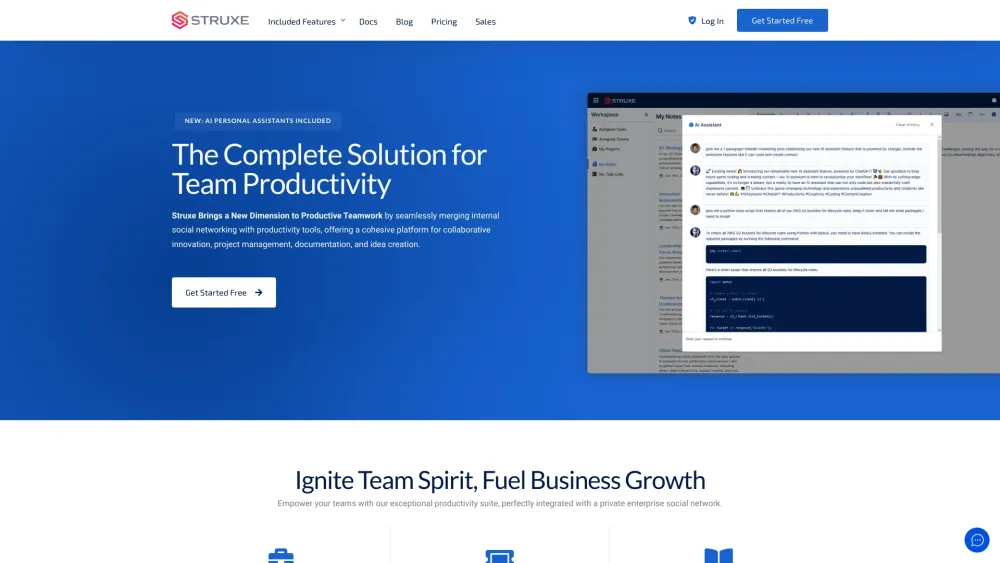
Struxe revolutionizes teamwork by merging social networking with productivity tools, boosting collaboration, project management, and innovation in one platform.
FAQ
Practical answers to help you take the next step.
The collection groups applications around a shared task. Product scope can overlap, so compare the specific workflow each tool describes rather than the category name alone.
Identify the files, text or account connections your task needs. Confirm that the product accepts those inputs and offers controls for reviewing its work.
Test one representative task and inspect the result for accuracy and completeness. Record where manual corrections or extra tools are needed.
Choose one task with a clear success condition. Keep the input consistent, record the time spent reviewing and compare the complete workflow cost.
EventConnect: AI-powered event management! Create, sell tickets, design websites, generate certificates, and share photos effortlessly. Manage your event like a pro!
Read about EventConnectOur chatbot is a customer service tool designed to simulate conversations with human users. It uses artificial intelligence to understand and respond to queries, and provide information or assistance in various tasks.
Read about WitChatProto is the leader for inclusive CX automation and multilingual contact centre automation for businesses and governments. Deploy fast with AI chatbots, livechat, ticketing, and CRM.
Read about Proto AICXDiscover Brella, the premier global event and networking solution. Experience the world's leading platform for seamless, powerful connections and events.
Read about BrellaStruxe revolutionizes teamwork by merging social networking with productivity tools, boosting collaboration, project management, and innovation in one platform.
Read about StruxeCheck export formats, integrations and whether you can keep using your work outside the service. Test a real export before committing to a longer plan.