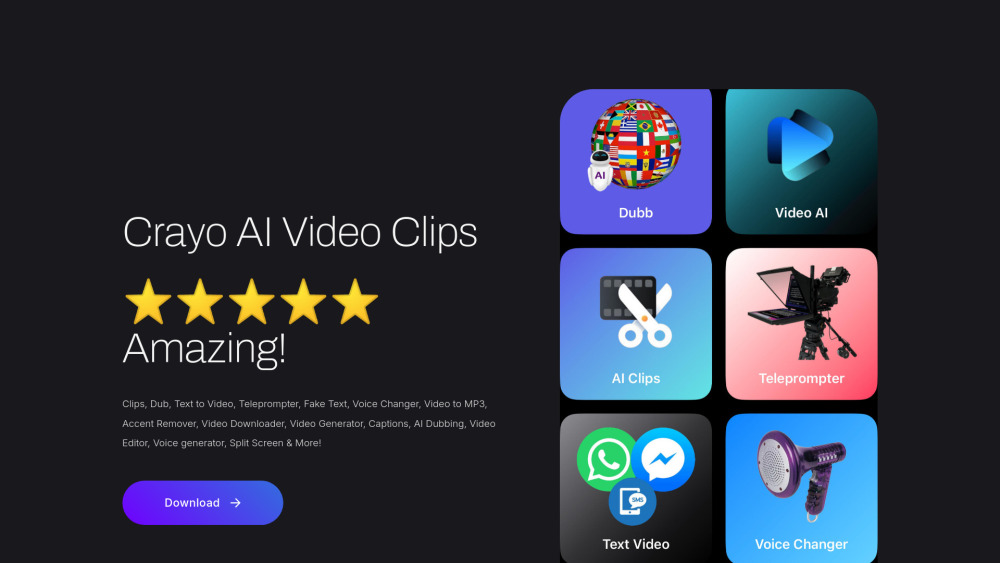
Crayo AI Video Clips Generator: Create viral-ready videos in seconds—smart dubbing, editing & AI-powered virality. 🚀
Explore a specific workflow
Explore teleprompter tools through the product profiles below. The collection groups applications around a shared task. Product scope can overlap, so compare the specific workflow each tool describes rather than the category name alone.
Identify the files, text or account connections your task needs. Confirm that the product accepts those inputs and offers controls for reviewing its work.
Test one representative task and inspect the result for accuracy and completeness. Record where manual corrections or extra tools are needed.
Crayo AI Video Clips Generator: Create viral-ready videos in seconds—smart dubbing, editing & AI-powered virality. 🚀

Storyy: AI-powered video scriptwriting & teleprompter—boost engagement, save time, and elevate storytelling

Prompter: Effortlessly access and present content with our auto-scrolling teleprompter web app—perfect for smooth, professional presentations!
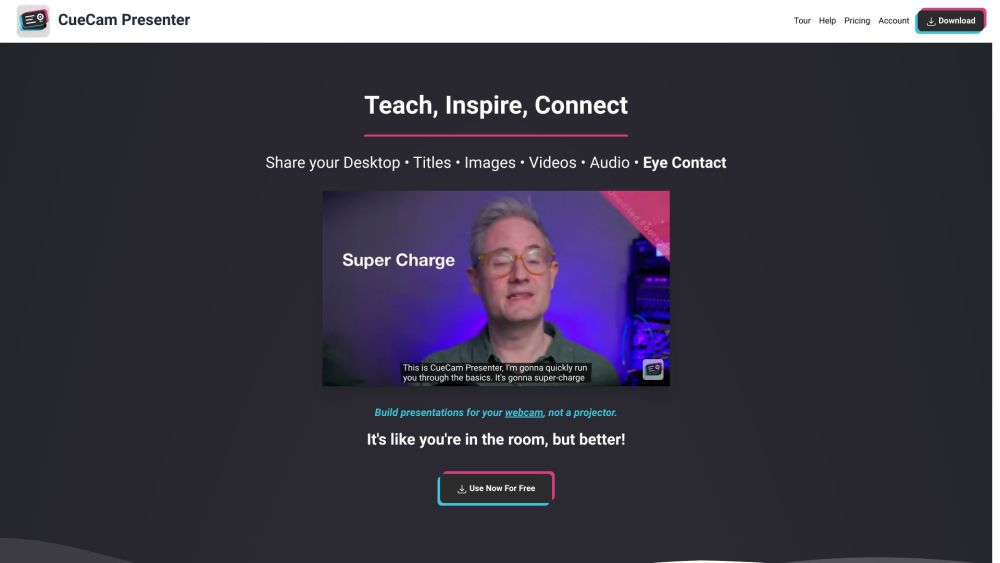
Enhance your video calls with CueCam: Virtual Camera & Mic, Screen Sharing for Mac. Connects iPhone/iPad for added drawing, cameras, and extra screens.

Speakflow: The ultimate online teleprompter with script writing, team collaboration, and voice-activated scrolling. Perfect for presentations!

KapKap: AI-powered video generator for high-conversion marketing. Effortlessly create engaging talking videos to boost your campaigns and drive sales.
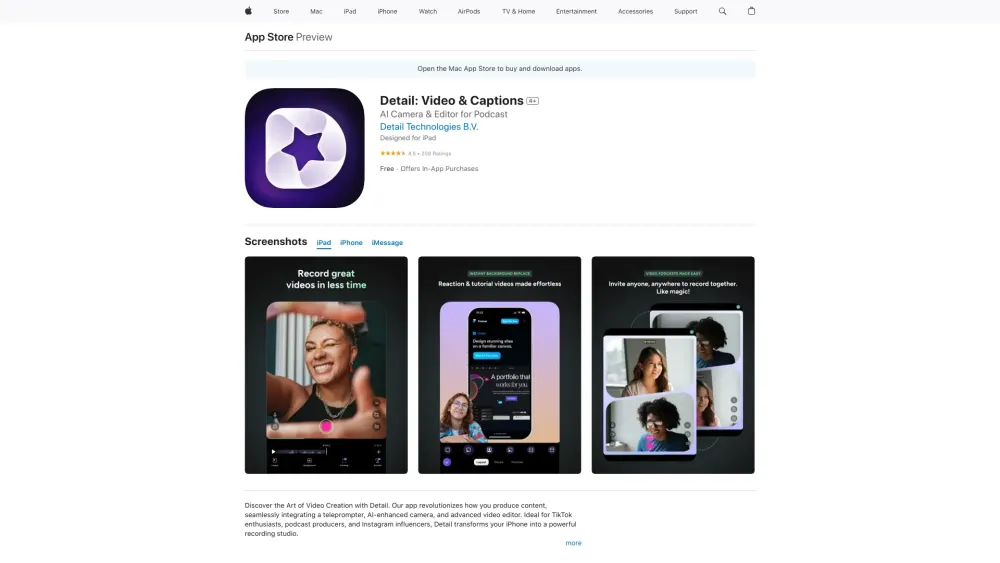
Detail: Video & Captions - Capture and edit videos in one tap for content creation. From recording to polished video, it's effortless!
FAQ
Practical answers to help you take the next step.
The collection groups applications around a shared task. Product scope can overlap, so compare the specific workflow each tool describes rather than the category name alone.
Identify the files, text or account connections your task needs. Confirm that the product accepts those inputs and offers controls for reviewing its work.
Test one representative task and inspect the result for accuracy and completeness. Record where manual corrections or extra tools are needed.
Choose one task with a clear success condition. Keep the input consistent, record the time spent reviewing and compare the complete workflow cost.
Crayo AI Video Clips Generator: Create viral-ready videos in seconds—smart dubbing, editing & AI-powered virality. 🚀
Read about Crayo AI Video Clips GeneratorStoryy: AI-powered video scriptwriting & teleprompter—boost engagement, save time, and elevate storytelling
Read about StoryyPrompter: Effortlessly access and present content with our auto-scrolling teleprompter web app—perfect for smooth, professional presentations!
Read about PrompterEnhance your video calls with CueCam: Virtual Camera & Mic, Screen Sharing for Mac. Connects iPhone/iPad for added drawing, cameras, and extra screens.
Read about CueCamSpeakflow: The ultimate online teleprompter with script writing, team collaboration, and voice-activated scrolling. Perfect for presentations!
Read about SpeakflowKapKap: AI-powered video generator for high-conversion marketing. Effortlessly create engaging talking videos to boost your campaigns and drive sales.
Read about KapKap