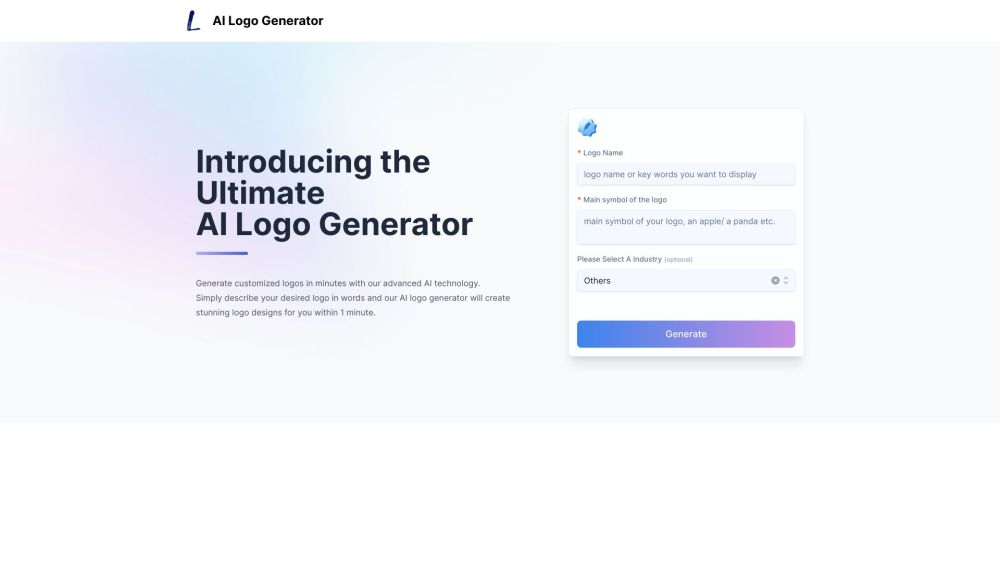
Create logos in seconds with AI Logo Generator. Describe your vision, choose styles, and export in various formats effortlessly!
Explore a specific workflow
Explore svg tools through the product profiles below. The collection groups applications around a shared task. Product scope can overlap, so compare the specific workflow each tool describes rather than the category name alone.
Identify the files, text or account connections your task needs. Confirm that the product accepts those inputs and offers controls for reviewing its work.
Test one representative task and inspect the result for accuracy and completeness. Record where manual corrections or extra tools are needed.
Create logos in seconds with AI Logo Generator. Describe your vision, choose styles, and export in various formats effortlessly!
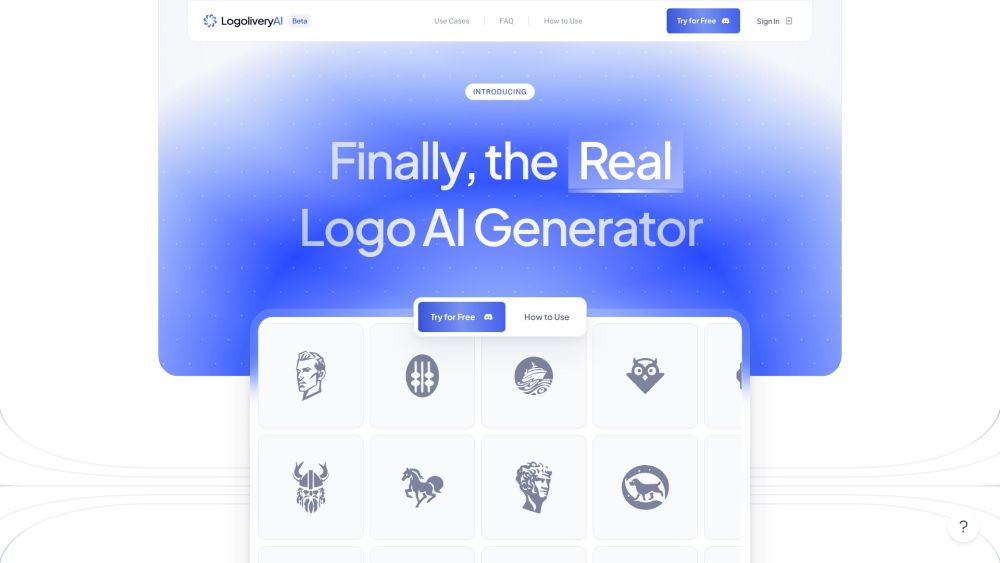
Create professional custom SVG logos in seconds with LogoliveryAI's free AI-powered generator. Just enter your prompts and get results instantly!
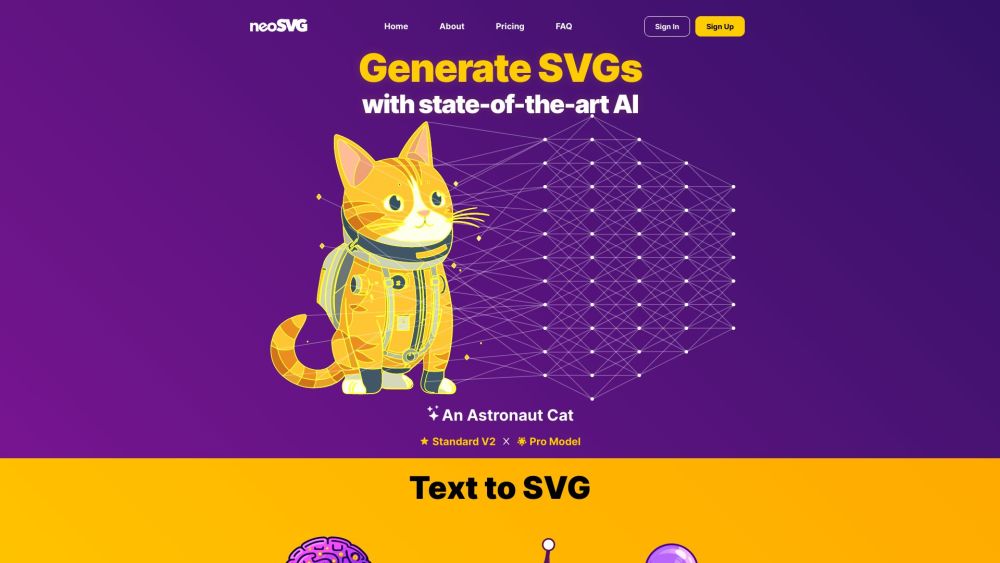
Transform text into SVG vectors effortlessly with neoSVG, the AI-powered tool that converts your prompts into precise, scalable designs.
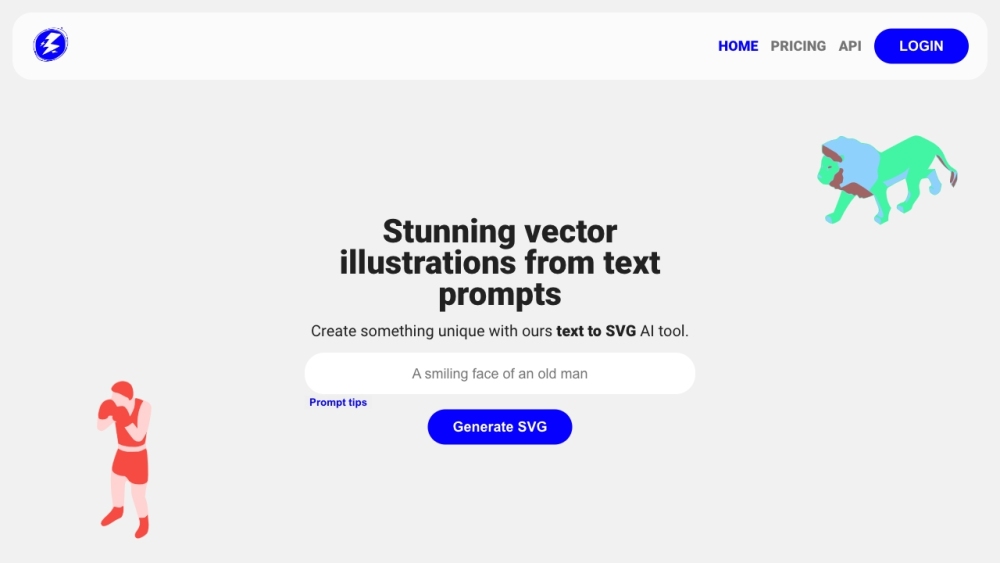
Create vector art from text prompts with Illustroke. Easily generate, customize, and download beautiful SVG illustrations for websites and social media.
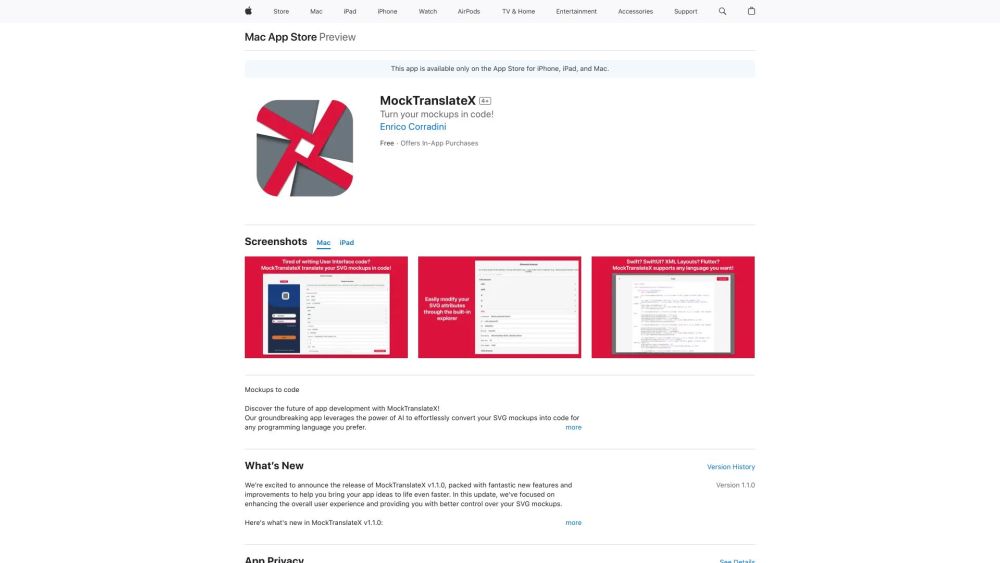
MockTranslateX: Effortlessly transform SVG mockups into code with AI-powered precision. Streamline your workflow with instant, accurate translations.
FAQ
Practical answers to help you take the next step.
The collection groups applications around a shared task. Product scope can overlap, so compare the specific workflow each tool describes rather than the category name alone.
Identify the files, text or account connections your task needs. Confirm that the product accepts those inputs and offers controls for reviewing its work.
Test one representative task and inspect the result for accuracy and completeness. Record where manual corrections or extra tools are needed.
Choose one task with a clear success condition. Keep the input consistent, record the time spent reviewing and compare the complete workflow cost.
Create logos in seconds with AI Logo Generator. Describe your vision, choose styles, and export in various formats effortlessly!
Read about AI Logo GeneratorCreate professional custom SVG logos in seconds with LogoliveryAI's free AI-powered generator. Just enter your prompts and get results instantly!
Read about LogoliveryAITransform text into SVG vectors effortlessly with neoSVG, the AI-powered tool that converts your prompts into precise, scalable designs.
Read about neoSVGCreate vector art from text prompts with Illustroke. Easily generate, customize, and download beautiful SVG illustrations for websites and social media.
Read about IllustrokeMockTranslateX: Effortlessly transform SVG mockups into code with AI-powered precision. Streamline your workflow with instant, accurate translations.
Read about MockTranslateXCheck export formats, integrations and whether you can keep using your work outside the service. Test a real export before committing to a longer plan.