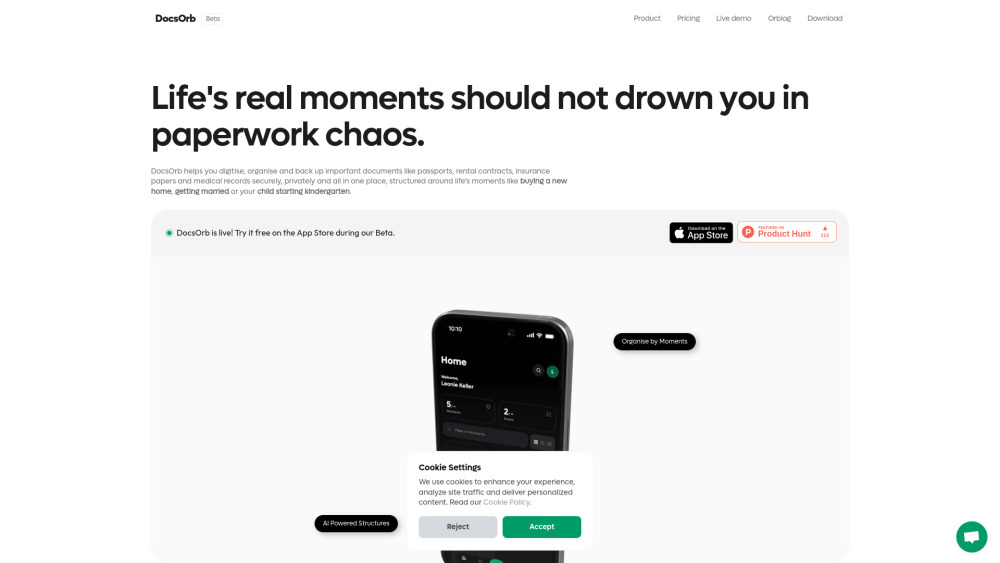
DocsOrb: AI-powered document management for families, students & expats—automatically organize, find, and secure life’s essential papers.
Explore a specific workflow
Explore secure storage tools through the product profiles below. The collection groups applications around a shared task. Product scope can overlap, so compare the specific workflow each tool describes rather than the category name alone.
Identify the files, text or account connections your task needs. Confirm that the product accepts those inputs and offers controls for reviewing its work.
Test one representative task and inspect the result for accuracy and completeness. Record where manual corrections or extra tools are needed.
DocsOrb: AI-powered document management for families, students & expats—automatically organize, find, and secure life’s essential papers.
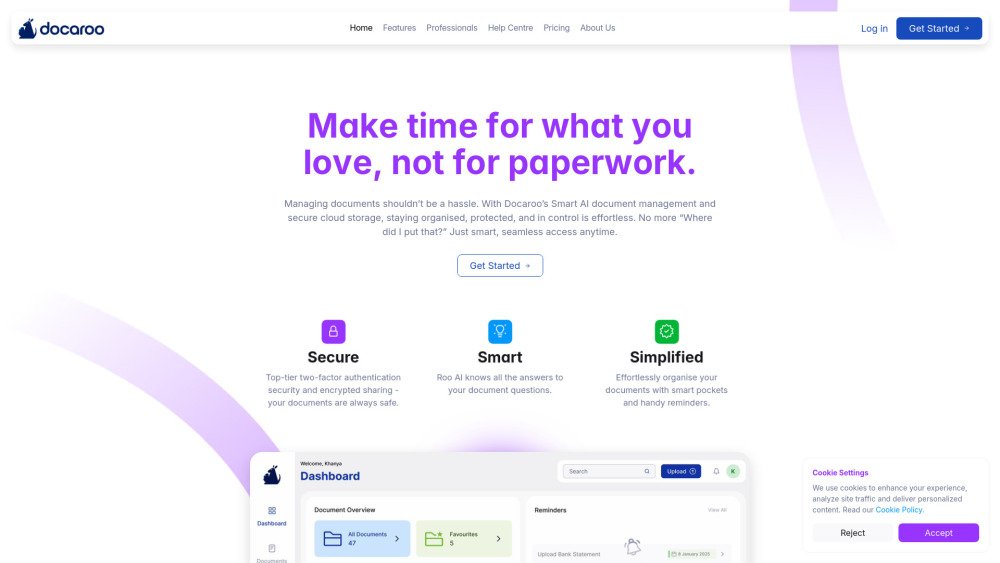
Docaroo: Your smart digital vault for secure document storage, organization, and timely reminders—all in one trusted platform.

Transkriptor - Chrome Extension: Transform audio into text with AI transcription technology. Simplify your transcription process now!
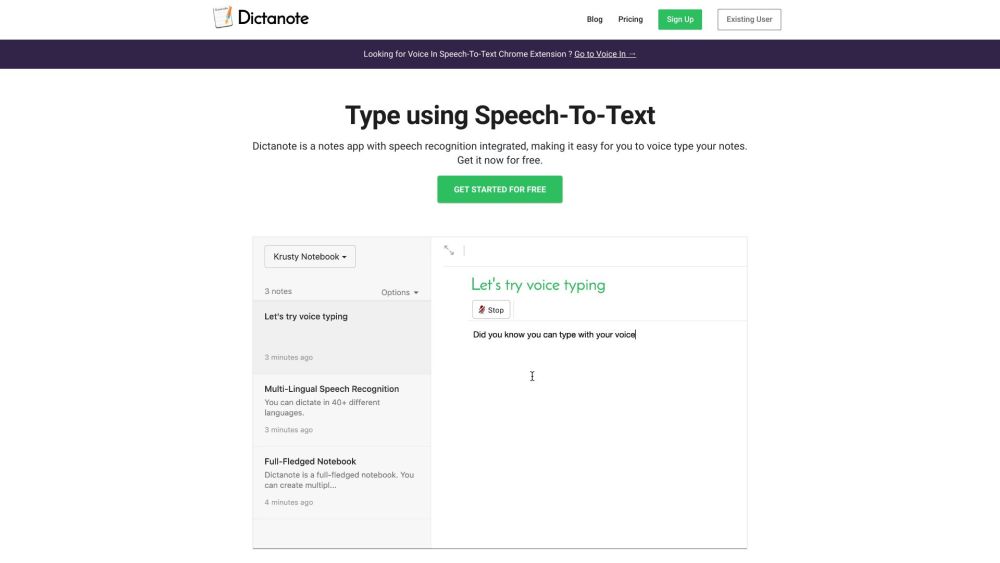
Dictanote: Voice type your notes effortlessly in over 50 languages & 80 dialects. Real-time speech-to-text with voice commands and multi-platform support.
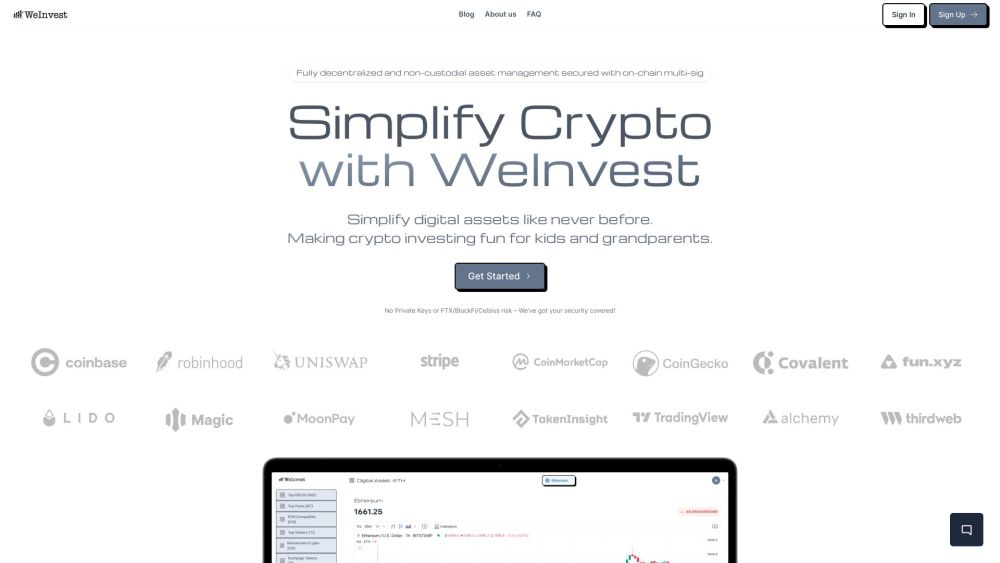
WeInvest: Simplified, secure digital assets management. Safeguard and grow your investments with ease and confidence. Start your secure journey today!
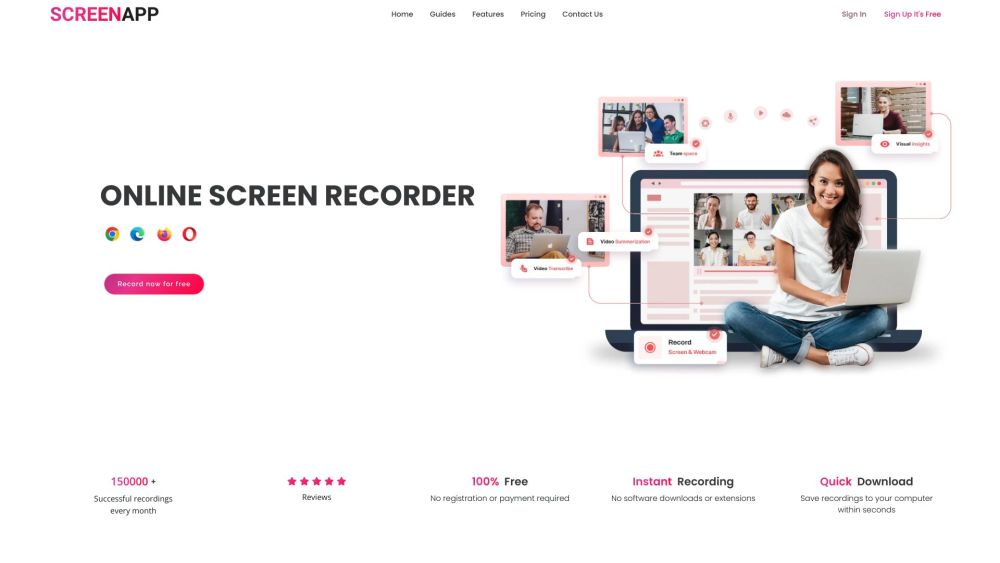
ScreenApp is a free online screen recorder that allows users to effortlessly capture their screen recordings and leverage AI to transcribe and condense meetings and workflows. It is designed to simplify the sharing of insights with teams, clients, and prospects.
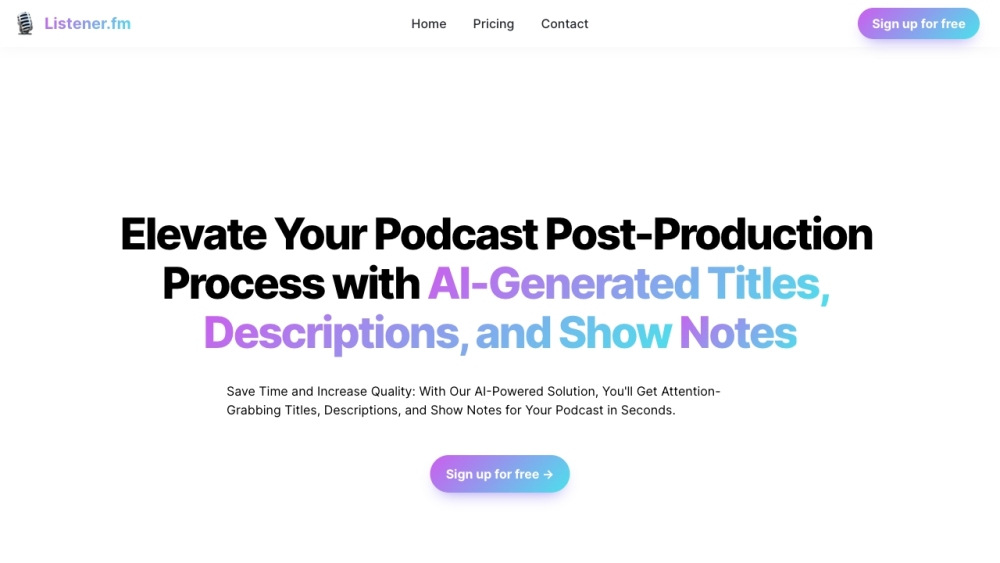
Boost your podcast quality with Listener.fm! This AI tool generates catchy titles, descriptions, and notes, saving you time while enhancing your episodes.
FAQ
Practical answers to help you take the next step.
The collection groups applications around a shared task. Product scope can overlap, so compare the specific workflow each tool describes rather than the category name alone.
Identify the files, text or account connections your task needs. Confirm that the product accepts those inputs and offers controls for reviewing its work.
Test one representative task and inspect the result for accuracy and completeness. Record where manual corrections or extra tools are needed.
Choose one task with a clear success condition. Keep the input consistent, record the time spent reviewing and compare the complete workflow cost.
DocsOrb: AI-powered document management for families, students & expats—automatically organize, find, and secure life’s essential papers.
Read about DocsOrbDocaroo: Your smart digital vault for secure document storage, organization, and timely reminders—all in one trusted platform.
Read about DocarooTranskriptor - Chrome Extension: Transform audio into text with AI transcription technology. Simplify your transcription process now!
Read about Transkriptor - Chrome ExtensionDictanote: Voice type your notes effortlessly in over 50 languages & 80 dialects. Real-time speech-to-text with voice commands and multi-platform support.
Read about DictanoteWeInvest: Simplified, secure digital assets management. Safeguard and grow your investments with ease and confidence. Start your secure journey today!
Read about WeInvestScreenApp is a free online screen recorder that allows users to effortlessly capture their screen recordings and leverage AI to transcribe and condense meetings and workflows. It is designed to simplify the sharing of insights with teams, clients, and prospects.
Read about ScreenApp