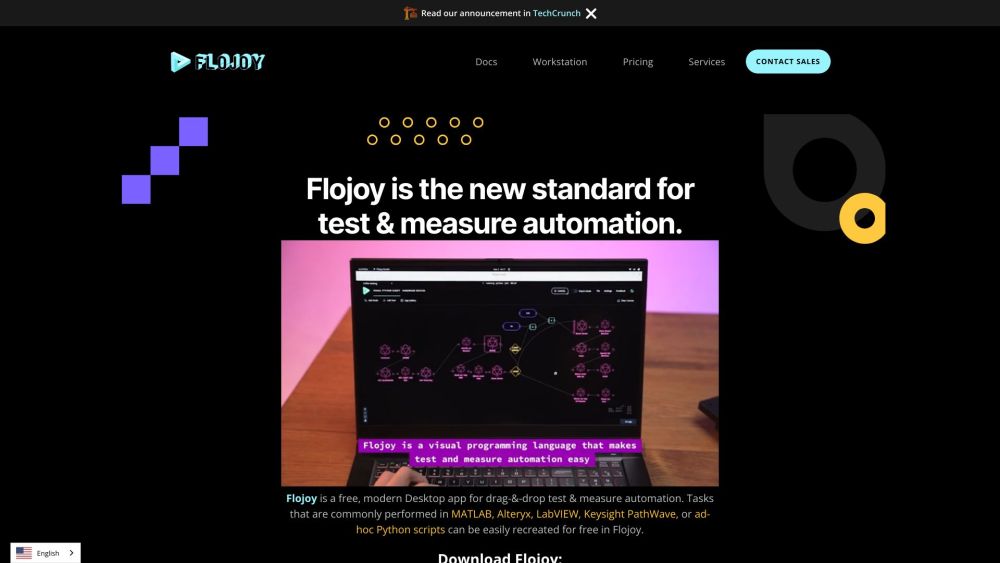
Flojoy Studio is the leading open-source desktop app for automating test, measurement, and control of hardware devices such as circuit boards, oscilloscopes, function generators, power supplies, robotic arms, and motor controllers.
Explore a specific workflow
Explore robotics tools through the product profiles below. The collection groups applications around a shared task. Product scope can overlap, so compare the specific workflow each tool describes rather than the category name alone.
Identify the files, text or account connections your task needs. Confirm that the product accepts those inputs and offers controls for reviewing its work.
Test one representative task and inspect the result for accuracy and completeness. Record where manual corrections or extra tools are needed.
Flojoy Studio is the leading open-source desktop app for automating test, measurement, and control of hardware devices such as circuit boards, oscilloscopes, function generators, power supplies, robotic arms, and motor controllers.
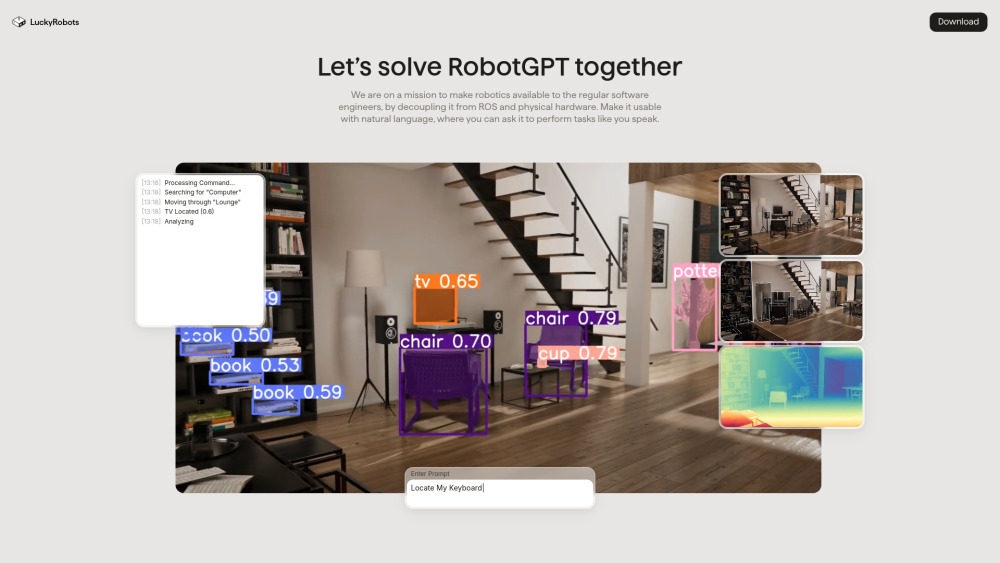
Train robots with precision using Lucky Robots, an advanced virtual simulation platform designed to optimize robotic skills and performance.
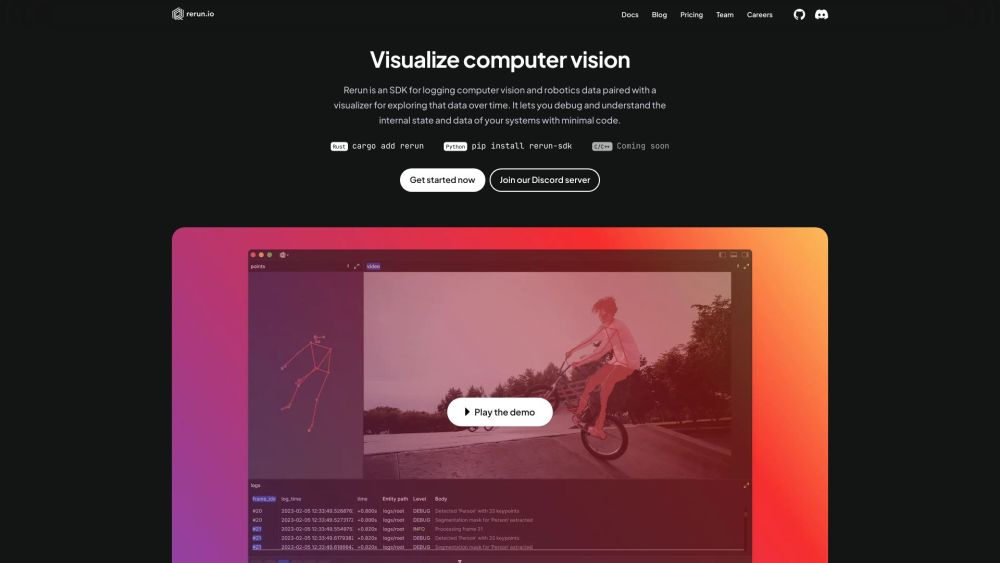
Rerun: SDK for logging and visualizing computer vision and robotics data. Debug and understand your systems with minimal code using our powerful visualizer.
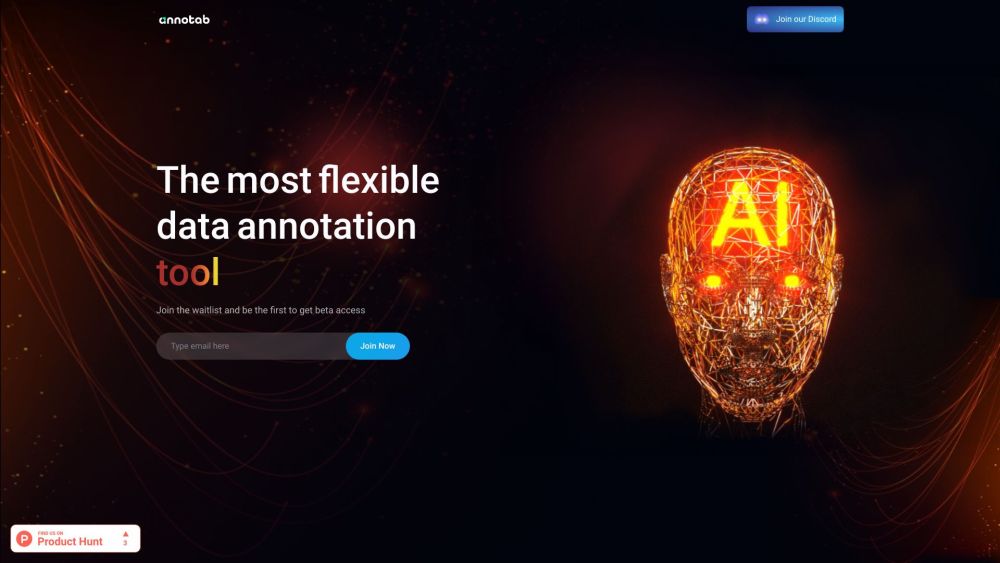
Annotab Studio: The ultimate web-based tool for AI projects, enabling image annotation and object detection for precise data labeling and management.
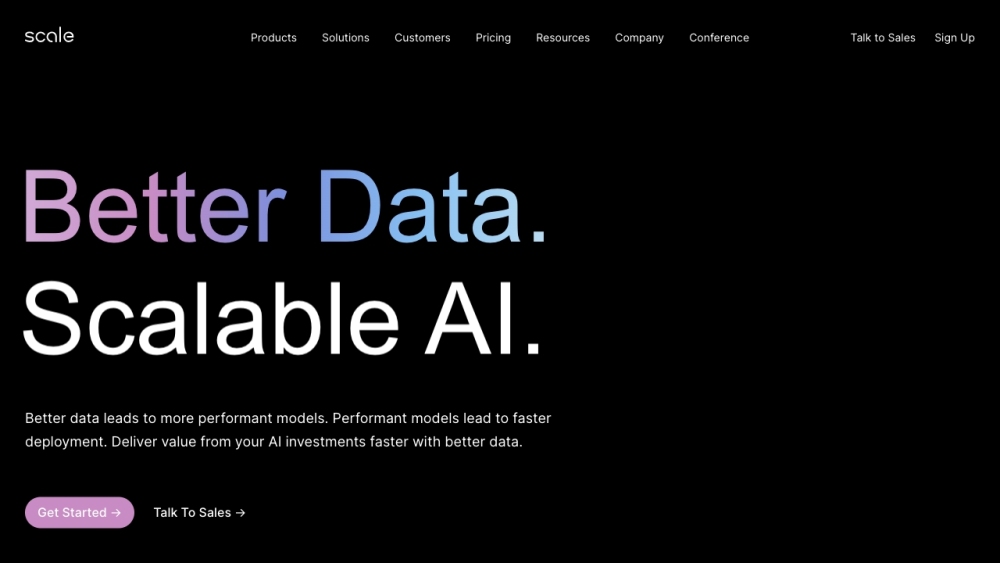
Scale AI delivers top-notch training data for AI applications like self-driving cars, mapping, AR/VR, and robotics. Trusted quality for smarter AI.
FAQ
Practical answers to help you take the next step.
The collection groups applications around a shared task. Product scope can overlap, so compare the specific workflow each tool describes rather than the category name alone.
Identify the files, text or account connections your task needs. Confirm that the product accepts those inputs and offers controls for reviewing its work.
Test one representative task and inspect the result for accuracy and completeness. Record where manual corrections or extra tools are needed.
Choose one task with a clear success condition. Keep the input consistent, record the time spent reviewing and compare the complete workflow cost.
Flojoy Studio is the leading open-source desktop app for automating test, measurement, and control of hardware devices such as circuit boards, oscilloscopes, function generators, power supplies, robotic arms, and motor controllers.
Read about Flojoy StudioTrain robots with precision using Lucky Robots, an advanced virtual simulation platform designed to optimize robotic skills and performance.
Read about Lucky RobotsRerun: SDK for logging and visualizing computer vision and robotics data. Debug and understand your systems with minimal code using our powerful visualizer.
Read about RerunAnnotab Studio: The ultimate web-based tool for AI projects, enabling image annotation and object detection for precise data labeling and management.
Read about Annotab StudioScale AI delivers top-notch training data for AI applications like self-driving cars, mapping, AR/VR, and robotics. Trusted quality for smarter AI.
Read about Scale AICheck export formats, integrations and whether you can keep using your work outside the service. Test a real export before committing to a longer plan.