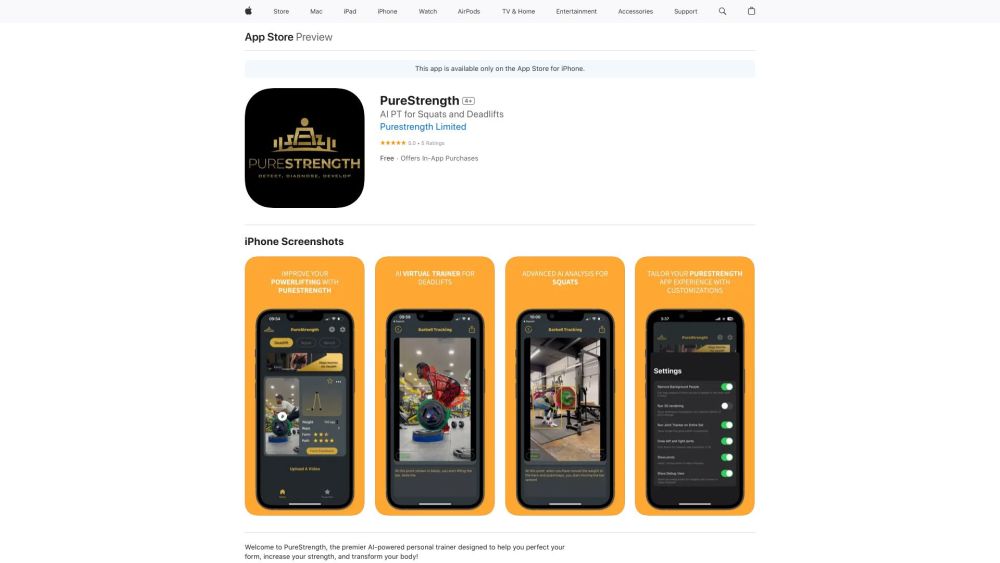
Elevate your lifting with BarPath Analyzer—track and perfect every movement with precise bar path analysis for optimal technique and gains.
Explore a specific workflow
Explore range of motion tools through the product profiles below. These tools help create, edit or repurpose moving images. Text-to-video, image animation and video editing solve different tasks, so start with the source material you already have.
Compare text prompts, reference frames, source footage and audio support. Check duration, aspect ratio and whether the tool lets you keep a subject consistent between shots.
Watch the entire clip for motion errors, distorted objects, changing identities, lip-sync problems and abrupt transitions. Inspect the downloaded file as well as the preview.
Elevate your lifting with BarPath Analyzer—track and perfect every movement with precise bar path analysis for optimal technique and gains.
FAQ
Practical answers to help you take the next step.
These tools help create, edit or repurpose moving images. Text-to-video, image animation and video editing solve different tasks, so start with the source material you already have.
Compare text prompts, reference frames, source footage and audio support. Check duration, aspect ratio and whether the tool lets you keep a subject consistent between shots.
Watch the entire clip for motion errors, distorted objects, changing identities, lip-sync problems and abrupt transitions. Inspect the downloaded file as well as the preview.
Use a short shot with one subject and one camera movement. Keep the prompt and duration constant, then compare usable seconds and the number of regenerations.
Elevate your lifting with BarPath Analyzer—track and perfect every movement with precise bar path analysis for optimal technique and gains.
Read about BarPath AnalyzerCheck export resolution, frame rate, aspect ratio, audio tracks and watermark rules. A good preview is not a substitute for an export that fits your publishing channel.
Run the same small task in each shortlisted product. Compare the price per usable result, usage limits, regeneration costs and time spent correcting the output. Confirm current terms with the provider.
Check who can access uploaded material, how long it is retained and how deletion works. Use a non-confidential test file while evaluating a product.
No. The range of motion label groups related applications, but each product description defines its actual scope. Compare the input and output for your specific task.
Open the product profile, follow its official website link and review its documentation or plan comparison. Directory descriptions and screenshots may predate product changes.