Explore profile tools through the product profiles below. The collection groups applications around a shared task. Product scope can overlap, so compare the specific workflow each tool describes rather than the category name alone.
✳
How to compare profile tools
Identify the files, text or account connections your task needs. Confirm that the product accepts those inputs and offers controls for reviewing its work.
Test one representative task and inspect the result for accuracy and completeness. Record where manual corrections or extra tools are needed.
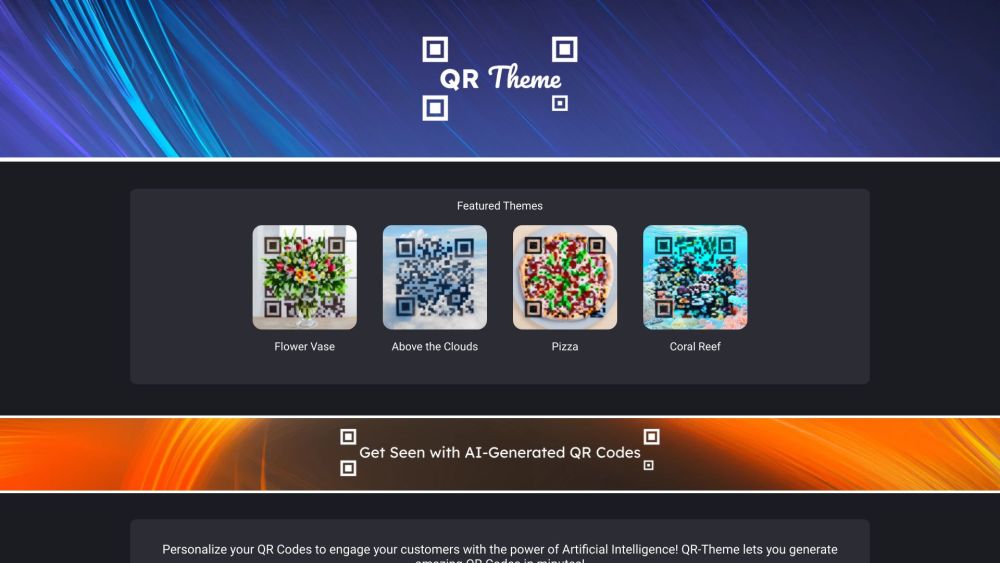
QR-Theme is a website that allows you to make incredible QR code art using artificial intelligence. It offers unique AI-generated QR codes for businesses, events, profiles, and more. These scannable QR codes are designed to stand out and engage customers.
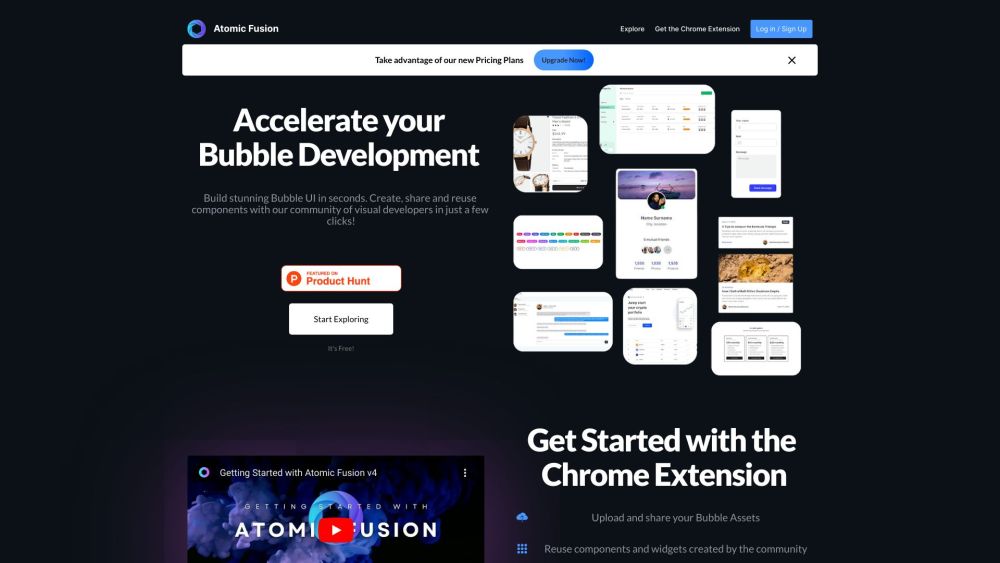
Accelerate your Bubble development with Atomic Fusion! Create, save, and share designs, styles, and code snippets effortlessly. Fork and save assets in a click.
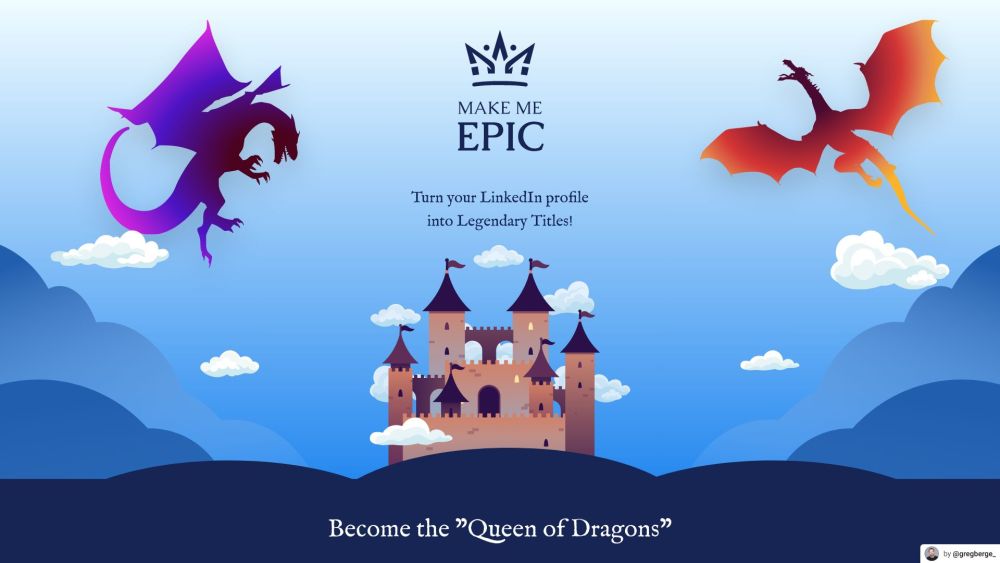
Transform your LinkedIn profile with 'Make Me Epic'! Turn your professional journey into epic fantasy titles. Add whimsy and grandeur to your career today!
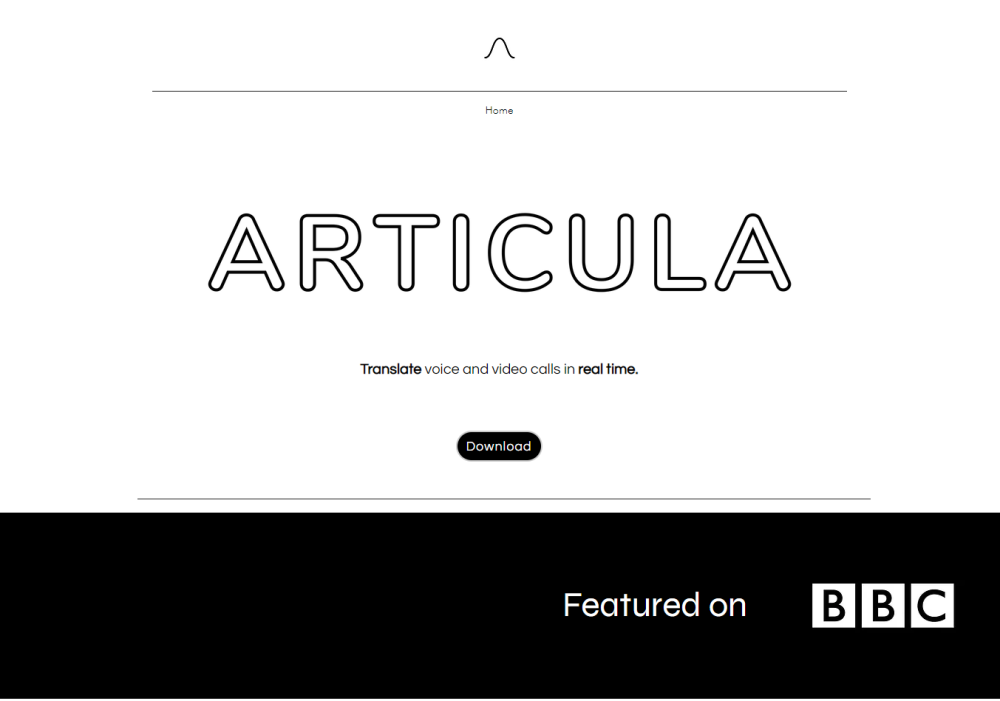
Articula: The fastest, most accurate call translation app. Translate voice and video calls in real-time across 24 languages effortlessly.
FAQ
profile questions and answers
Practical answers to help you take the next step.
What does the profile tag cover?
The collection groups applications around a shared task. Product scope can overlap, so compare the specific workflow each tool describes rather than the category name alone.
Which inputs should I compare in profile tools?
Identify the files, text or account connections your task needs. Confirm that the product accepts those inputs and offers controls for reviewing its work.
How should I review results from a profile tool?
Test one representative task and inspect the result for accuracy and completeness. Record where manual corrections or extra tools are needed.
What is a fair first test for profile tools?
Choose one task with a clear success condition. Keep the input consistent, record the time spent reviewing and compare the complete workflow cost.
What does QR-Theme offer in this profile collection?
QR-Theme is a website that allows you to make incredible QR code art using artificial intelligence. It offers unique AI-generated QR codes for businesses, events, profiles, and more. These scannable QR codes are designed to stand out and engage customers.
What does Atomic Fusion offer in this profile collection?
Accelerate your Bubble development with Atomic Fusion! Create, save, and share designs, styles, and code snippets effortlessly. Fork and save assets in a click.
What does Make Me Epic offer in this profile collection?
Transform your LinkedIn profile with 'Make Me Epic'! Turn your professional journey into epic fantasy titles. Add whimsy and grandeur to your career today!