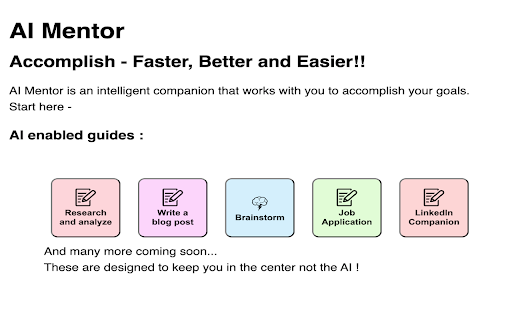
AI Mentor - Chrome Extension: Your personal AI assistant for boosting productivity. Automate tasks, stay organized, and save time effortlessly!
Explore a specific workflow
Explore productivity assistant tools through the product profiles below. The collection groups applications around a shared task. Product scope can overlap, so compare the specific workflow each tool describes rather than the category name alone.
Identify the files, text or account connections your task needs. Confirm that the product accepts those inputs and offers controls for reviewing its work.
Test one representative task and inspect the result for accuracy and completeness. Record where manual corrections or extra tools are needed.
AI Mentor - Chrome Extension: Your personal AI assistant for boosting productivity. Automate tasks, stay organized, and save time effortlessly!
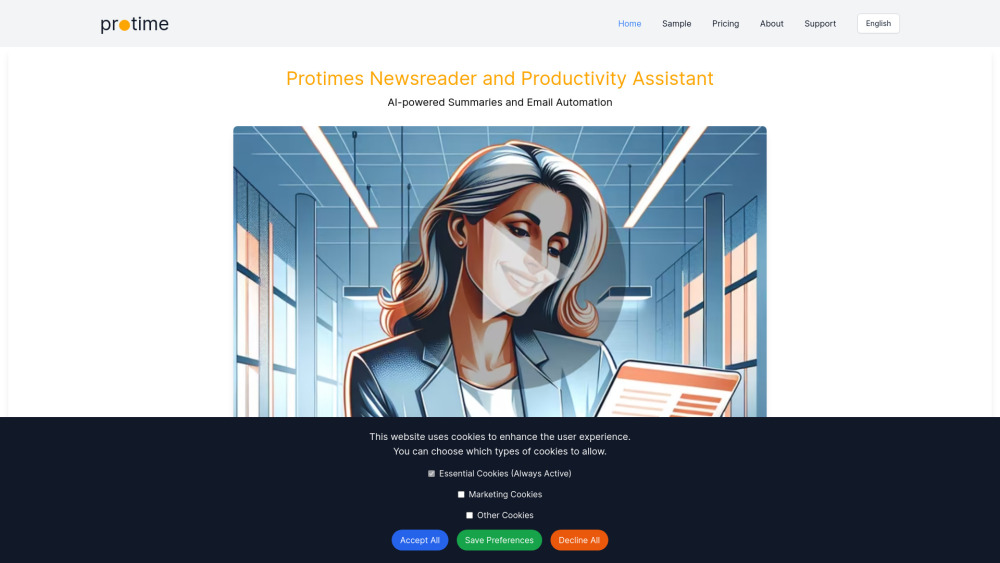
AI newsreader and productivity assistant
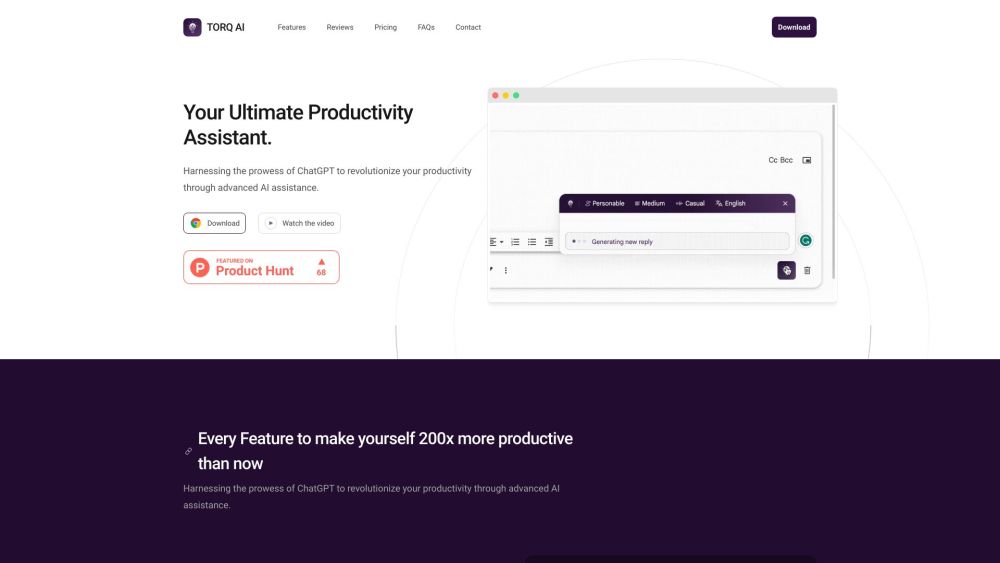
Torq AI: Boost productivity with our AI-powered assistant that streamlines email management and offers smart suggestions for ultimate efficiency.
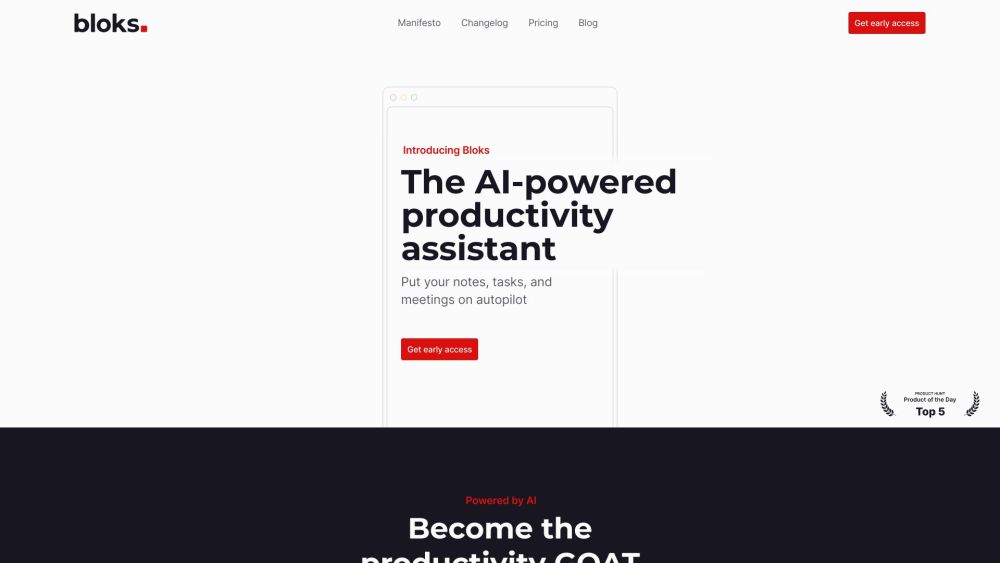
Boost productivity with Bloks, the AI-powered assistant for note-taking, task management, and meeting organization. Stay organized and efficient effortlessly.
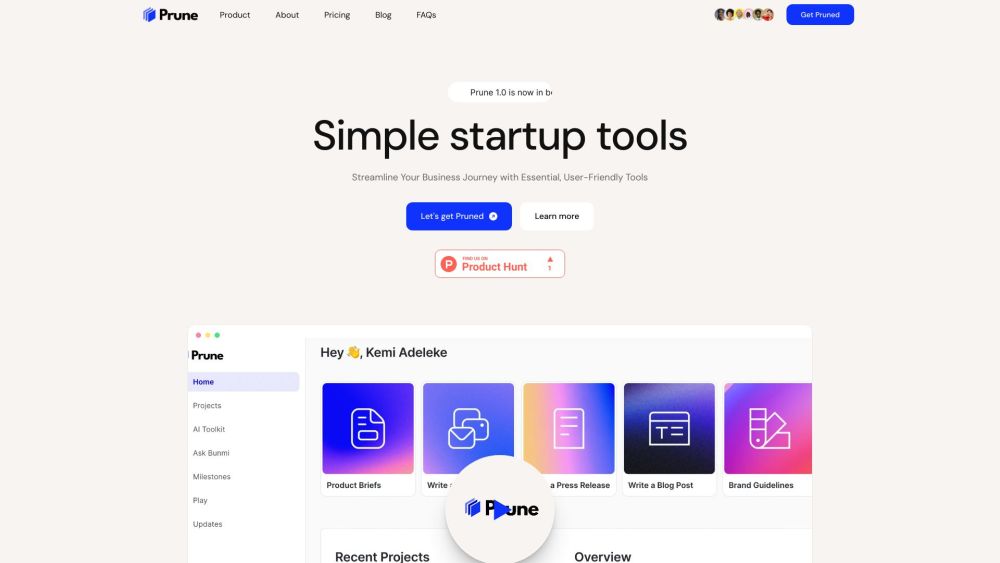
Boost creativity and productivity with Prune: AI-driven writing assistant and Simple Notes. Elevate tasks with AI prompts and grow without limits!
FAQ
Practical answers to help you take the next step.
The collection groups applications around a shared task. Product scope can overlap, so compare the specific workflow each tool describes rather than the category name alone.
Identify the files, text or account connections your task needs. Confirm that the product accepts those inputs and offers controls for reviewing its work.
Test one representative task and inspect the result for accuracy and completeness. Record where manual corrections or extra tools are needed.
Choose one task with a clear success condition. Keep the input consistent, record the time spent reviewing and compare the complete workflow cost.
AI Mentor - Chrome Extension: Your personal AI assistant for boosting productivity. Automate tasks, stay organized, and save time effortlessly!
Read about AI Mentor - Chrome ExtensionAI newsreader and productivity assistant
Read about ProtimeTorq AI: Boost productivity with our AI-powered assistant that streamlines email management and offers smart suggestions for ultimate efficiency.
Read about Torq AIBoost productivity with Bloks, the AI-powered assistant for note-taking, task management, and meeting organization. Stay organized and efficient effortlessly.
Read about BloksBoost creativity and productivity with Prune: AI-driven writing assistant and Simple Notes. Elevate tasks with AI prompts and grow without limits!
Read about PruneCheck export formats, integrations and whether you can keep using your work outside the service. Test a real export before committing to a longer plan.