
Insights - Ayraa: Transform your workplace with AI-powered search and knowledge assistant. Streamline tasks, boost productivity, and find answers fast.
Explore a specific workflow
Explore knowledge assistant tools through the product profiles below. The collection groups applications around a shared task. Product scope can overlap, so compare the specific workflow each tool describes rather than the category name alone.
Identify the files, text or account connections your task needs. Confirm that the product accepts those inputs and offers controls for reviewing its work.
Test one representative task and inspect the result for accuracy and completeness. Record where manual corrections or extra tools are needed.
Insights - Ayraa: Transform your workplace with AI-powered search and knowledge assistant. Streamline tasks, boost productivity, and find answers fast.

Accelerate research with bundleIQ’s AI assistant ALANI: import papers, ask questions, gain insights, make connections, expedite learning, and document key findings.
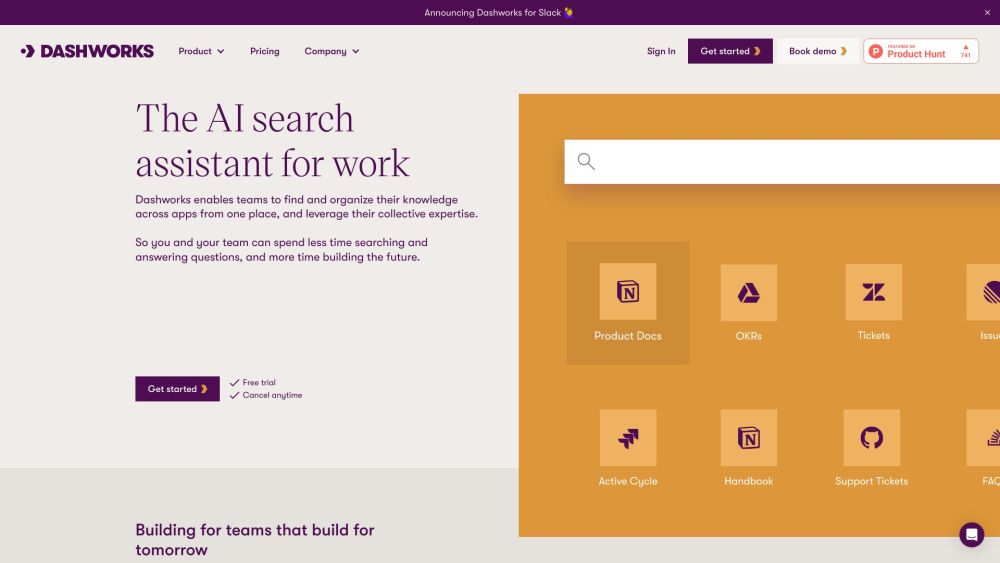
Dash AI: Your enterprise's AI-powered Knowledge Assistant. Get instant, accurate answers from all your apps, improve efficiency, and boost team performance.

Knibble.AI: Your intelligent knowledge assistant, powered by ChatGPT, for information retrieval and smarter insights.

Gems: Your AI knowledge assistant delivering instant answers from Notion, Gmail, Slack & more. Effortless integration, enhanced productivity.
FAQ
Practical answers to help you take the next step.
The collection groups applications around a shared task. Product scope can overlap, so compare the specific workflow each tool describes rather than the category name alone.
Identify the files, text or account connections your task needs. Confirm that the product accepts those inputs and offers controls for reviewing its work.
Test one representative task and inspect the result for accuracy and completeness. Record where manual corrections or extra tools are needed.
Choose one task with a clear success condition. Keep the input consistent, record the time spent reviewing and compare the complete workflow cost.
Insights - Ayraa: Transform your workplace with AI-powered search and knowledge assistant. Streamline tasks, boost productivity, and find answers fast.
Read about Insights - AyraaAccelerate research with bundleIQ’s AI assistant ALANI: import papers, ask questions, gain insights, make connections, expedite learning, and document key findings.
Read about bundleIQDash AI: Your enterprise's AI-powered Knowledge Assistant. Get instant, accurate answers from all your apps, improve efficiency, and boost team performance.
Read about Dash AIKnibble.AI: Your intelligent knowledge assistant, powered by ChatGPT, for information retrieval and smarter insights.
Read about Knibble.AIGems: Your AI knowledge assistant delivering instant answers from Notion, Gmail, Slack & more. Effortless integration, enhanced productivity.
Read about Gems AI Knowledge AssistantCheck export formats, integrations and whether you can keep using your work outside the service. Test a real export before committing to a longer plan.