
Ticket Artisan: Transform UI designs into actionable dev tickets with AI precision. Streamline your workflow and boost efficiency effortlessly.
Explore a specific workflow
Explore jira tools through the product profiles below. The collection groups applications around a shared task. Product scope can overlap, so compare the specific workflow each tool describes rather than the category name alone.
Identify the files, text or account connections your task needs. Confirm that the product accepts those inputs and offers controls for reviewing its work.
Test one representative task and inspect the result for accuracy and completeness. Record where manual corrections or extra tools are needed.
Ticket Artisan: Transform UI designs into actionable dev tickets with AI precision. Streamline your workflow and boost efficiency effortlessly.
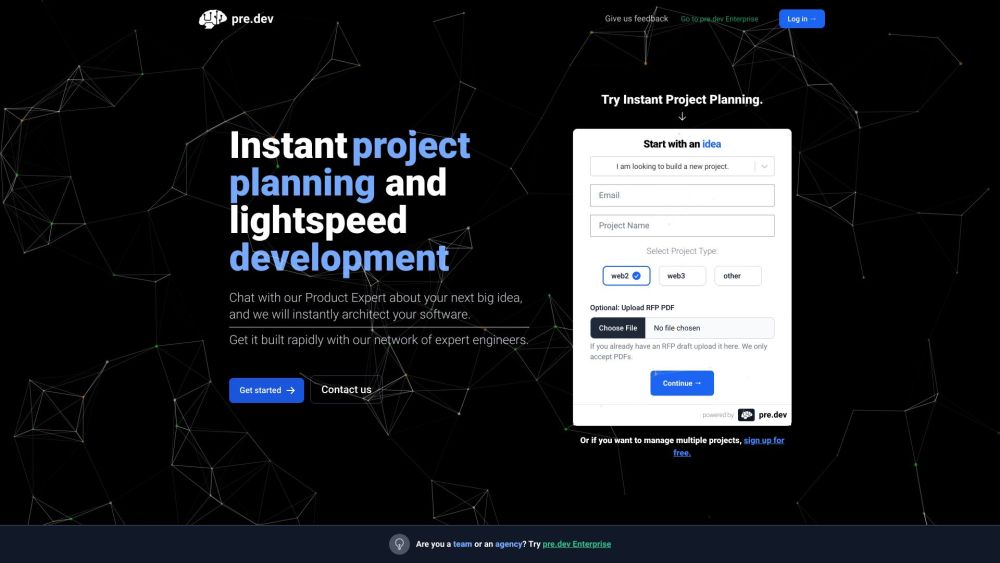
Pre.Dev: Instant project planning and lightspeed development for unparalleled efficiency. Revolutionize your workflow with Pre.Dev today!

NotelyAi: create stunning, AI-generated release notes from JIRA, Linear, and more. Enhance customer updates with ease! #AIPowered #ProjectTools

Makelog: Effortlessly share and streamline product updates with GitHub, Jira, and Linear integrations. Perfect for fast-shipping software teams.

Nightfall AI is a data leak prevention (DLP) platform that helps businesses discover, classify, and protect sensitive data across SaaS and cloud apps using machine learning. It offers accurate detection of personally identifiable information (PII), protected health information (PHI), payment card industry (PCI) data, secrets, and credentials in leading SaaS apps and generative AI tools like ChatGPT, Slack, Jira, and GitHub.
FAQ
Practical answers to help you take the next step.
The collection groups applications around a shared task. Product scope can overlap, so compare the specific workflow each tool describes rather than the category name alone.
Identify the files, text or account connections your task needs. Confirm that the product accepts those inputs and offers controls for reviewing its work.
Test one representative task and inspect the result for accuracy and completeness. Record where manual corrections or extra tools are needed.
Choose one task with a clear success condition. Keep the input consistent, record the time spent reviewing and compare the complete workflow cost.
Ticket Artisan: Transform UI designs into actionable dev tickets with AI precision. Streamline your workflow and boost efficiency effortlessly.
Read about Ticket ArtisanPre.Dev: Instant project planning and lightspeed development for unparalleled efficiency. Revolutionize your workflow with Pre.Dev today!
Read about Pre.DevNotelyAi: create stunning, AI-generated release notes from JIRA, Linear, and more. Enhance customer updates with ease! #AIPowered #ProjectTools
Read about NotelyAiMakelog: Effortlessly share and streamline product updates with GitHub, Jira, and Linear integrations. Perfect for fast-shipping software teams.
Read about MakelogNightfall AI is a data leak prevention (DLP) platform that helps businesses discover, classify, and protect sensitive data across SaaS and cloud apps using machine learning. It offers accurate detection of personally identifiable information (PII), protected health information (PHI), payment card industry (PCI) data, secrets, and credentials in leading SaaS apps and generative AI tools like ChatGPT, Slack, Jira, and GitHub.
Read about Nightfall AICheck export formats, integrations and whether you can keep using your work outside the service. Test a real export before committing to a longer plan.