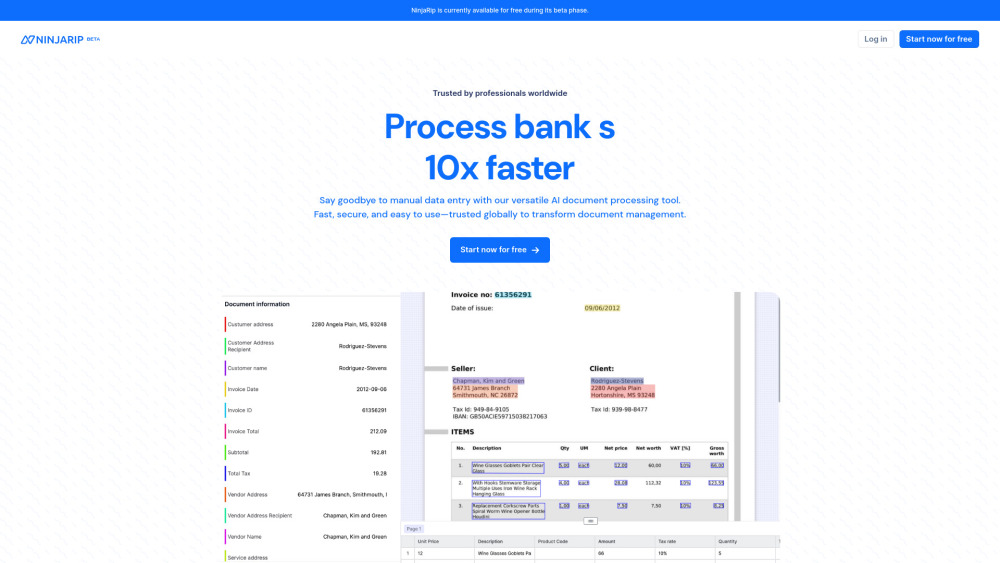
NinjaRIP: AI-driven document processing for streamlined business efficiency. Automate, organize, and optimize your workflow with technology.
Explore a specific workflow
Explore invoice processing tools through the product profiles below. Audio tools handle tasks such as transcription, speech synthesis, sound generation and editing. Distinguish converting existing audio from creating a new recording.
Compare recording length, file types, language support and speaker handling. For voice generation, check pronunciation controls and permission to use any reference voice.
Listen for mispronounced names, unnatural pauses, clipped words and noise. For transcripts, compare the text with the recording and correct speaker labels.
NinjaRIP: AI-driven document processing for streamlined business efficiency. Automate, organize, and optimize your workflow with technology.
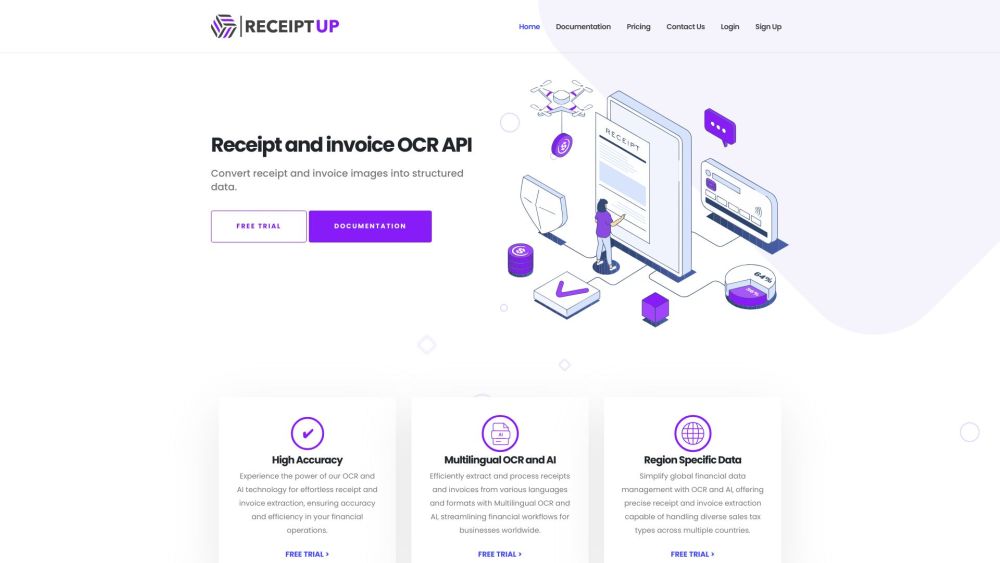
Streamline your workflow with ReceiptUp: Advanced OCR API. Enjoy fast, precise receipt data extraction for enhanced efficiency and management.
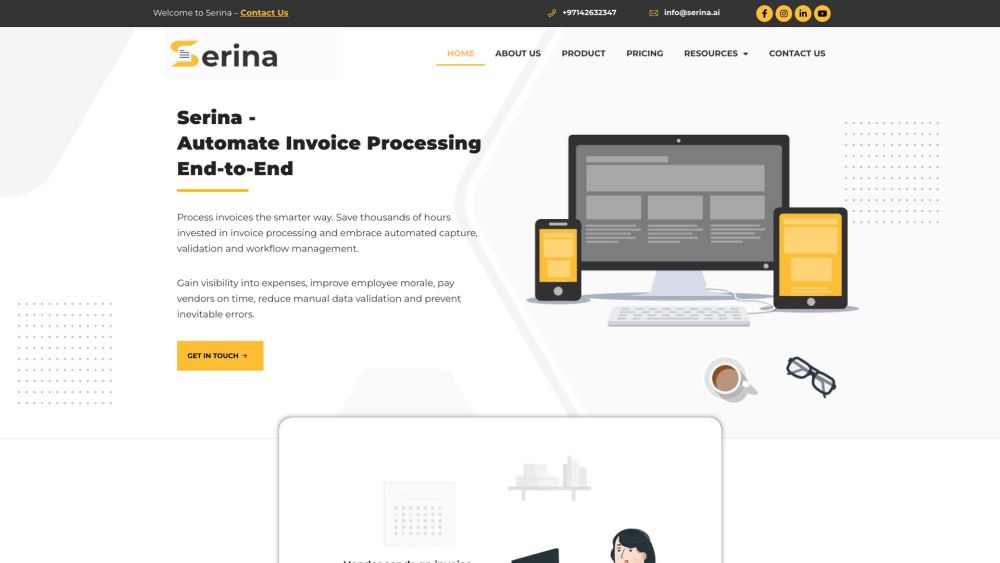
Serina is a comprehensive invoice processing solution that automates the end-to-end process of capturing, validating, and managing invoices. It helps businesses save time, improve accuracy, streamline processes, and comply with e-invoice and tax regulations.
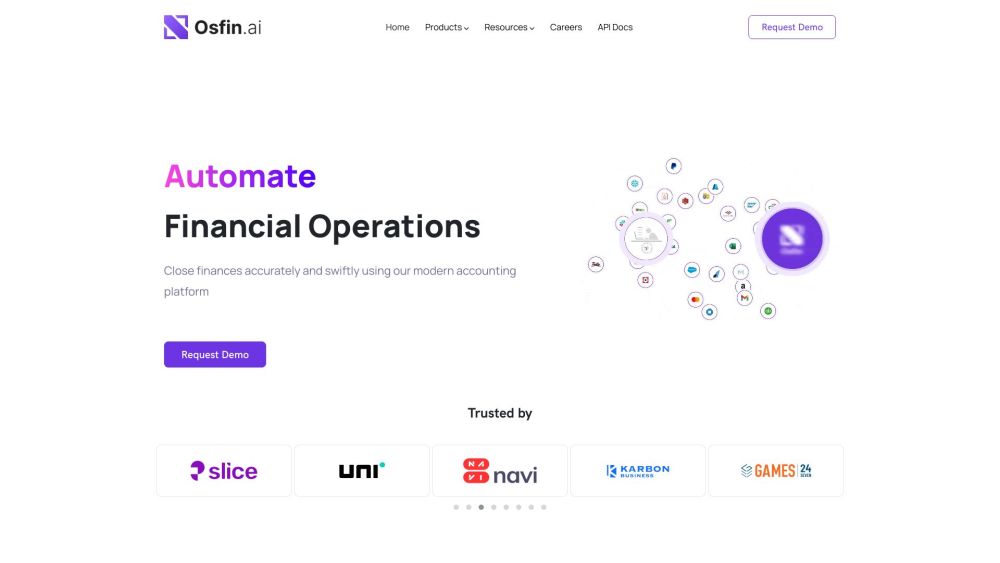
Osfin.ai is a fin-ops platform that helps firms manage critical financial data and enable finance operations such as reconciliation, commission calculations and payout delivery, financial reporting etc. We enable customers to become anytime audit-ready.
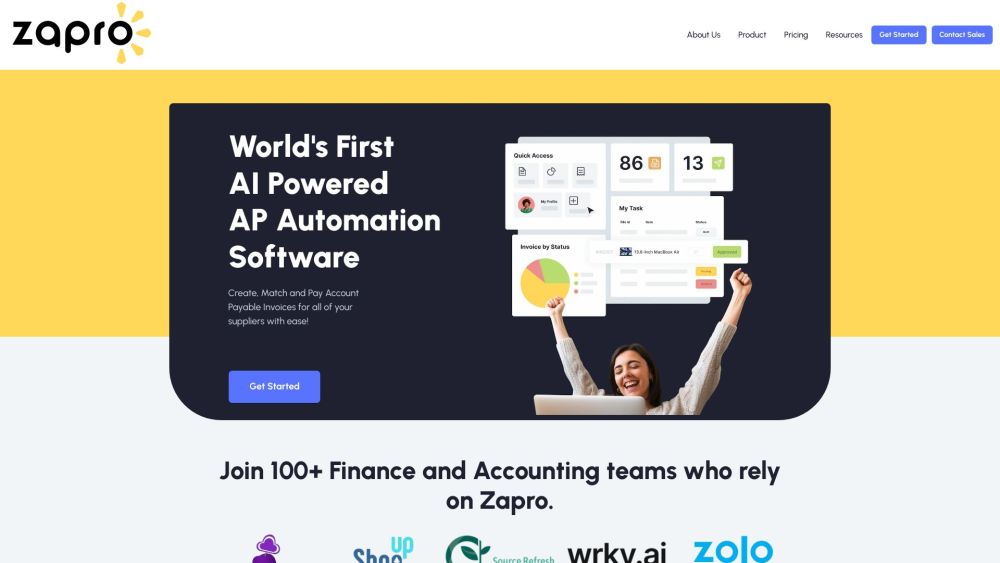
Zapro: AI-powered procurement, invoice processing, and analytics platform to automate operations, control spending, and boost financial management.
FAQ
Practical answers to help you take the next step.
Audio tools handle tasks such as transcription, speech synthesis, sound generation and editing. Distinguish converting existing audio from creating a new recording.
Compare recording length, file types, language support and speaker handling. For voice generation, check pronunciation controls and permission to use any reference voice.
Listen for mispronounced names, unnatural pauses, clipped words and noise. For transcripts, compare the text with the recording and correct speaker labels.
Use a short recording with names, numbers and more than one speaker, or a script with difficult pronunciation. Review the exported audio or transcript in full.
NinjaRIP: AI-driven document processing for streamlined business efficiency. Automate, organize, and optimize your workflow with technology.
Read about NinjaRIPStreamline your workflow with ReceiptUp: Advanced OCR API. Enjoy fast, precise receipt data extraction for enhanced efficiency and management.
Read about ReceiptUpSerina is a comprehensive invoice processing solution that automates the end-to-end process of capturing, validating, and managing invoices. It helps businesses save time, improve accuracy, streamline processes, and comply with e-invoice and tax regulations.
Read about SerinaOsfin.ai is a fin-ops platform that helps firms manage critical financial data and enable finance operations such as reconciliation, commission calculations and payout delivery, financial reporting etc. We enable customers to become anytime audit-ready.
Read about Osfin.aiZapro: AI-powered procurement, invoice processing, and analytics platform to automate operations, control spending, and boost financial management.
Read about ZaproCheck audio format, sample rate, separate tracks, captions and timestamp exports. Confirm that the result works in your editing or accessibility workflow.