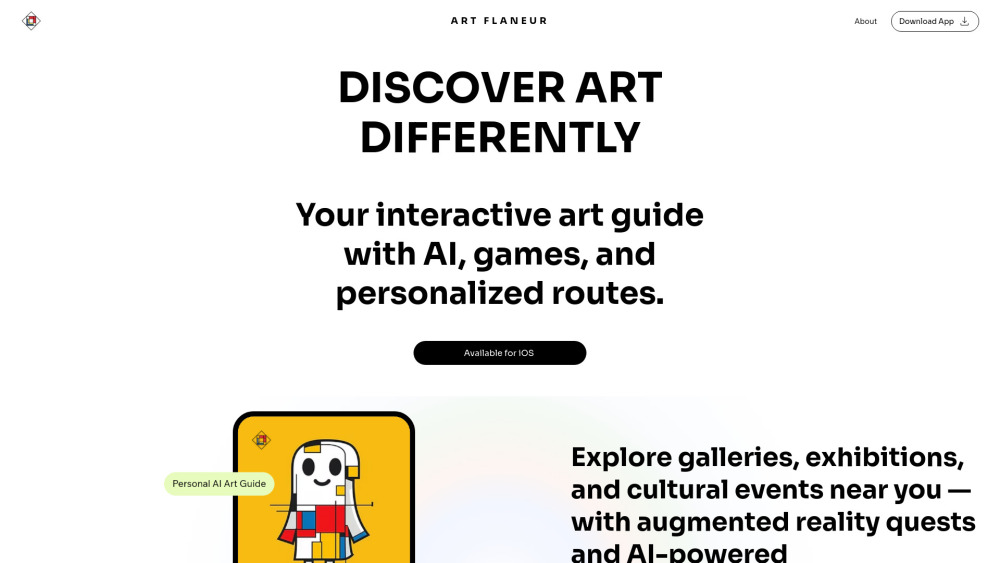
Art Flâneur: Your mobile guide to art discovery, cultural tourism & bespoke art routes—explore cities like a curious connoisseur.
Explore a specific workflow
Explore interactive map tools through the product profiles below. The collection groups applications around a shared task. Product scope can overlap, so compare the specific workflow each tool describes rather than the category name alone.
Identify the files, text or account connections your task needs. Confirm that the product accepts those inputs and offers controls for reviewing its work.
Test one representative task and inspect the result for accuracy and completeness. Record where manual corrections or extra tools are needed.
Art Flâneur: Your mobile guide to art discovery, cultural tourism & bespoke art routes—explore cities like a curious connoisseur.
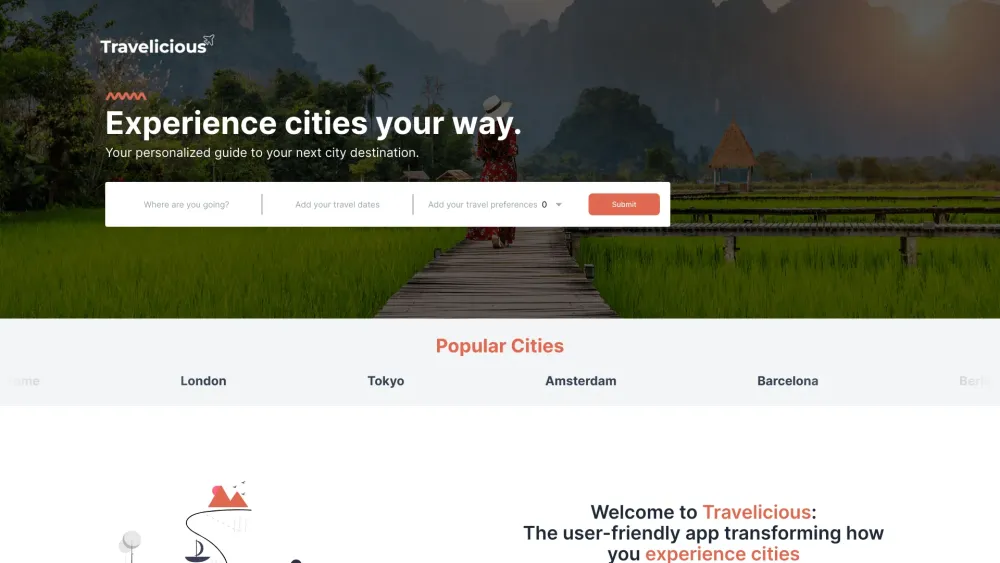
Travelicious: Unlock your ultimate city adventure with personalized itineraries tailored to your interests. Explore, discover, and travel like a local!
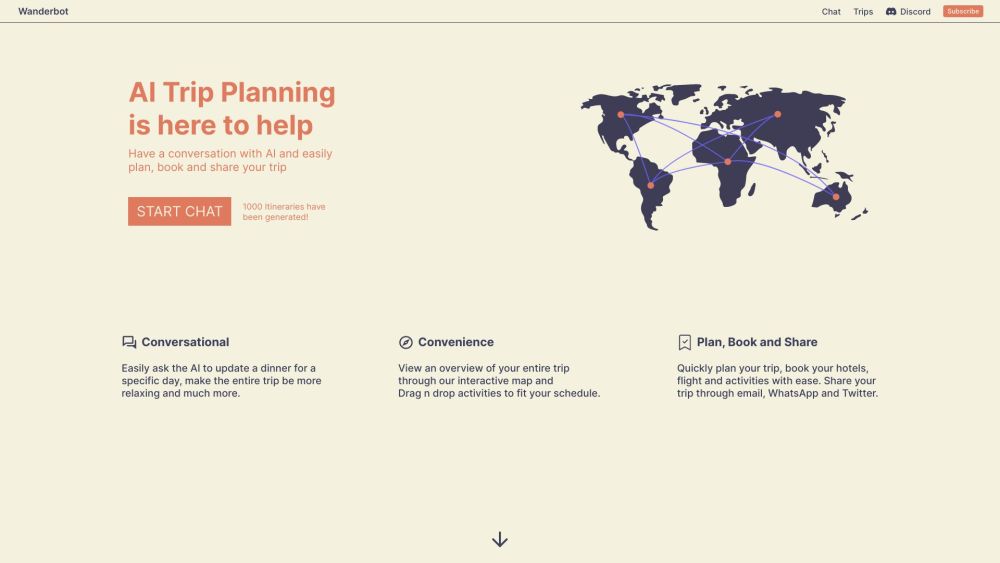
Conversational AI-driven travel platform that recommends top tourist destinations anywhere in the world. Get an overview of your entire trip through our interactive map, easily book and share your trip with friends and family.

Unlock immersive city tours with Journi! Transform your phone into a personal guide with local voices, interactive maps, and must-see attractions. #ExploreWithJourni
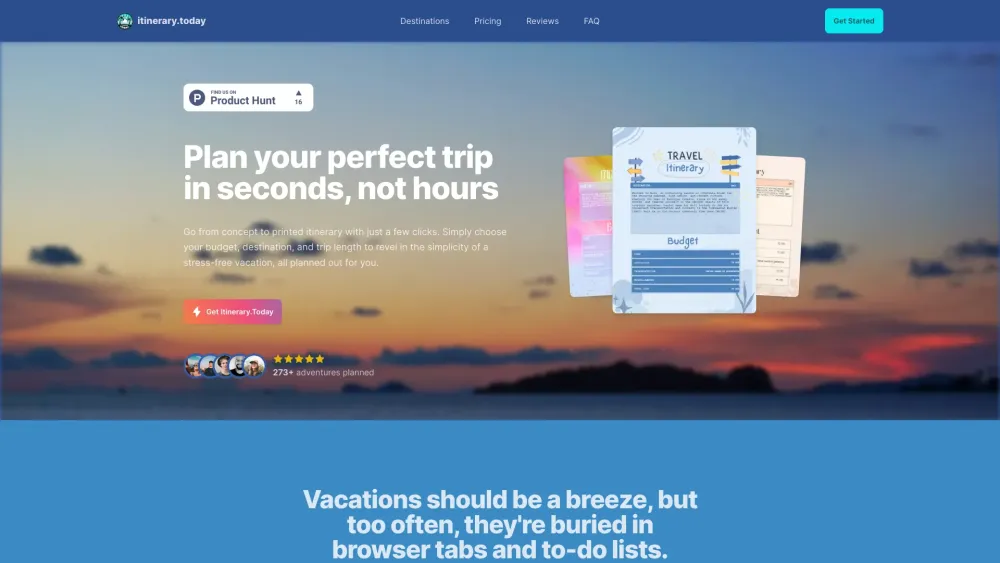
Plan your perfect trip with Itinerary.today! Our AI-driven tool creates personalized travel itineraries tailored to your preferences.
FAQ
Practical answers to help you take the next step.
The collection groups applications around a shared task. Product scope can overlap, so compare the specific workflow each tool describes rather than the category name alone.
Identify the files, text or account connections your task needs. Confirm that the product accepts those inputs and offers controls for reviewing its work.
Test one representative task and inspect the result for accuracy and completeness. Record where manual corrections or extra tools are needed.
Choose one task with a clear success condition. Keep the input consistent, record the time spent reviewing and compare the complete workflow cost.
Art Flâneur: Your mobile guide to art discovery, cultural tourism & bespoke art routes—explore cities like a curious connoisseur.
Read about Art FlâneurTravelicious: Unlock your ultimate city adventure with personalized itineraries tailored to your interests. Explore, discover, and travel like a local!
Read about TraveliciousConversational AI-driven travel platform that recommends top tourist destinations anywhere in the world. Get an overview of your entire trip through our interactive map, easily book and share your trip with friends and family.
Read about WanderbotUnlock immersive city tours with Journi! Transform your phone into a personal guide with local voices, interactive maps, and must-see attractions. #ExploreWithJourni
Read about JourniPlan your perfect trip with Itinerary.today! Our AI-driven tool creates personalized travel itineraries tailored to your preferences.
Read about Itinerary.todayCheck export formats, integrations and whether you can keep using your work outside the service. Test a real export before committing to a longer plan.