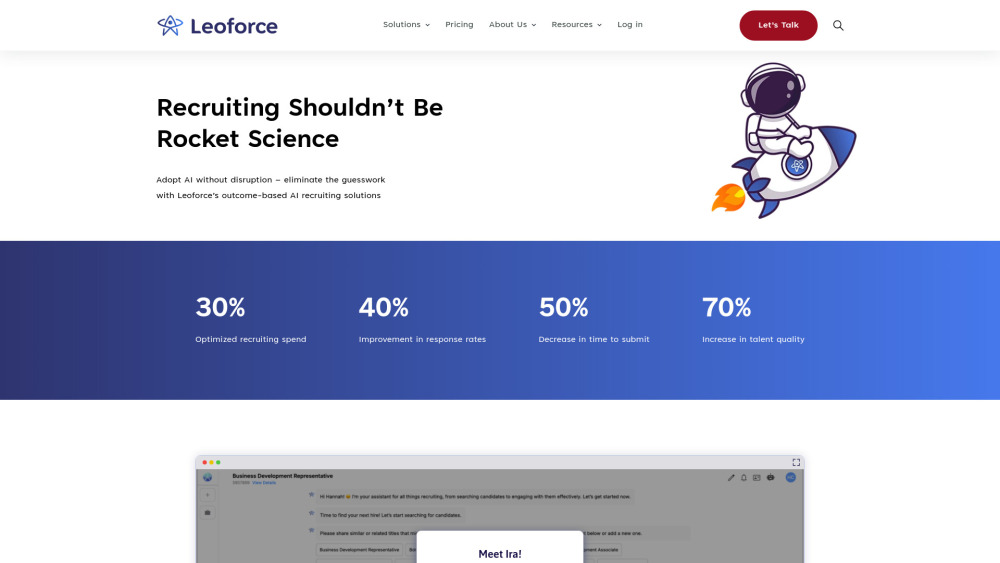
Leoforce: AI-powered recruiting solutions that optimize hiring, accelerate talent acquisition, and deliver smarter, faster, better hires.
Explore a specific workflow
Explore hr tech tools through the product profiles below. The collection groups applications around a shared task. Product scope can overlap, so compare the specific workflow each tool describes rather than the category name alone.
Identify the files, text or account connections your task needs. Confirm that the product accepts those inputs and offers controls for reviewing its work.
Test one representative task and inspect the result for accuracy and completeness. Record where manual corrections or extra tools are needed.
Leoforce: AI-powered recruiting solutions that optimize hiring, accelerate talent acquisition, and deliver smarter, faster, better hires.
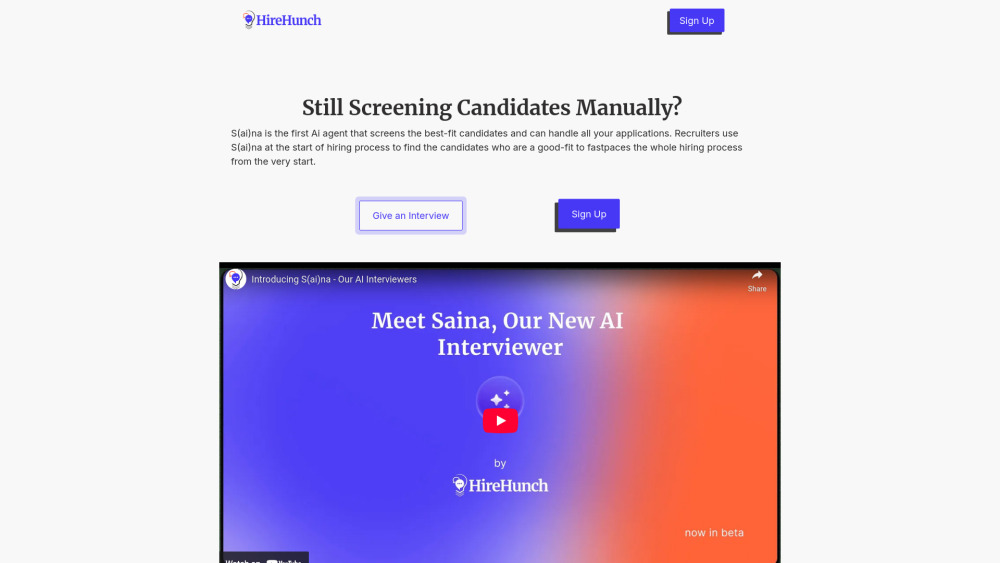
HireHunch: AI-powered interviews that screen candidates faster—objectively, consistently, and without bias. Scale hiring, not bias.
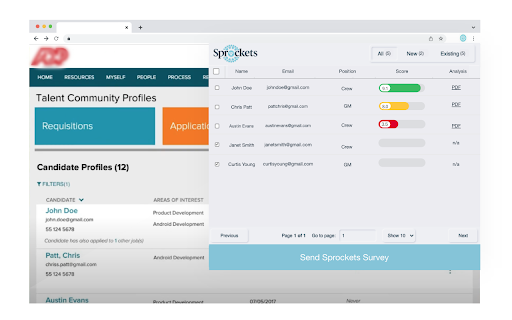
Sprockets - Chrome Extension: Simplified, hiring made easy. Streamline recruiting with powerful tools for efficient, hassle-free hiring.
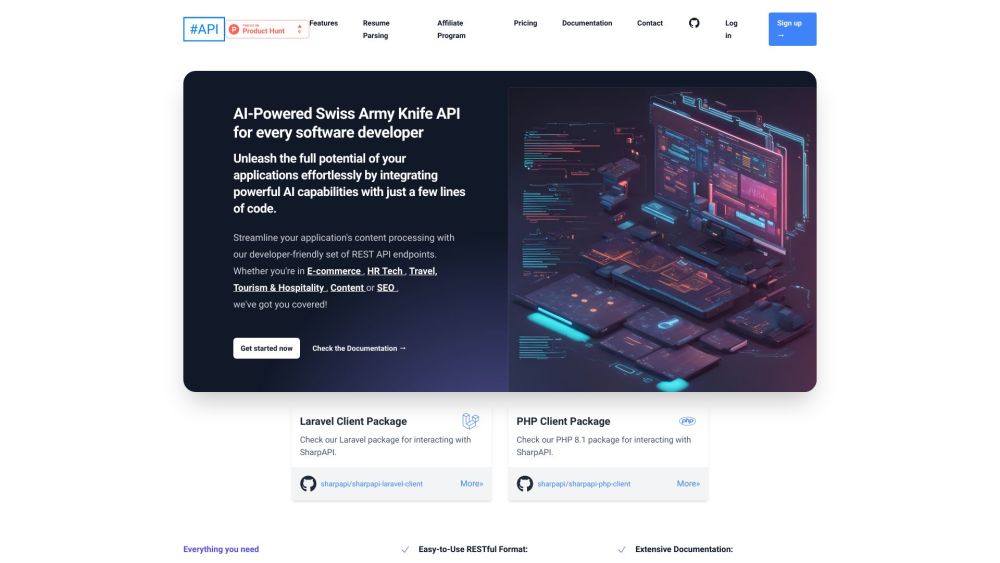
SharpAPI is an AI-Powered Swiss Army Knife API for every software developer. It enables robust AI capabilities into applications with minimal coding. Suitable for a variety of industries: E-commerce, HR Tech, Travel, Tourism & Hospitality, Content, and SEO.
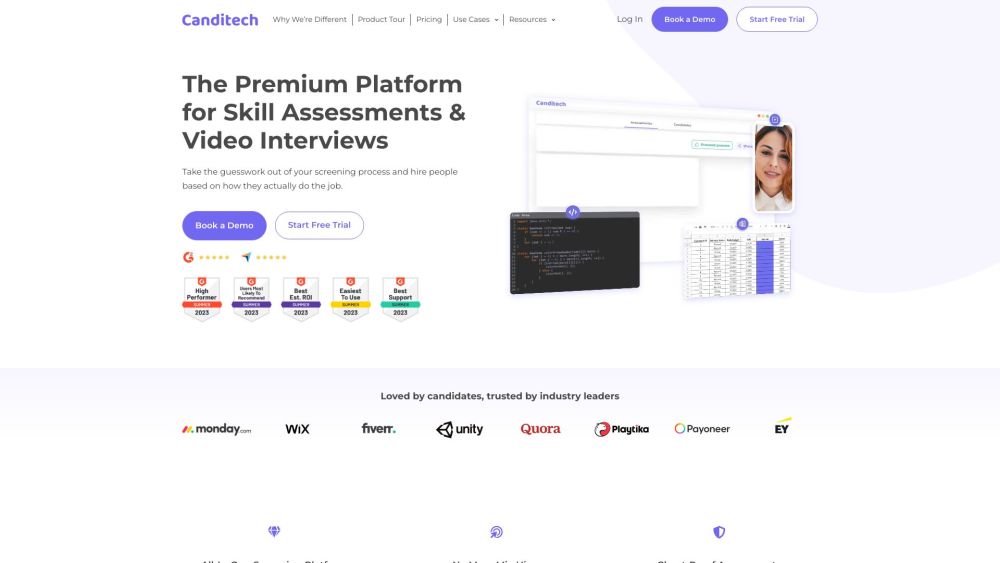
Avoid mis-hires with automated skill assessments.
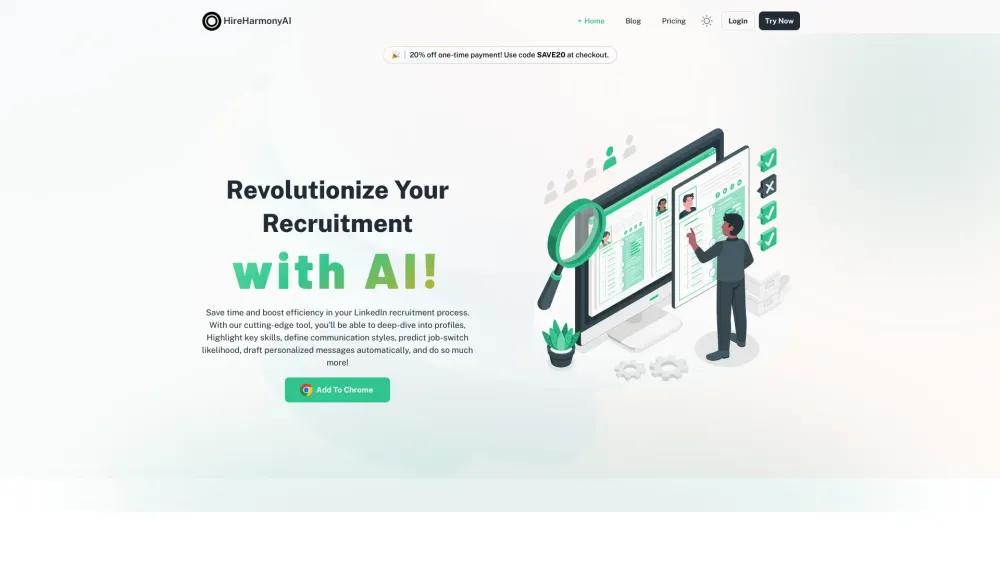
HireHarmonyAI: The AI-powered Chrome extension for and efficient LinkedIn hiring. Simplify your recruitment process today!
FAQ
Practical answers to help you take the next step.
The collection groups applications around a shared task. Product scope can overlap, so compare the specific workflow each tool describes rather than the category name alone.
Identify the files, text or account connections your task needs. Confirm that the product accepts those inputs and offers controls for reviewing its work.
Test one representative task and inspect the result for accuracy and completeness. Record where manual corrections or extra tools are needed.
Choose one task with a clear success condition. Keep the input consistent, record the time spent reviewing and compare the complete workflow cost.
Leoforce: AI-powered recruiting solutions that optimize hiring, accelerate talent acquisition, and deliver smarter, faster, better hires.
Read about LeoforceHireHunch: AI-powered interviews that screen candidates faster—objectively, consistently, and without bias. Scale hiring, not bias.
Read about HireHunchSprockets - Chrome Extension: Simplified, hiring made easy. Streamline recruiting with powerful tools for efficient, hassle-free hiring.
Read about Sprockets - Chrome ExtensionSharpAPI is an AI-Powered Swiss Army Knife API for every software developer. It enables robust AI capabilities into applications with minimal coding. Suitable for a variety of industries: E-commerce, HR Tech, Travel, Tourism & Hospitality, Content, and SEO.
Read about SharpAPIAvoid mis-hires with automated skill assessments.
Read about CanditechHireHarmonyAI: The AI-powered Chrome extension for and efficient LinkedIn hiring. Simplify your recruitment process today!
Read about HireHarmonyAI