
LUMA AI Dream Machine: Transform text and images into stunning, high-quality videos with ease. Unlock creativity with advanced AI technology. Revolutionize your content today!
Explore a specific workflow
Explore high-quality videos tools through the product profiles below. These tools help create, edit or repurpose moving images. Text-to-video, image animation and video editing solve different tasks, so start with the source material you already have.
Compare text prompts, reference frames, source footage and audio support. Check duration, aspect ratio and whether the tool lets you keep a subject consistent between shots.
Watch the entire clip for motion errors, distorted objects, changing identities, lip-sync problems and abrupt transitions. Inspect the downloaded file as well as the preview.
LUMA AI Dream Machine: Transform text and images into stunning, high-quality videos with ease. Unlock creativity with advanced AI technology. Revolutionize your content today!
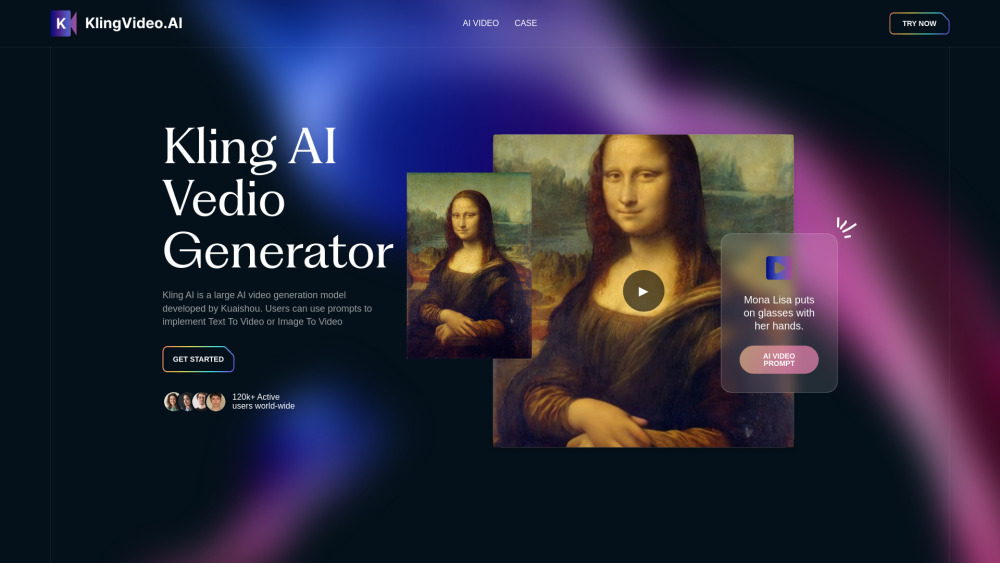
Kling AI: Effortless AI Video Generator – Create videos with ease. No skills required, just video creation at your fingertips!
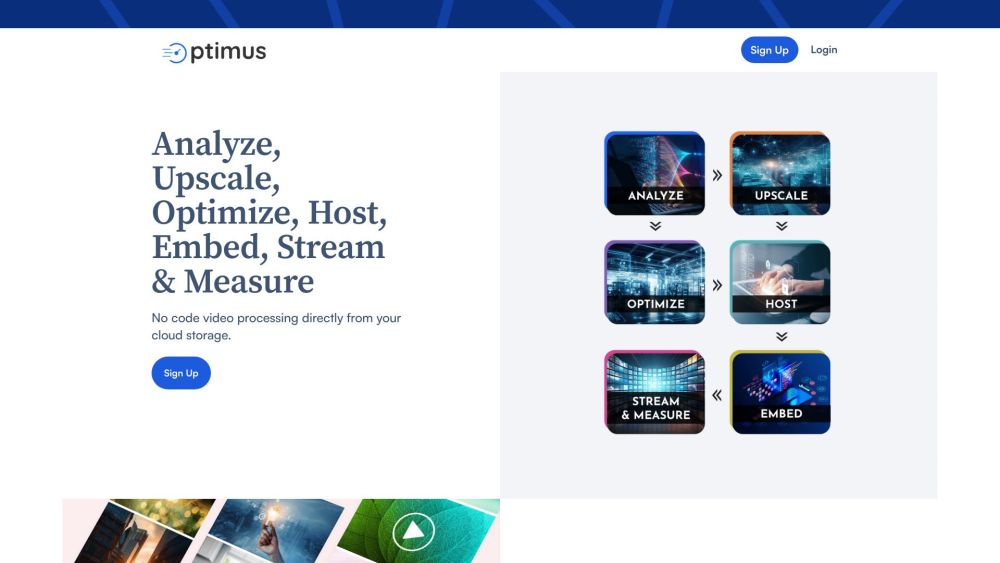
Optimus by Crunch Mediaworks: Patented video tech and image optimization for the highest quality visuals at the smallest file size. Revolutionize your media today!
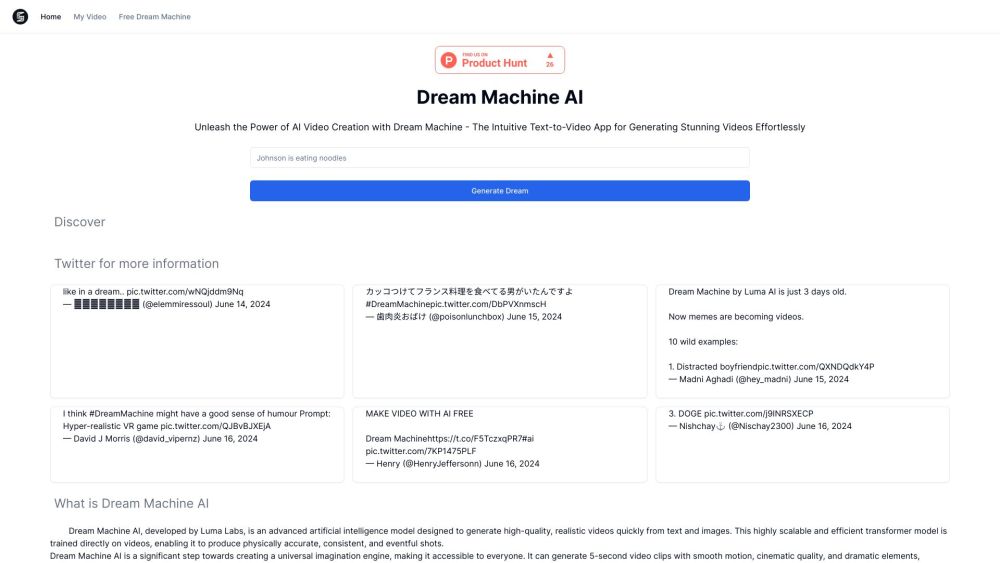
Dream Machine AI by Luma Labs: Generate high-quality, realistic videos with smooth, cinematic motion from text and images. Transform snapshots into dynamic stories.
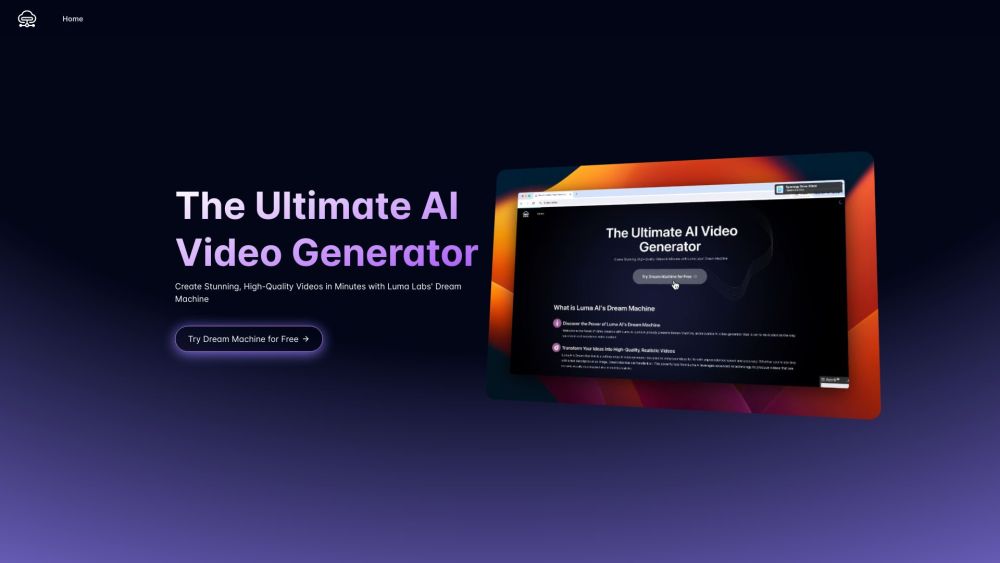
Luma AI Video Generator: Transform text and images into lifelike videos quickly and efficiently with high-quality visuals and smooth motion. Perfect for pros and creatives!
FAQ
Practical answers to help you take the next step.
These tools help create, edit or repurpose moving images. Text-to-video, image animation and video editing solve different tasks, so start with the source material you already have.
Compare text prompts, reference frames, source footage and audio support. Check duration, aspect ratio and whether the tool lets you keep a subject consistent between shots.
Watch the entire clip for motion errors, distorted objects, changing identities, lip-sync problems and abrupt transitions. Inspect the downloaded file as well as the preview.
Use a short shot with one subject and one camera movement. Keep the prompt and duration constant, then compare usable seconds and the number of regenerations.
LUMA AI Dream Machine: Transform text and images into stunning, high-quality videos with ease. Unlock creativity with advanced AI technology. Revolutionize your content today!
Read about LUMA AI Dream MachineKling AI: Effortless AI Video Generator – Create videos with ease. No skills required, just video creation at your fingertips!
Read about Kling AIOptimus by Crunch Mediaworks: Patented video tech and image optimization for the highest quality visuals at the smallest file size. Revolutionize your media today!
Read about Optimus - Crunch MediaworksDream Machine AI by Luma Labs: Generate high-quality, realistic videos with smooth, cinematic motion from text and images. Transform snapshots into dynamic stories.
Read about Dream Machine AILuma AI Video Generator: Transform text and images into lifelike videos quickly and efficiently with high-quality visuals and smooth motion. Perfect for pros and creatives!
Read about Luma AI Video GeneratorCheck export resolution, frame rate, aspect ratio, audio tracks and watermark rules. A good preview is not a substitute for an export that fits your publishing channel.