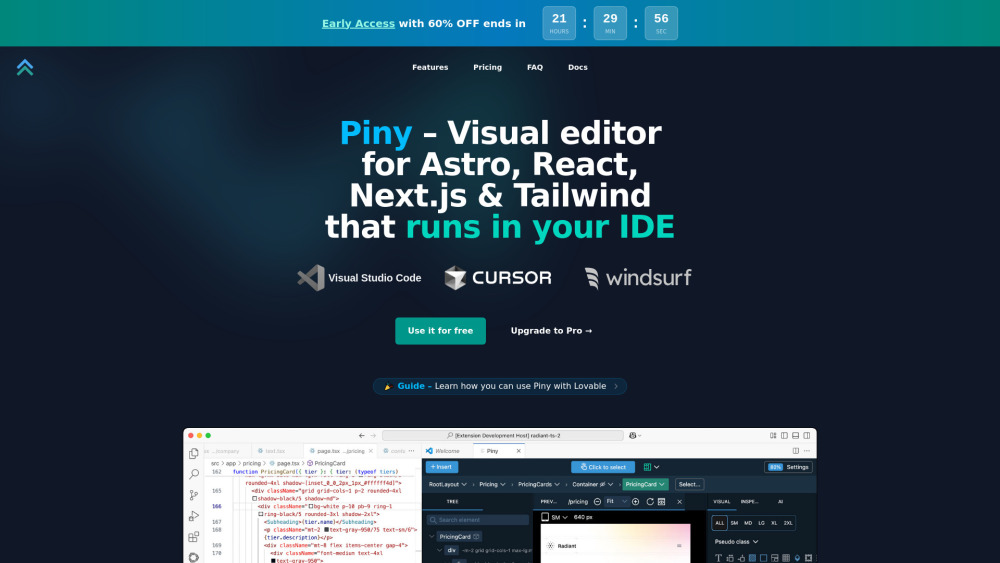
Piny: Visual editor for Astro, React, Next.js & Tailwind—right in your IDE. Build faster, code smarter.
Explore a specific workflow
Explore front-end development tools through the product profiles below. Coding tools assist with tasks such as generation, explanation, review and debugging. Match the product to your language, repository and review process.
Compare repository access, context limits, supported languages and tool permissions. Check whether the assistant can read relevant files and run your existing checks.
Review the diff, run tests and inspect error handling and dependency changes. Generated code should meet the same review standard as a human contribution.
Piny: Visual editor for Astro, React, Next.js & Tailwind—right in your IDE. Build faster, code smarter.
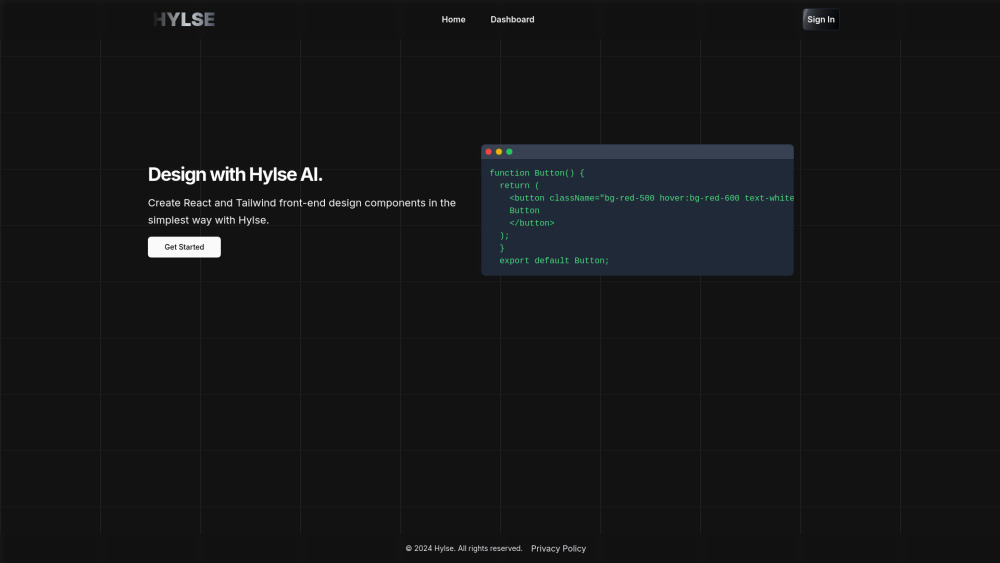
Hylse: Effortlessly create React & TailwindCSS components with AI. Boost productivity, streamline development, and build interfaces in seconds.

Codeo: The Duolingo for coders! Master coding with fun, gamified lessons powered by AI. Turn learning into a game and code like a pro!
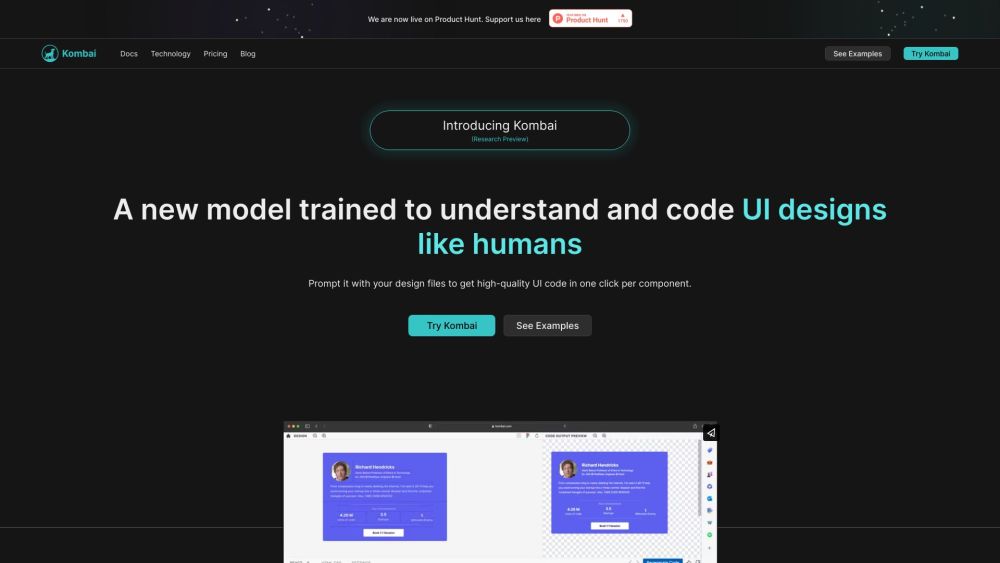
Effortlessly convert Figma designs to flawless front-end code with Kombai. Using AI and deep learning, Kombai delivers pixel-perfect UI code for designers.

Effortlessly set up modern React apps with Create React App Generator: a preconfigured environment that simplifies complex setups, letting you focus on development.
FAQ
Practical answers to help you take the next step.
Coding tools assist with tasks such as generation, explanation, review and debugging. Match the product to your language, repository and review process.
Compare repository access, context limits, supported languages and tool permissions. Check whether the assistant can read relevant files and run your existing checks.
Review the diff, run tests and inspect error handling and dependency changes. Generated code should meet the same review standard as a human contribution.
Choose a small reproducible bug with an existing failing check. Measure whether the tool fixes the cause, preserves behavior and produces a reviewable change.
Piny: Visual editor for Astro, React, Next.js & Tailwind—right in your IDE. Build faster, code smarter.
Read about PinyHylse: Effortlessly create React & TailwindCSS components with AI. Boost productivity, streamline development, and build interfaces in seconds.
Read about HylseCodeo: The Duolingo for coders! Master coding with fun, gamified lessons powered by AI. Turn learning into a game and code like a pro!
Read about CodeoEffortlessly convert Figma designs to flawless front-end code with Kombai. Using AI and deep learning, Kombai delivers pixel-perfect UI code for designers.
Read about KombaiEffortlessly set up modern React apps with Create React App Generator: a preconfigured environment that simplifies complex setups, letting you focus on development.
Read about Create React App GeneratorPrefer changes you can inspect and keep in version control. Check whether code, tests and configuration can be exported without depending on a hosted preview.