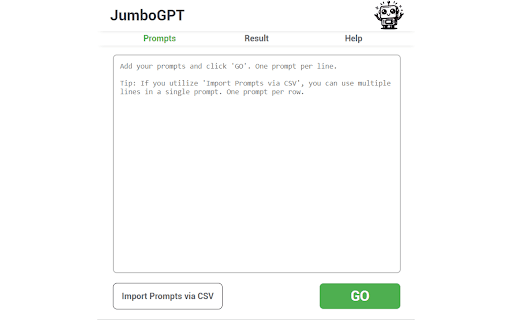
JumboGPT - Chrome Extension: Effortlessly generate bulk ChatGPT prompts in seconds. Boost productivity with fast, easy, and automated prompt management!
Explore a specific workflow
Explore export options tools through the product profiles below. The collection groups applications around a shared task. Product scope can overlap, so compare the specific workflow each tool describes rather than the category name alone.
Identify the files, text or account connections your task needs. Confirm that the product accepts those inputs and offers controls for reviewing its work.
Test one representative task and inspect the result for accuracy and completeness. Record where manual corrections or extra tools are needed.
JumboGPT - Chrome Extension: Effortlessly generate bulk ChatGPT prompts in seconds. Boost productivity with fast, easy, and automated prompt management!
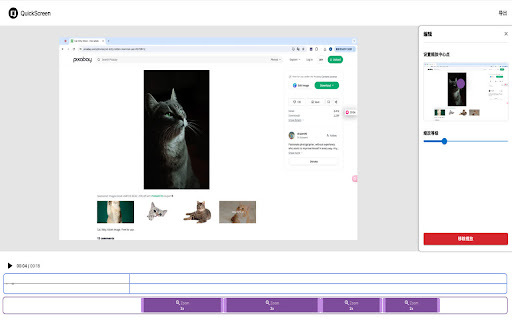
Capture, zoom, edit, and export effortlessly with Quick Screen - Chrome Extension. The ultimate screen recording tool with built-in editing features.

Create photorealistic metaverse avatars in minutes with in3D! Transform into a realistic 3D avatar using just your phone. Dive into the metaverse now!

AutoSlide: Create presentations in seconds with our AI-powered generator. Fast, efficient, and professional results every time.

GoWhisper: The ultimate cross-platform desktop app for and secure audio transcription. Your privacy, our priority.
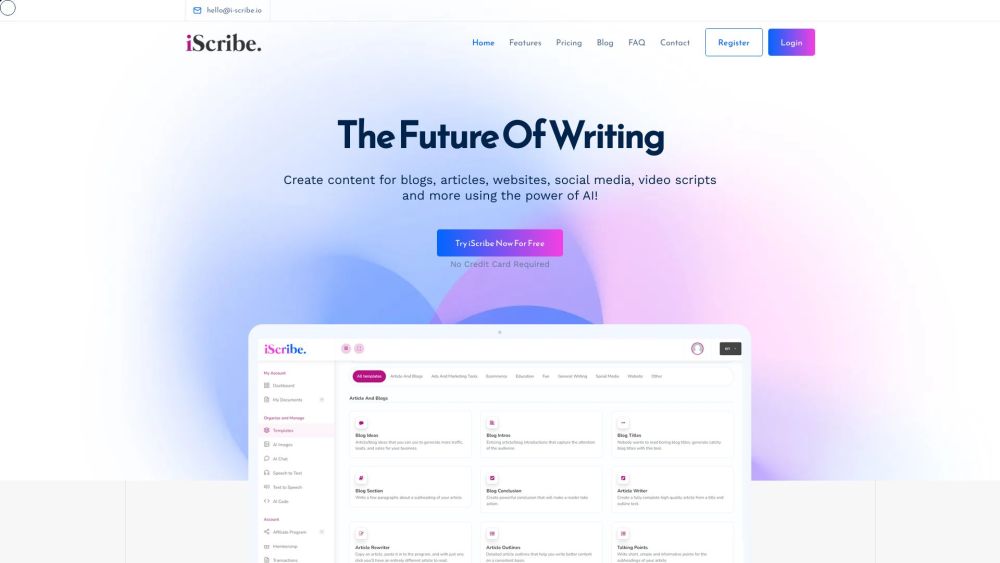
Unleash your creativity with iScribe: the AI-powered platform for effortless text, voiceovers, and chatbot creation. Elevate your content today!
FAQ
Practical answers to help you take the next step.
The collection groups applications around a shared task. Product scope can overlap, so compare the specific workflow each tool describes rather than the category name alone.
Identify the files, text or account connections your task needs. Confirm that the product accepts those inputs and offers controls for reviewing its work.
Test one representative task and inspect the result for accuracy and completeness. Record where manual corrections or extra tools are needed.
Choose one task with a clear success condition. Keep the input consistent, record the time spent reviewing and compare the complete workflow cost.
JumboGPT - Chrome Extension: Effortlessly generate bulk ChatGPT prompts in seconds. Boost productivity with fast, easy, and automated prompt management!
Read about JumboGPT - Chrome ExtensionCapture, zoom, edit, and export effortlessly with Quick Screen - Chrome Extension. The ultimate screen recording tool with built-in editing features.
Read about Quick ScreenCreate photorealistic metaverse avatars in minutes with in3D! Transform into a realistic 3D avatar using just your phone. Dive into the metaverse now!
Read about in3DAutoSlide: Create presentations in seconds with our AI-powered generator. Fast, efficient, and professional results every time.
Read about AutoSlideGoWhisper: The ultimate cross-platform desktop app for and secure audio transcription. Your privacy, our priority.
Read about GoWhisperUnleash your creativity with iScribe: the AI-powered platform for effortless text, voiceovers, and chatbot creation. Elevate your content today!
Read about iScribe