
BudgetGPT: Your AI financial coach—budget, track, and optimize spending instantly via chat. Smarter money habits start here.
Explore a specific workflow
Explore expense tracker tools through the product profiles below. The collection groups applications around a shared task. Product scope can overlap, so compare the specific workflow each tool describes rather than the category name alone.
Identify the files, text or account connections your task needs. Confirm that the product accepts those inputs and offers controls for reviewing its work.
Test one representative task and inspect the result for accuracy and completeness. Record where manual corrections or extra tools are needed.
BudgetGPT: Your AI financial coach—budget, track, and optimize spending instantly via chat. Smarter money habits start here.
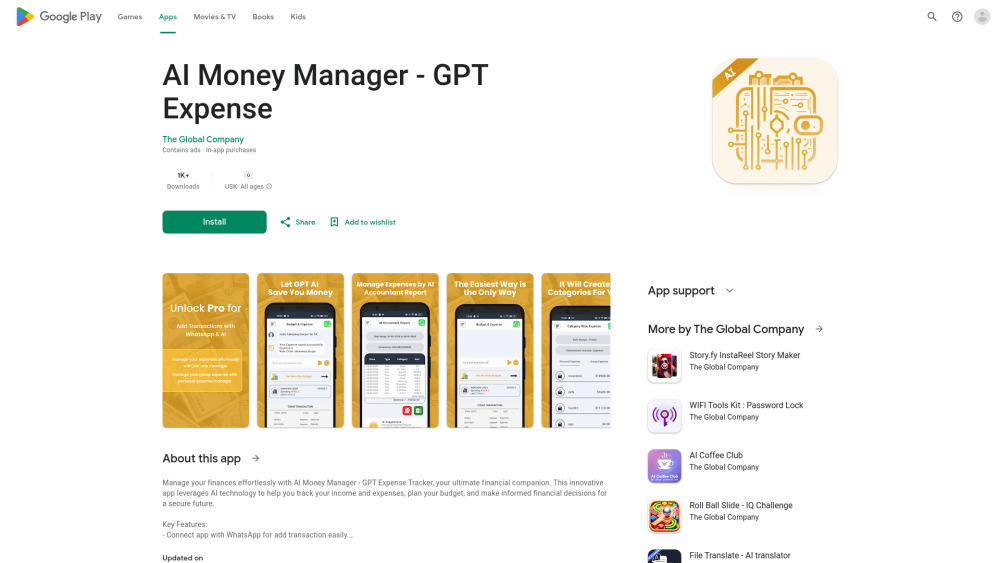
AI Money Manager: Track expenses, budget smarter, and grow savings with AI-powered insights. Use cases, pricing, reviews & top alternatives included.

Track expenses effortlessly with MonAi, the AI-powered tracker that uses voice recognition to log your spending. Simplify finance management with ease.

Receipt Cat: Efficient Expense Tracker & Receipt Scanner App for freelancers and small businesses. Automate expenses, digitize receipts, and streamline your finances.
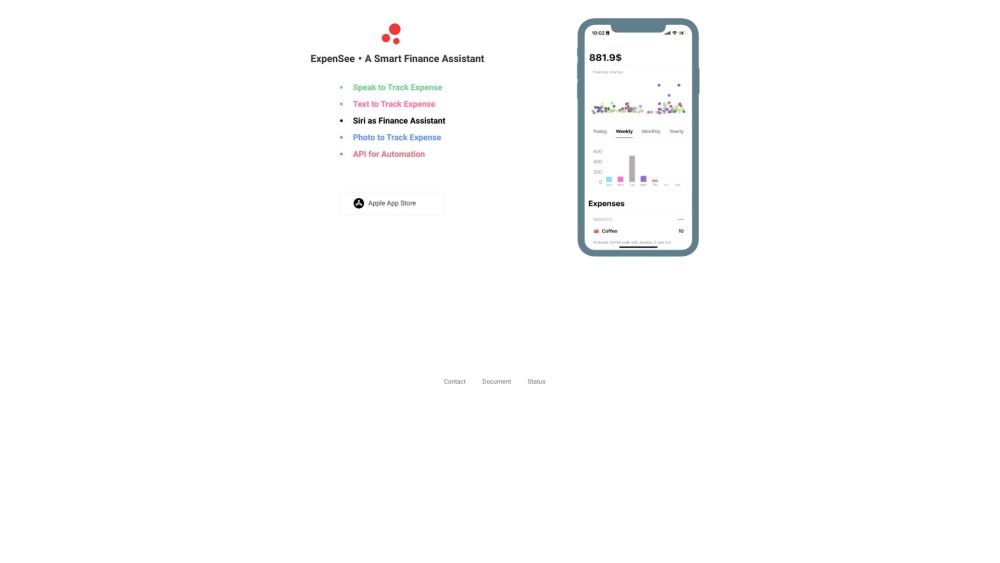
ExpenSee: Your Voice-Activated Personal Finance Tracker. Record expenses effortlessly with voice commands and keep your data secure in iCloud.
FAQ
Practical answers to help you take the next step.
The collection groups applications around a shared task. Product scope can overlap, so compare the specific workflow each tool describes rather than the category name alone.
Identify the files, text or account connections your task needs. Confirm that the product accepts those inputs and offers controls for reviewing its work.
Test one representative task and inspect the result for accuracy and completeness. Record where manual corrections or extra tools are needed.
Choose one task with a clear success condition. Keep the input consistent, record the time spent reviewing and compare the complete workflow cost.
BudgetGPT: Your AI financial coach—budget, track, and optimize spending instantly via chat. Smarter money habits start here.
Read about BudgetGPTAI Money Manager: Track expenses, budget smarter, and grow savings with AI-powered insights. Use cases, pricing, reviews & top alternatives included.
Read about AI Money ManagerTrack expenses effortlessly with MonAi, the AI-powered tracker that uses voice recognition to log your spending. Simplify finance management with ease.
Read about MonAiReceipt Cat: Efficient Expense Tracker & Receipt Scanner App for freelancers and small businesses. Automate expenses, digitize receipts, and streamline your finances.
Read about Receipt CatExpenSee: Your Voice-Activated Personal Finance Tracker. Record expenses effortlessly with voice commands and keep your data secure in iCloud.
Read about ExpenSeeCheck export formats, integrations and whether you can keep using your work outside the service. Test a real export before committing to a longer plan.