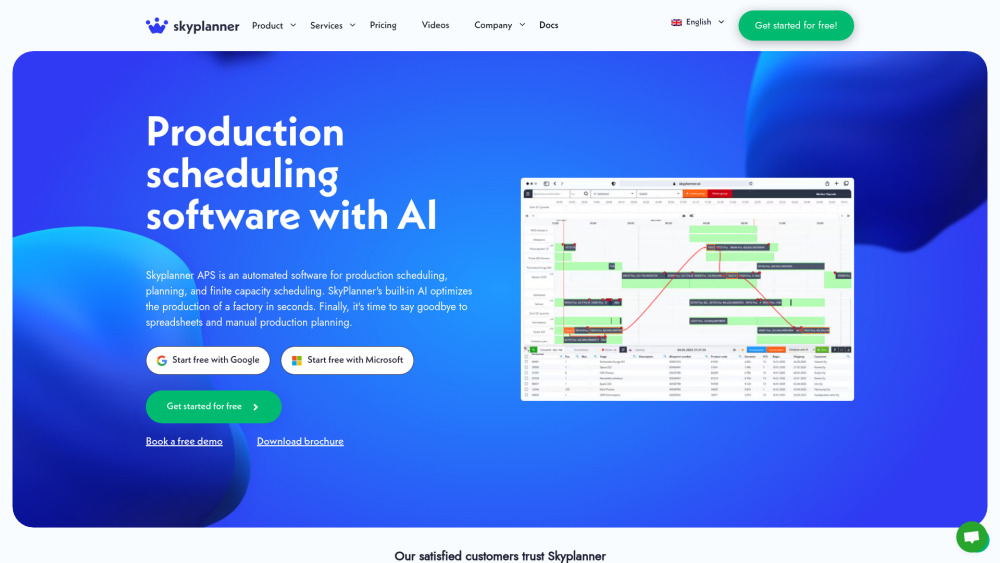
SkyPlanner APS: AI-powered production scheduling & optimization—boost efficiency, reduce delays, and maximize resource utilization. Smart planning, simplified.
Explore a specific workflow
Explore erp integration tools through the product profiles below. The collection groups applications around a shared task. Product scope can overlap, so compare the specific workflow each tool describes rather than the category name alone.
Identify the files, text or account connections your task needs. Confirm that the product accepts those inputs and offers controls for reviewing its work.
Test one representative task and inspect the result for accuracy and completeness. Record where manual corrections or extra tools are needed.
SkyPlanner APS: AI-powered production scheduling & optimization—boost efficiency, reduce delays, and maximize resource utilization. Smart planning, simplified.
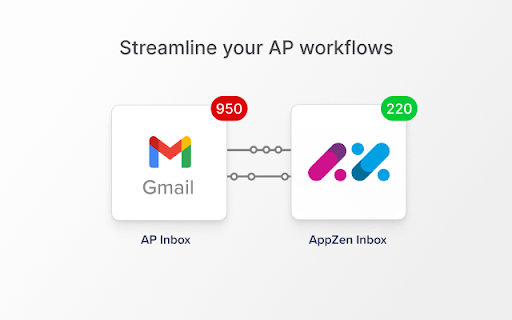
Streamline your accounts payable process with AppZen Inbox - the powerful Chrome Extension that uses AI to automate AP processing. Touchless and efficient!
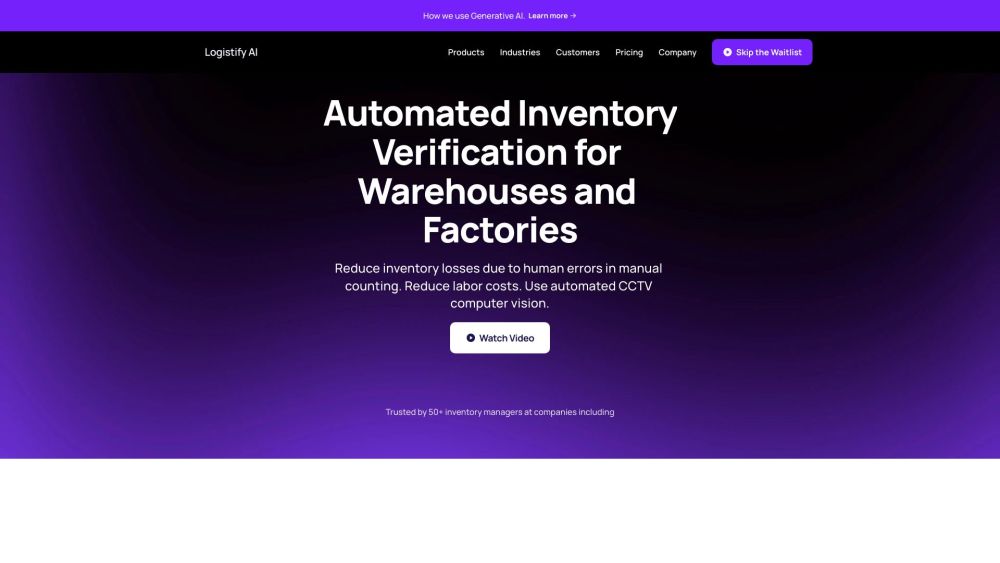
Logistify AI streamlines inventory verification with Computer Vision, cutting losses from manual errors and saving on labor costs for warehouses and factories.

Boost your e-commerce with Artificial Stack: AI-driven growth & savings through our subscription service. Scale effortlessly with top-tier AI tools & practices.
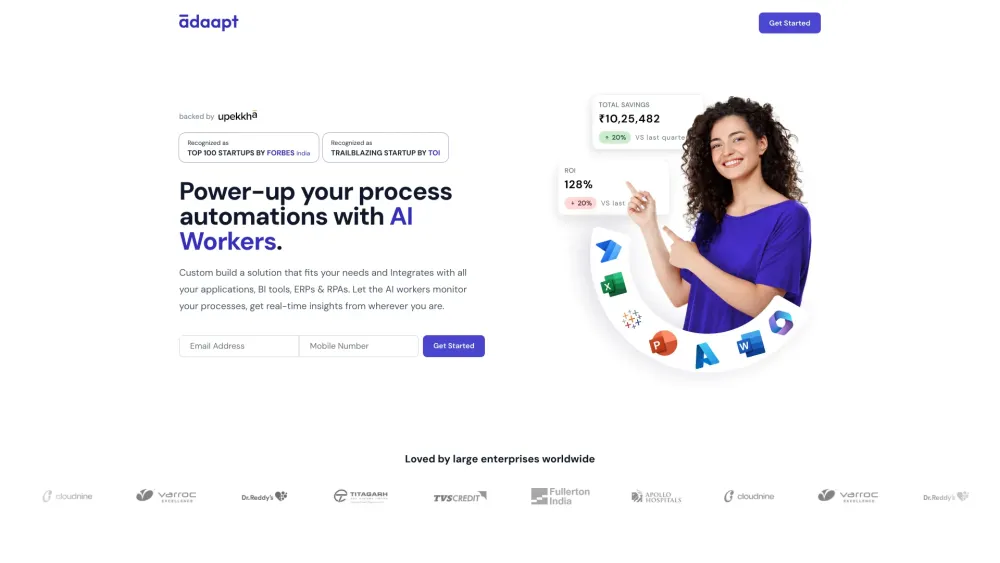
Adaapt.ai: Streamline processes with AI automation for ultimate business efficiency and digital transformation. Empower your workflow today!
FAQ
Practical answers to help you take the next step.
The collection groups applications around a shared task. Product scope can overlap, so compare the specific workflow each tool describes rather than the category name alone.
Identify the files, text or account connections your task needs. Confirm that the product accepts those inputs and offers controls for reviewing its work.
Test one representative task and inspect the result for accuracy and completeness. Record where manual corrections or extra tools are needed.
Choose one task with a clear success condition. Keep the input consistent, record the time spent reviewing and compare the complete workflow cost.
SkyPlanner APS: AI-powered production scheduling & optimization—boost efficiency, reduce delays, and maximize resource utilization. Smart planning, simplified.
Read about SkyPlanner APSStreamline your accounts payable process with AppZen Inbox - the powerful Chrome Extension that uses AI to automate AP processing. Touchless and efficient!
Read about AppZen Inbox - Chrome ExtensionLogistify AI streamlines inventory verification with Computer Vision, cutting losses from manual errors and saving on labor costs for warehouses and factories.
Read about Logistify AIBoost your e-commerce with Artificial Stack: AI-driven growth & savings through our subscription service. Scale effortlessly with top-tier AI tools & practices.
Read about Artificial StackAdaapt.ai: Streamline processes with AI automation for ultimate business efficiency and digital transformation. Empower your workflow today!
Read about Adaapt.aiCheck export formats, integrations and whether you can keep using your work outside the service. Test a real export before committing to a longer plan.