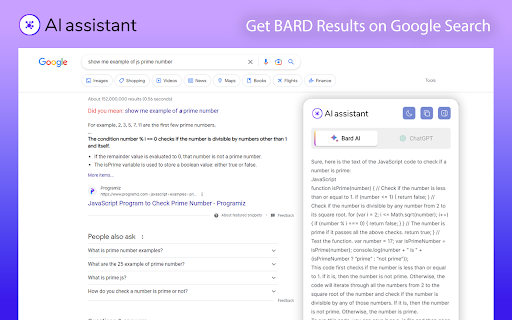
Bard for Google - Chrome Extension: Instantly access Google Bard AI responses right from your browser for quick insights, smart answers, and productivity!
Explore a specific workflow
Explore enhanced search tools through the product profiles below. Research and analysis tools help locate, summarize or interpret information. Source retrieval, explanation and numerical analysis need different kinds of evidence.
Check supported documents, datasets and source access. Establish whether the product can inspect your actual material rather than answer from general knowledge.
Follow citations to the original source, recalculate important numbers and check the date and scope of the evidence. Distinguish an explanation from a verified result.
Bard for Google - Chrome Extension: Instantly access Google Bard AI responses right from your browser for quick insights, smart answers, and productivity!
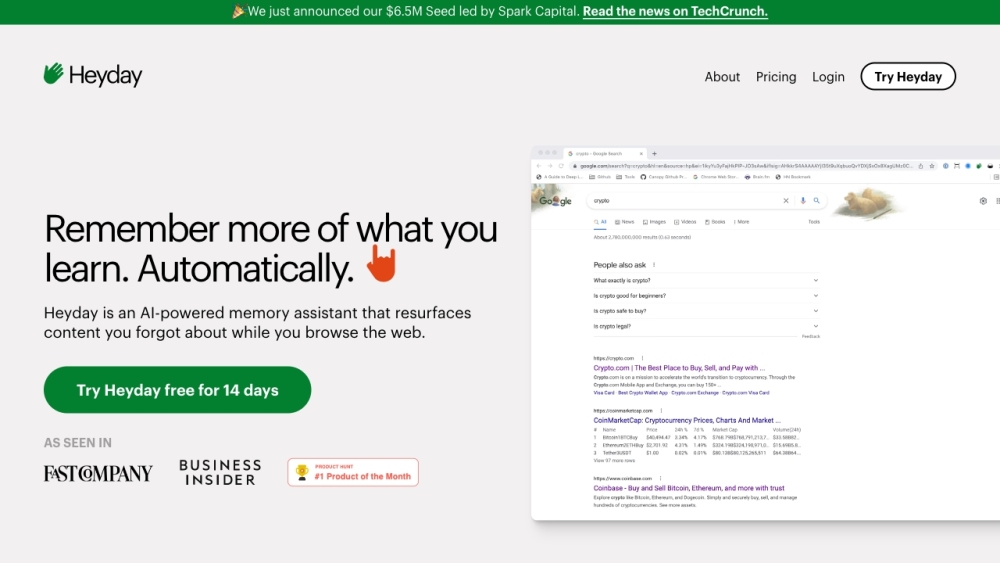
Remember everything you learn with Heyday: AI-powered memory assistant. It resurfaces pages, docs, and more alongside search results. Install now!
FAQ
Practical answers to help you take the next step.
Research and analysis tools help locate, summarize or interpret information. Source retrieval, explanation and numerical analysis need different kinds of evidence.
Check supported documents, datasets and source access. Establish whether the product can inspect your actual material rather than answer from general knowledge.
Follow citations to the original source, recalculate important numbers and check the date and scope of the evidence. Distinguish an explanation from a verified result.
Choose a question with known sources and a checkable result. Compare citation accuracy, omissions and reproducibility rather than response length.
Bard for Google - Chrome Extension: Instantly access Google Bard AI responses right from your browser for quick insights, smart answers, and productivity!
Read about Bard for Google - Chrome ExtensionRemember everything you learn with Heyday: AI-powered memory assistant. It resurfaces pages, docs, and more alongside search results. Install now!
Read about HeydayLook for usable citations, tables, downloadable data and reproducible steps. A clear answer should let another person inspect how the conclusion was reached.
Run the same small task in each shortlisted product. Compare the price per usable result, usage limits, regeneration costs and time spent correcting the output. Confirm current terms with the provider.
Check who can access uploaded material, how long it is retained and how deletion works. Use a non-confidential test file while evaluating a product.
No. The enhanced search label groups related applications, but each product description defines its actual scope. Compare the input and output for your specific task.