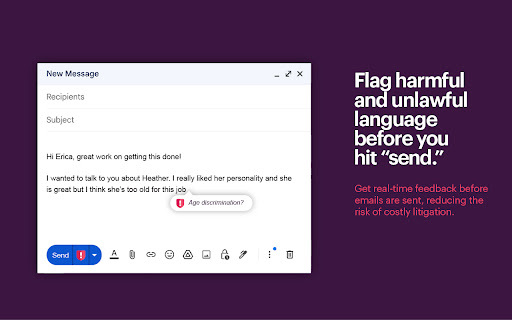
Enhance your email experience with Reflect AI - a powerful Chrome Extension that detects and alerts you about harmful language. Stay safe and communicate with confidence.
Explore a specific workflow
Explore email security tools through the product profiles below. Writing and content tools help draft, revise or condense text. Drafting new material, checking language and summarizing a source require different review steps.
Compare support for source documents, style instructions, outlines and length limits. Check whether citations link to real material rather than merely looking like references.
Verify names, dates, quotations and factual claims against the original sources. Edit tone, remove repetition and make sure the text answers the intended reader’s question.
Enhance your email experience with Reflect AI - a powerful Chrome Extension that detects and alerts you about harmful language. Stay safe and communicate with confidence.
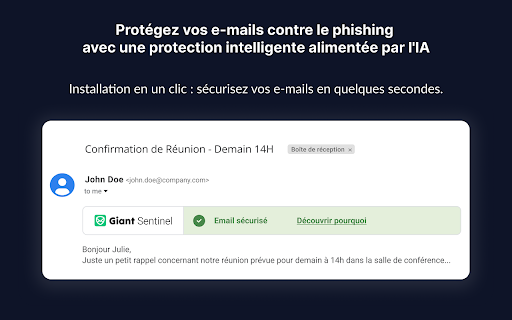
Protect your inbox with Giant Sentinel - Chrome Extension. AI-powered security blocks threats, boosts email protection, and ensures safe communication.
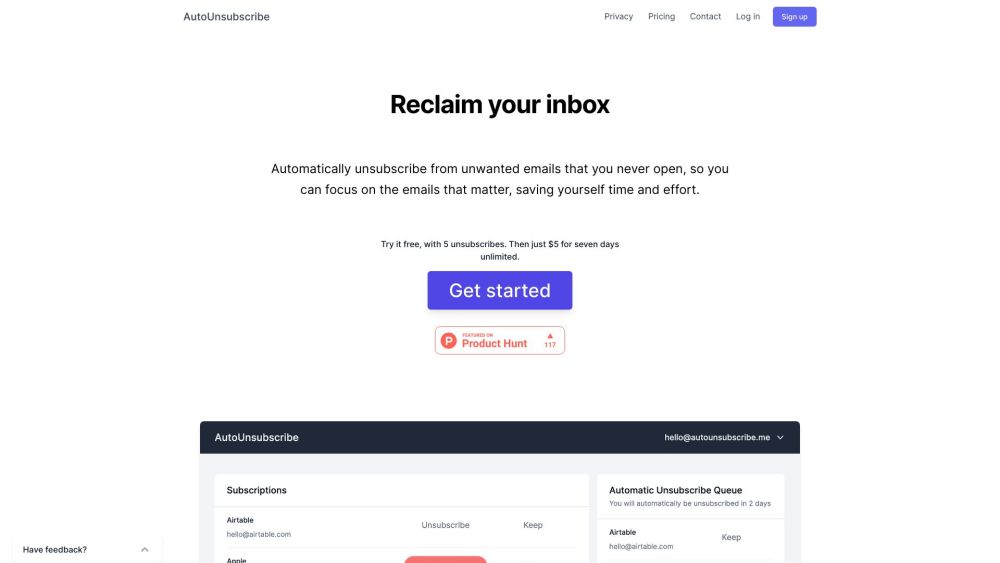
AutoUnsubscribe is a service that automatically unsubscribes you from unwanted emails that you never open, allowing you to focus on important emails and saving you time and effort.
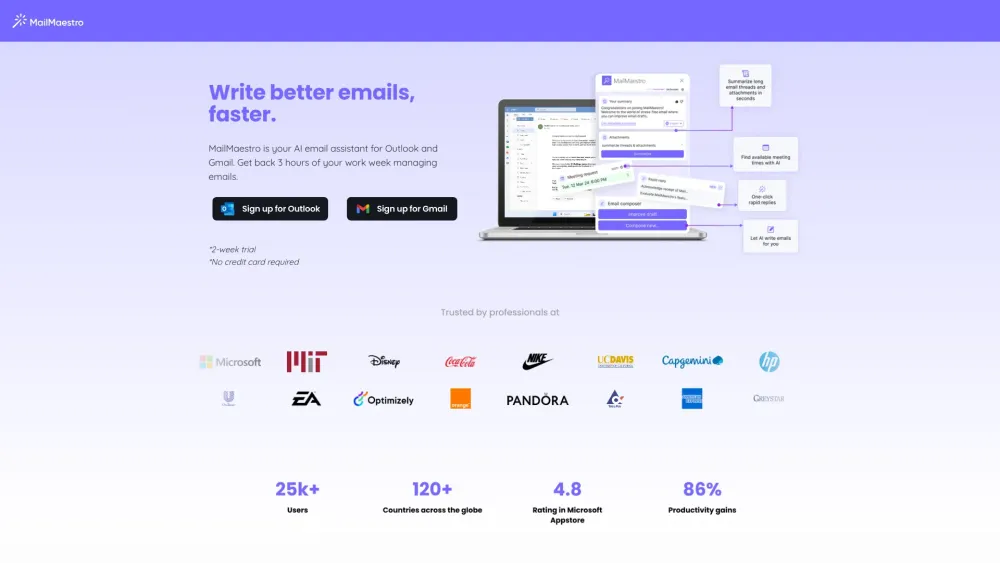
Boost productivity with MailMaestro, the AI assistant for Gmail & Outlook. Streamline email writing and manage threads effortlessly with AI-powered efficiency.

Spark Mail: Take control of your inbox instantly! Prioritize important emails and quickly clean up the rest with Spark's efficient inbox management.
FAQ
Practical answers to help you take the next step.
Writing and content tools help draft, revise or condense text. Drafting new material, checking language and summarizing a source require different review steps.
Compare support for source documents, style instructions, outlines and length limits. Check whether citations link to real material rather than merely looking like references.
Verify names, dates, quotations and factual claims against the original sources. Edit tone, remove repetition and make sure the text answers the intended reader’s question.
Use a real brief and a short source document. Compare factual accuracy, structure and editing time rather than accepting the longest or most confident draft.
Enhance your email experience with Reflect AI - a powerful Chrome Extension that detects and alerts you about harmful language. Stay safe and communicate with confidence.
Read about Reflect AI - Chrome ExtensionProtect your inbox with Giant Sentinel - Chrome Extension. AI-powered security blocks threats, boosts email protection, and ensures safe communication.
Read about Giant Sentinel - Chrome ExtensionAutoUnsubscribe is a service that automatically unsubscribes you from unwanted emails that you never open, allowing you to focus on important emails and saving you time and effort.
Read about AutoUnsubscribeBoost productivity with MailMaestro, the AI assistant for Gmail & Outlook. Streamline email writing and manage threads effortlessly with AI-powered efficiency.
Read about MailMaestroSpark Mail: Take control of your inbox instantly! Prioritize important emails and quickly clean up the rest with Spark's efficient inbox management.
Read about Spark MailCheck export to plain text, Markdown, documents or your publishing system. Formatting, headings and working links matter when moving a draft into production.